
Case study · Fintech · Web platform

Kapitalizmas.

A real estate investment platform for the Lithuanian market, designed from scratch: invest in projects, get a loan for your own, and track everything in one calm place.

Role
UX/UI designer
Platform
Web, desktop & mobile
Market
Lithuania
Scope
New platform, from scratch
Kapitalizmas homepage, hover to scroll
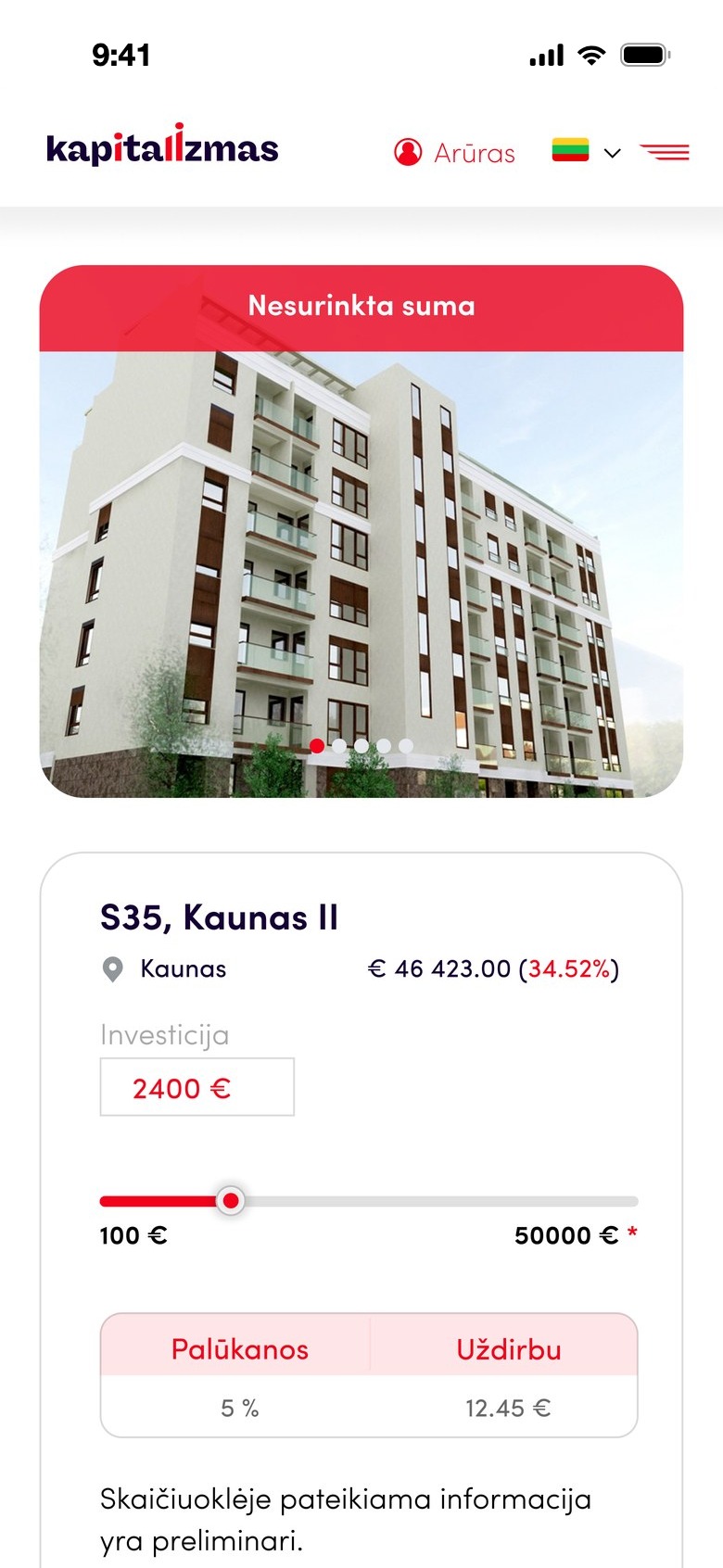
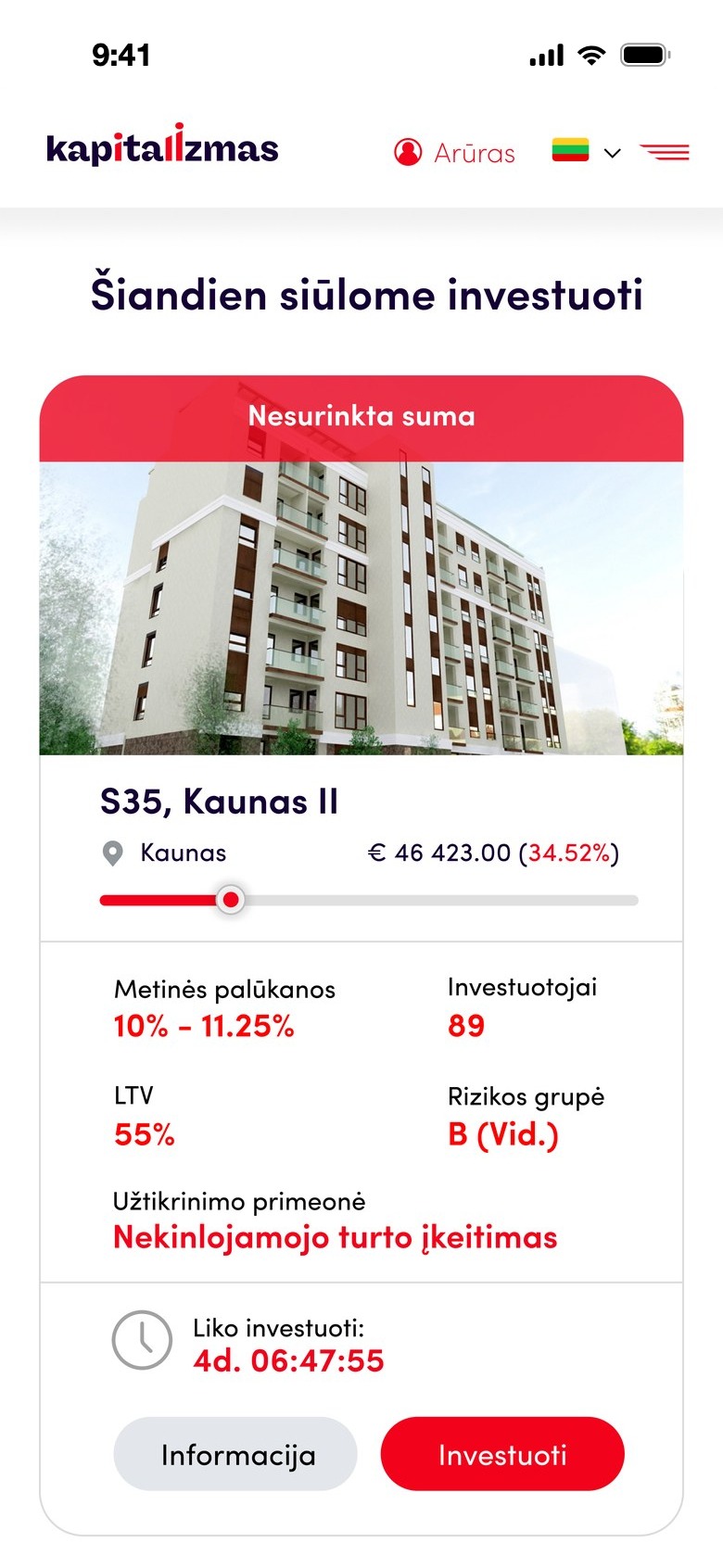
Project page on mobile
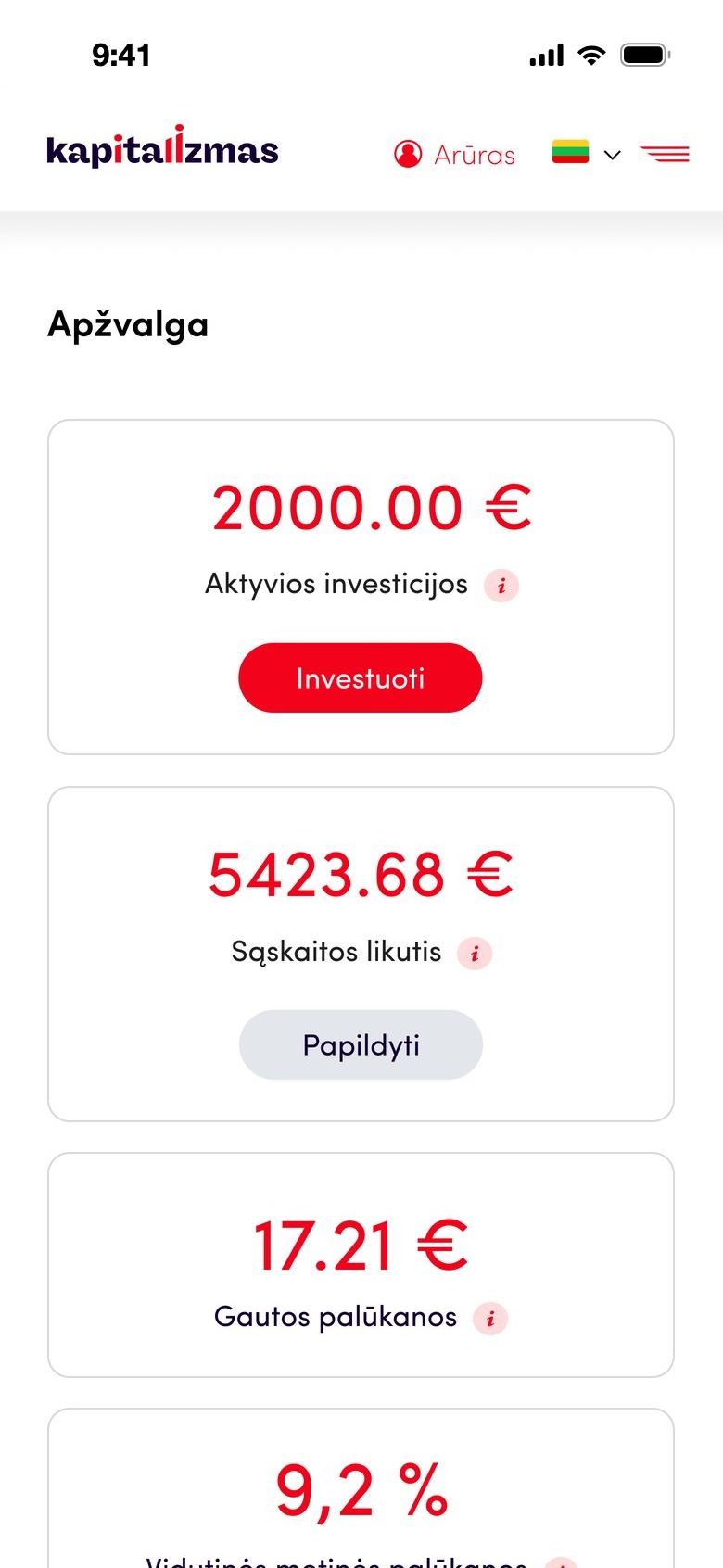
Overview on mobile
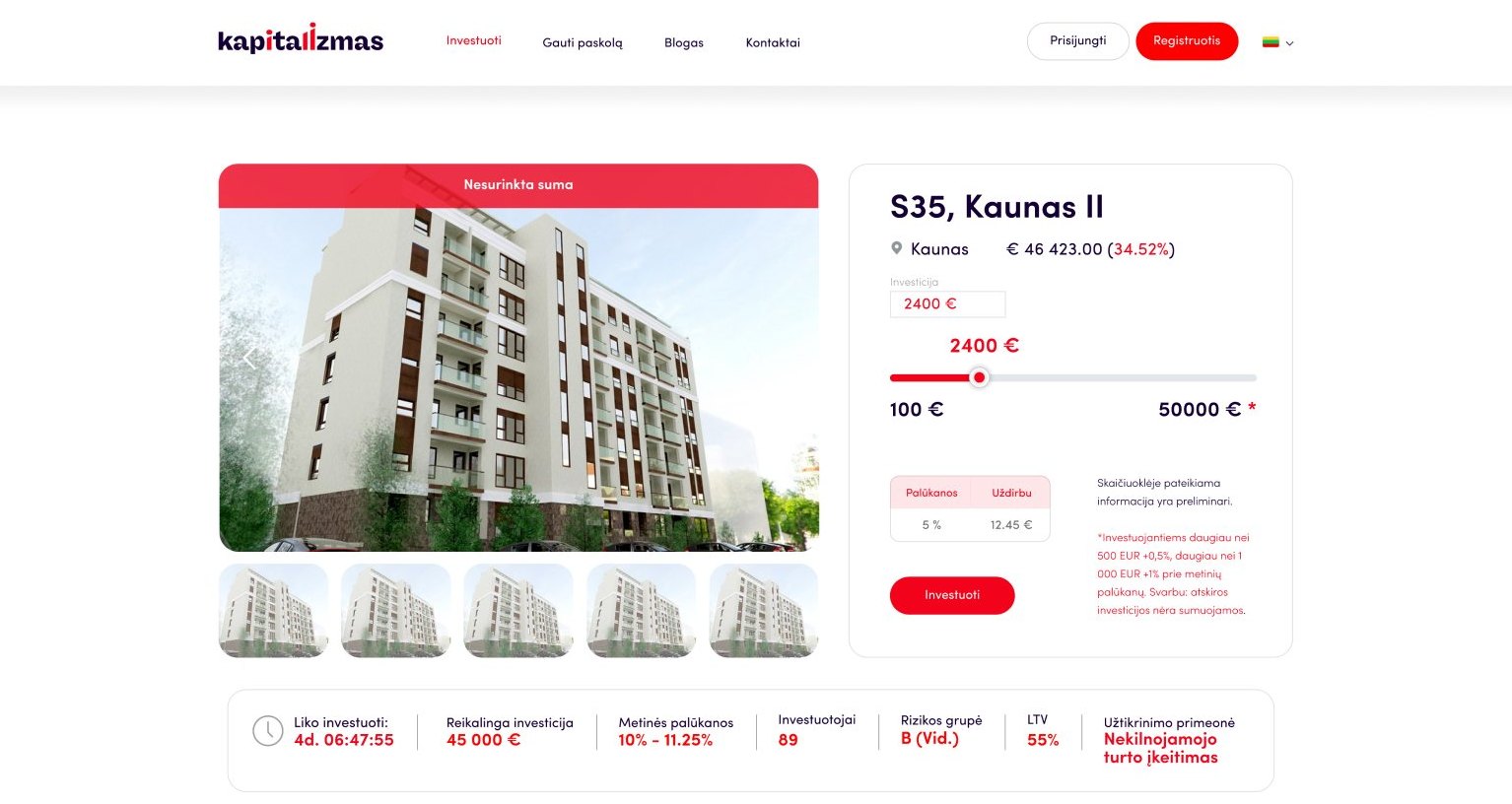
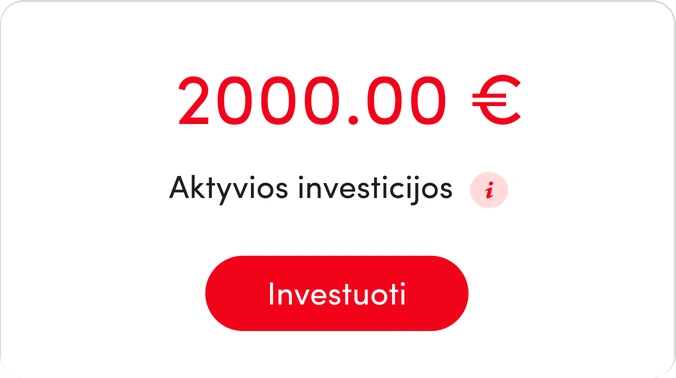
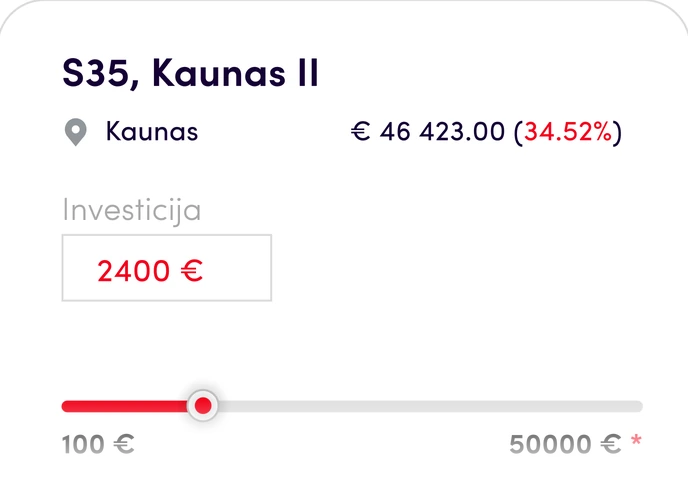
Active investments: 2000.00 € Project S35, Kaunas II with the investment slider 34.52%
01Context

Real estate investing, made easy to trust.

Entrepreneurs offer their real estate projects for investment, and people invest, follow and manage everything in one place. Two very different users, one platform.

About the project

A new web platform for the Lithuanian market, where entrepreneurs offer their real estate projects for investment and collect funds from other people to develop them.

Task / goal

Design a platform where investors can find a project, see its terms and follow their money, and where developers can apply for funding step by step.

The platform was needed to

  • List real estate projects for investment.
  • Follow how much a project has collected.
  • Search for investments in real estate.
  • See the details of each investment and property.
  • Collect documents, applications and contracts.
  • Get a loan for a real estate business project.
  • Track your own investments.
02Design process

From the first call to the final mockup.

01

Client needs

Discussion with the client about the project concept, objectives and desired outcomes.

02

Planning

Splitting the work into tasks and setting their order.

03

Competitor analysis

A look at other real estate investment platforms, to understand how they work and what people expect.

04

Wireframing

Wireframes to organise the information architecture, the functions and the content of the platform.

05

Style guide

Colours, type, icons and buttons, defined before the screens.

06

High-fidelity mockup

Designing the website and discussing it with the client to make the platform logical and easy to use.

03Website structure

Two journeys, one clear map.

Investors and borrowers need very different things, so the structure splits early into two clear paths, each with its own overview, data and documents.

Homepage
Get a loan
Overview
Submit a factoring application
Submit a loan application
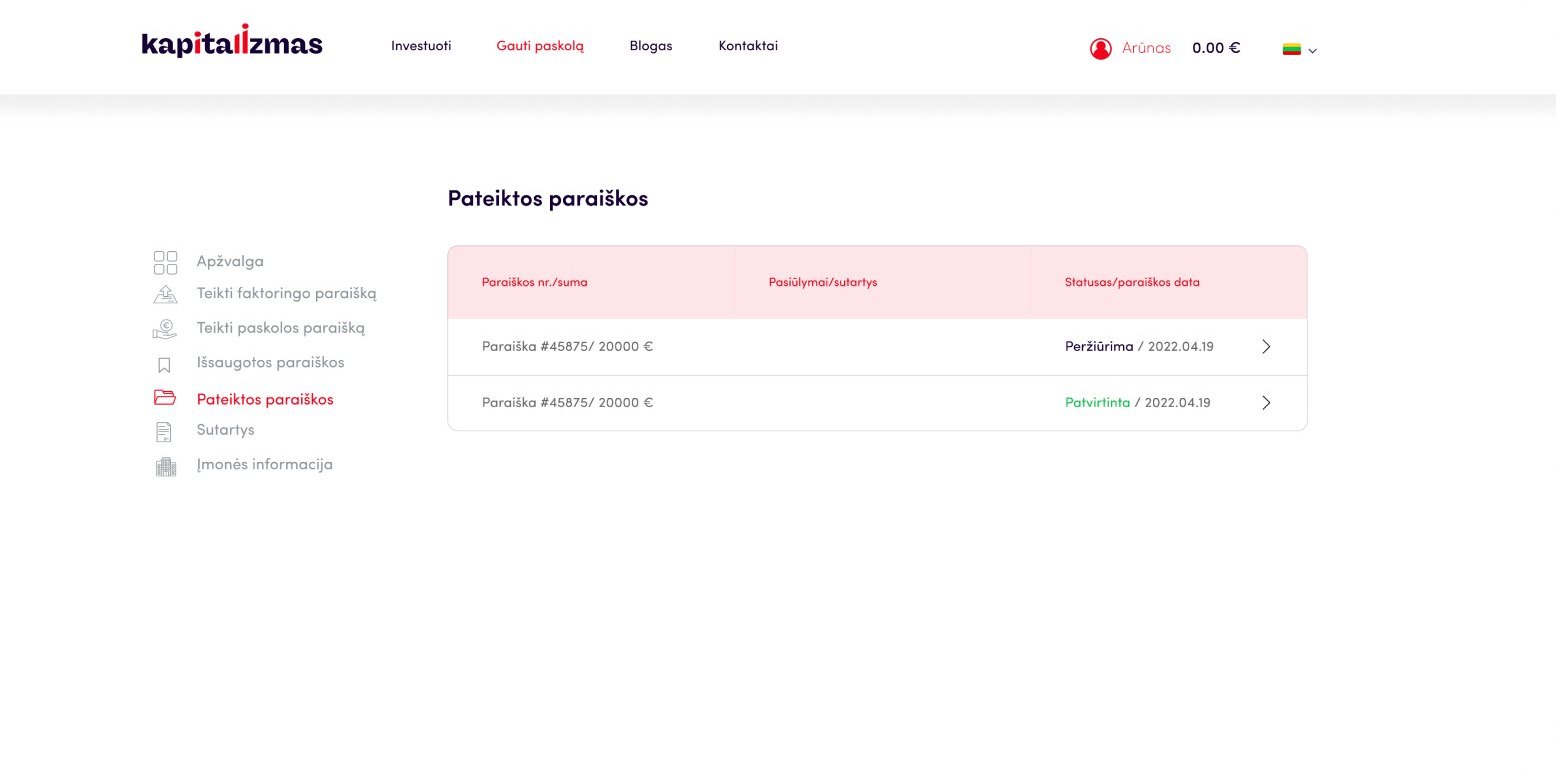
Submitted applications
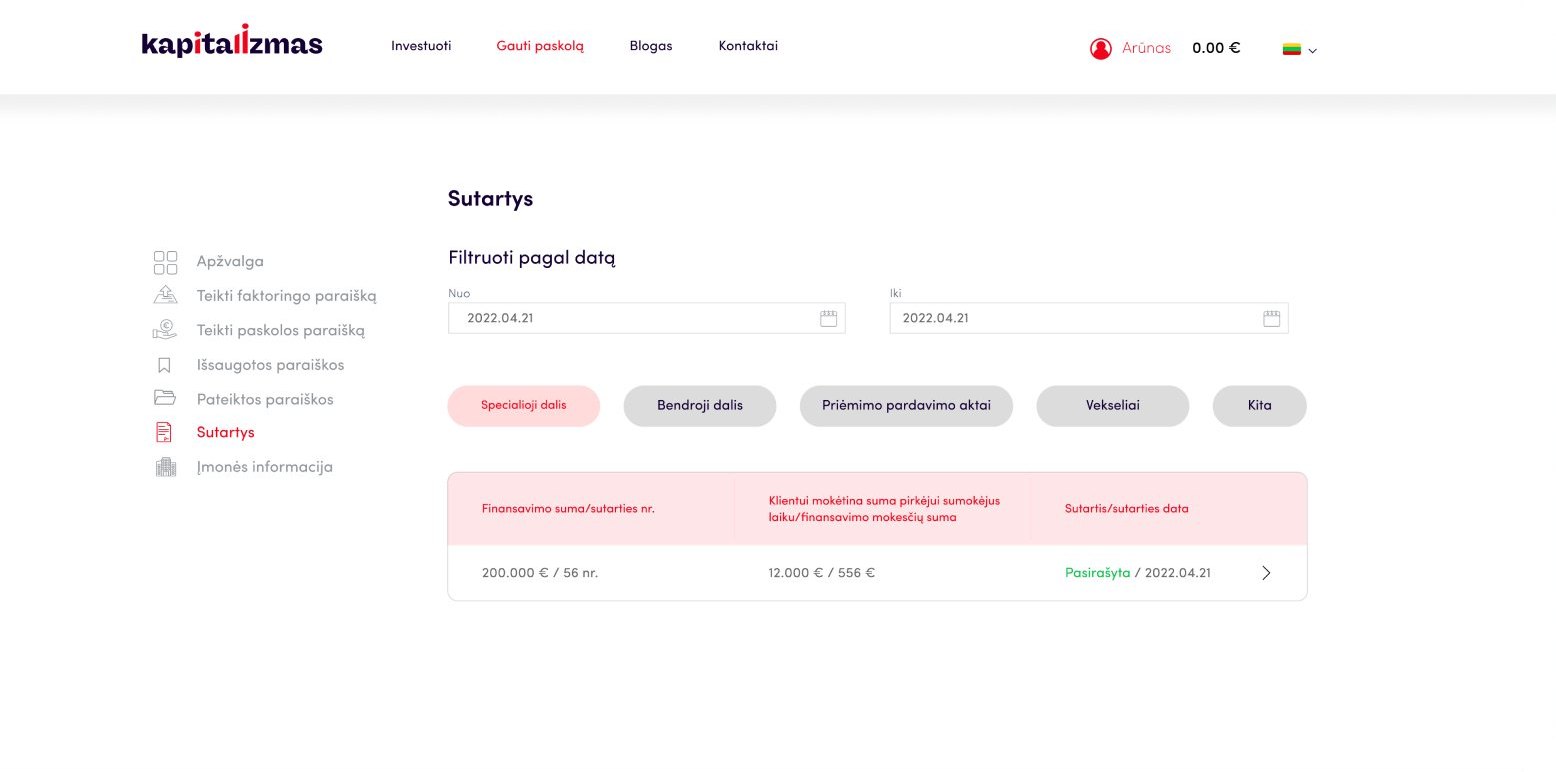
Contracts
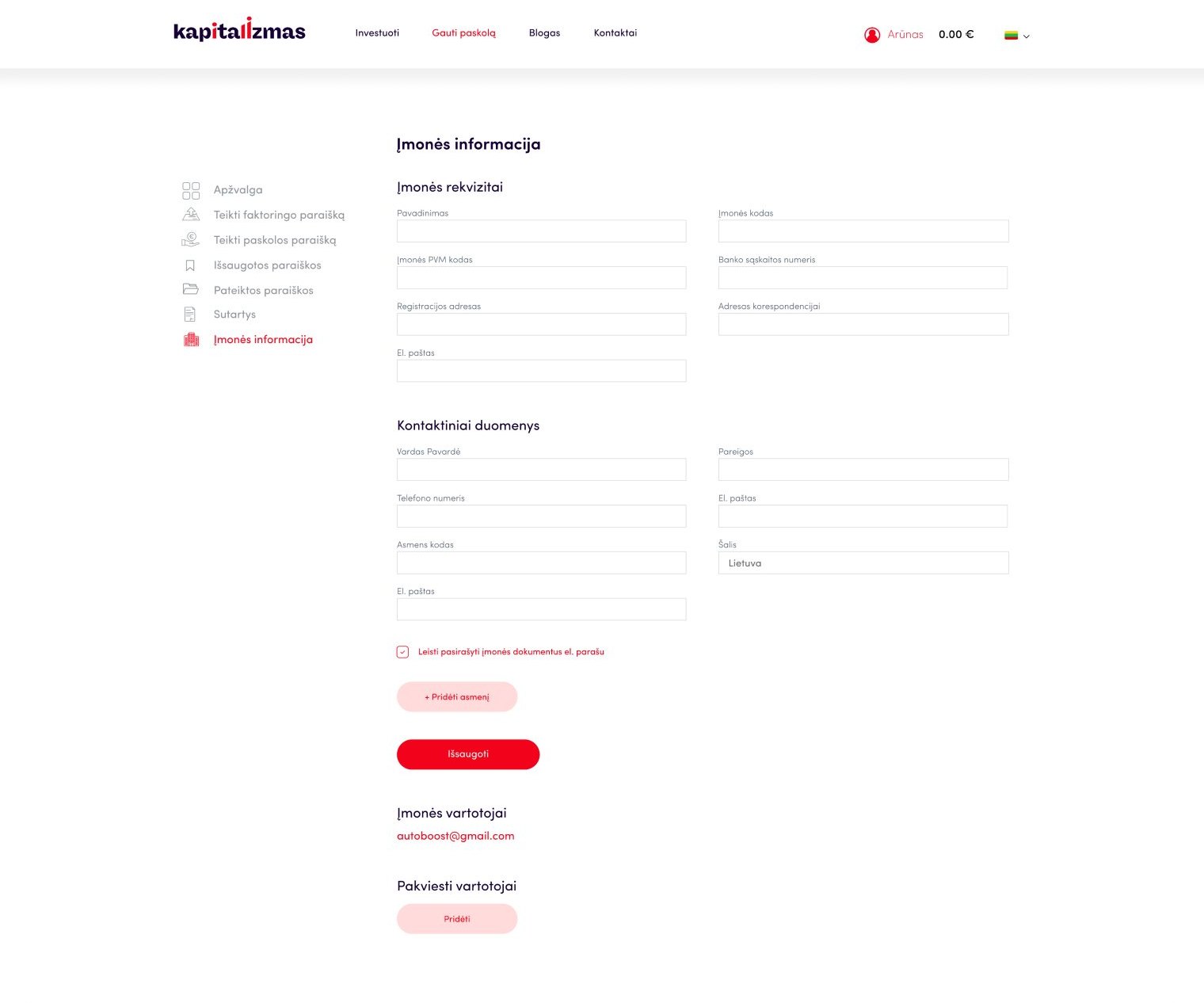
Company information
Invest
Overview
  • General information about your investments
  • Ongoing projects
  • Recent operations
Primary market
  • List of real estate investment projects
My data
My investments
  • Active investments
  • Completed investments
  • Late investments
Documents
  • My documents
  • Project documents
Blog
Contacts
04Style guide

White space, with strategic pops of red.

Red is used only for calls to action and key numbers, so it always means “look here”.

Colours

Background#FFE7E7 → #FFFFFF
Pink#FEE6E8
Grey#E3E6EA
Red#F2031B

Typography

Aa Bb Cc Dd Ee Ff Gg Hh Ii Jj Kk Ll Mm Nn Oo Pp Qq Rr Ss Tt Uu Vv Ww Xx Yy Zz
Ink#150035
Slate#596675
LightSofia ProRegularSofia ProBoldSofia Pro

Sofia Pro is a clean geometric sans. Its open shapes keep amounts, percentages and dates easy to read in tables and cards.

Icons

Buttons

VisiRegistruotisPrisijungtiInformacija
05Design

Calm screens for complex numbers.

White space and one accent colour keep long tables and numbers easy to scan. The same layout carries from desktop to mobile.

Homepage

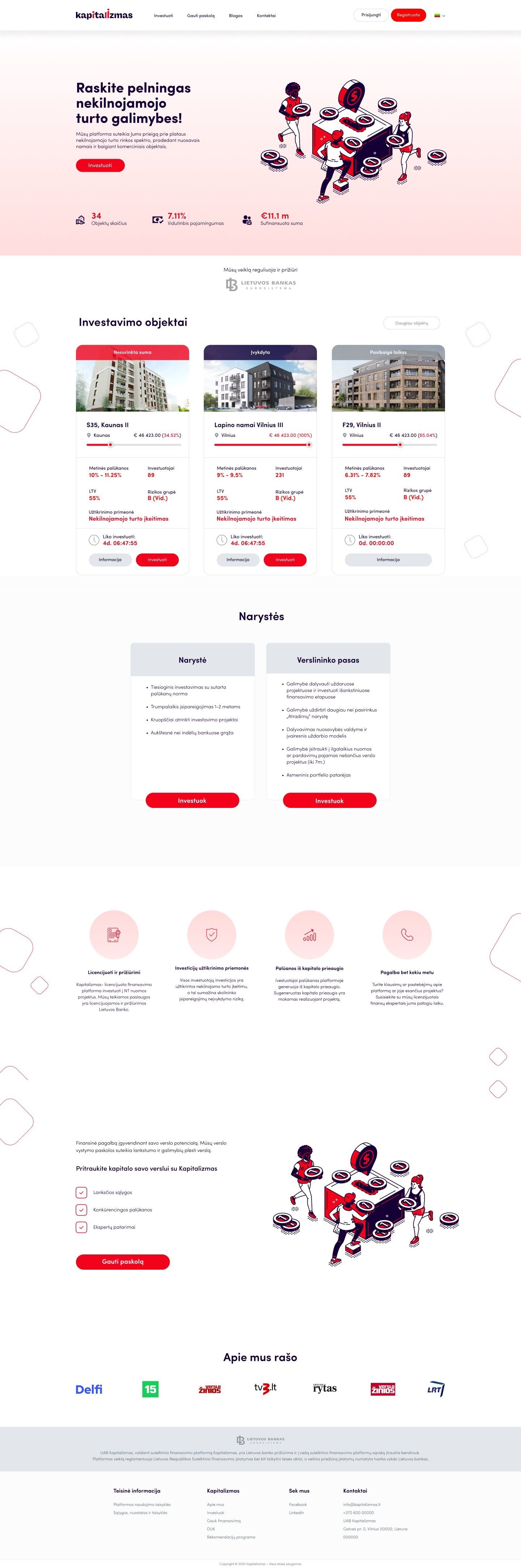
A clear promise, key numbers and membership options up front, on desktop and mobile.
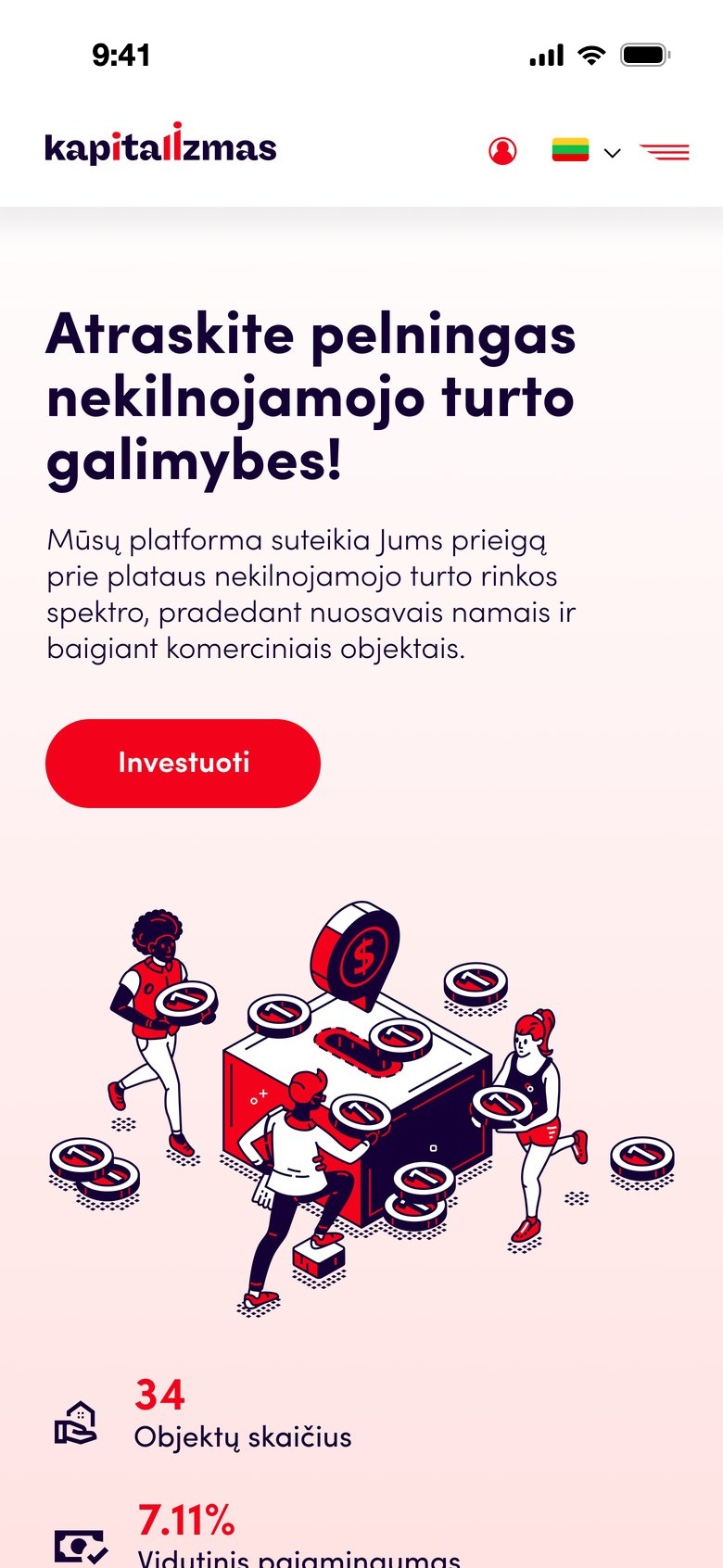
Homepage on desktop, hover to scroll
Homepage on mobile
Homepage
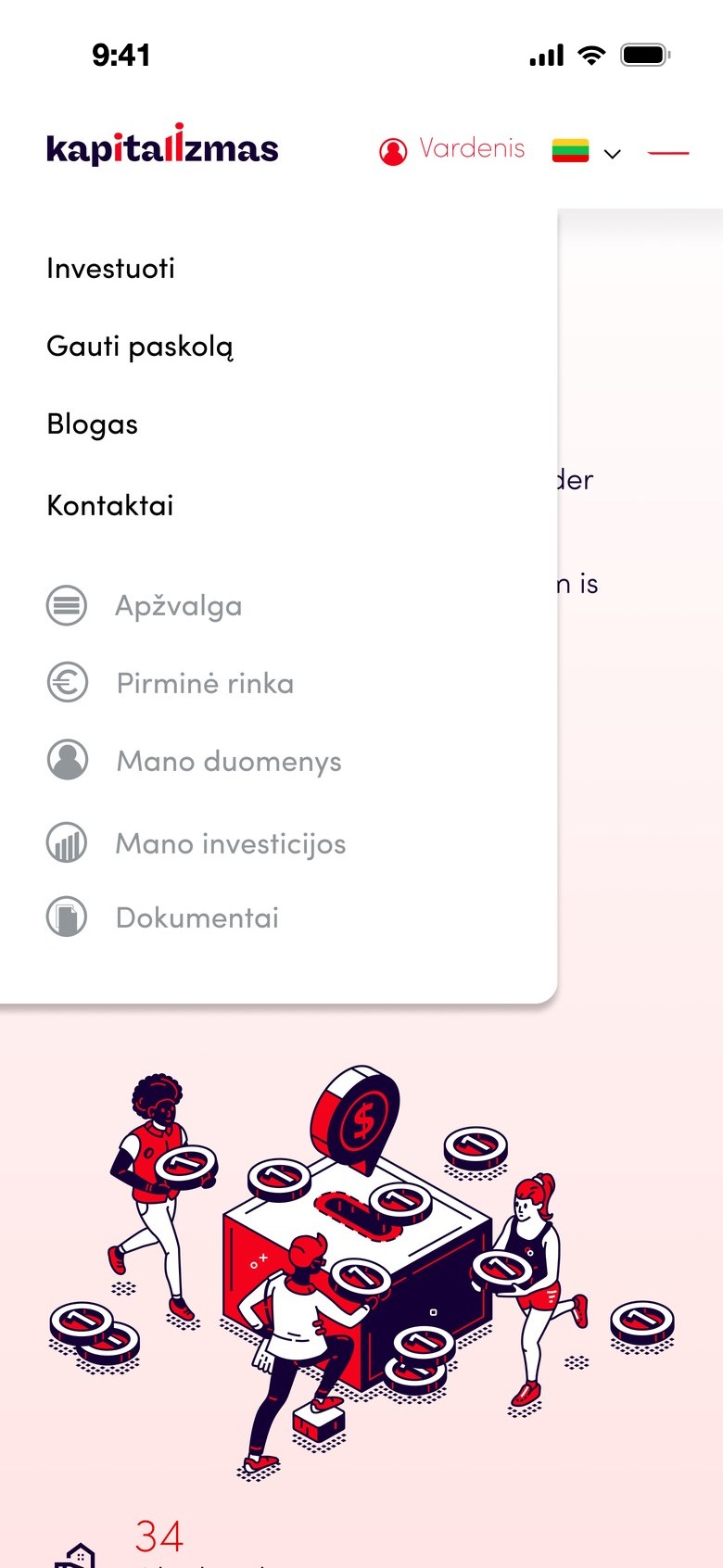
Mobile menu
Menu
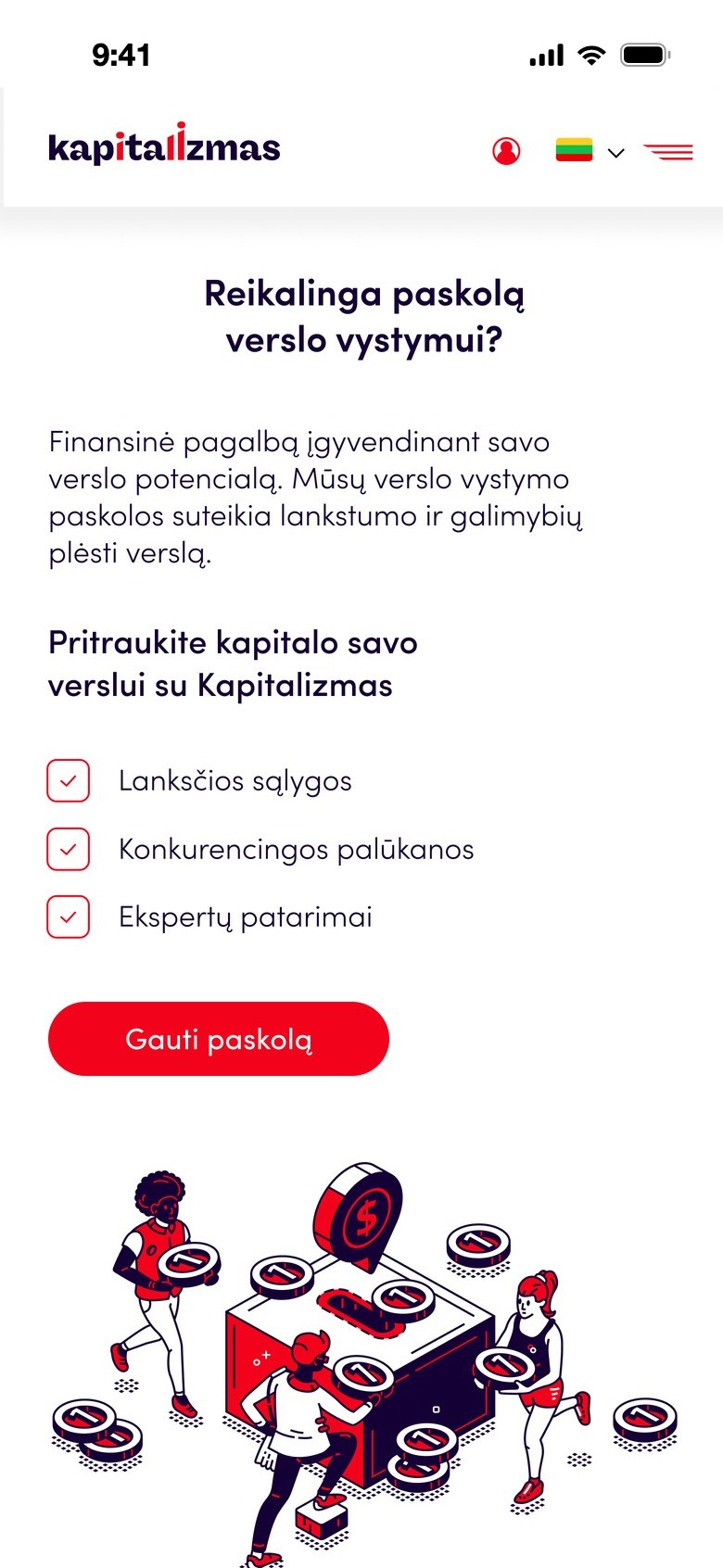
Get a loan on mobile
Get a loan

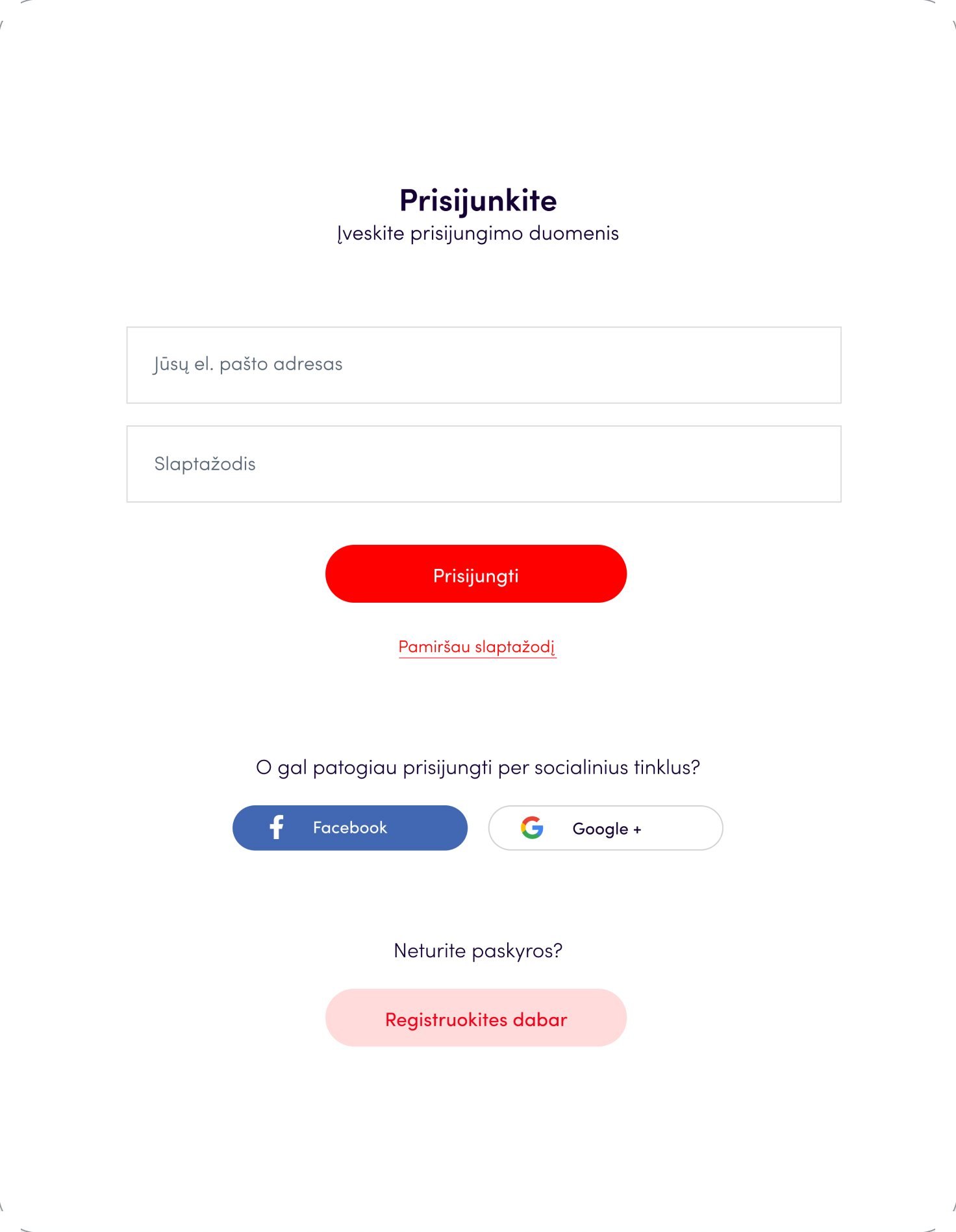
Log in

A short form with social login.

Log in

Sign up

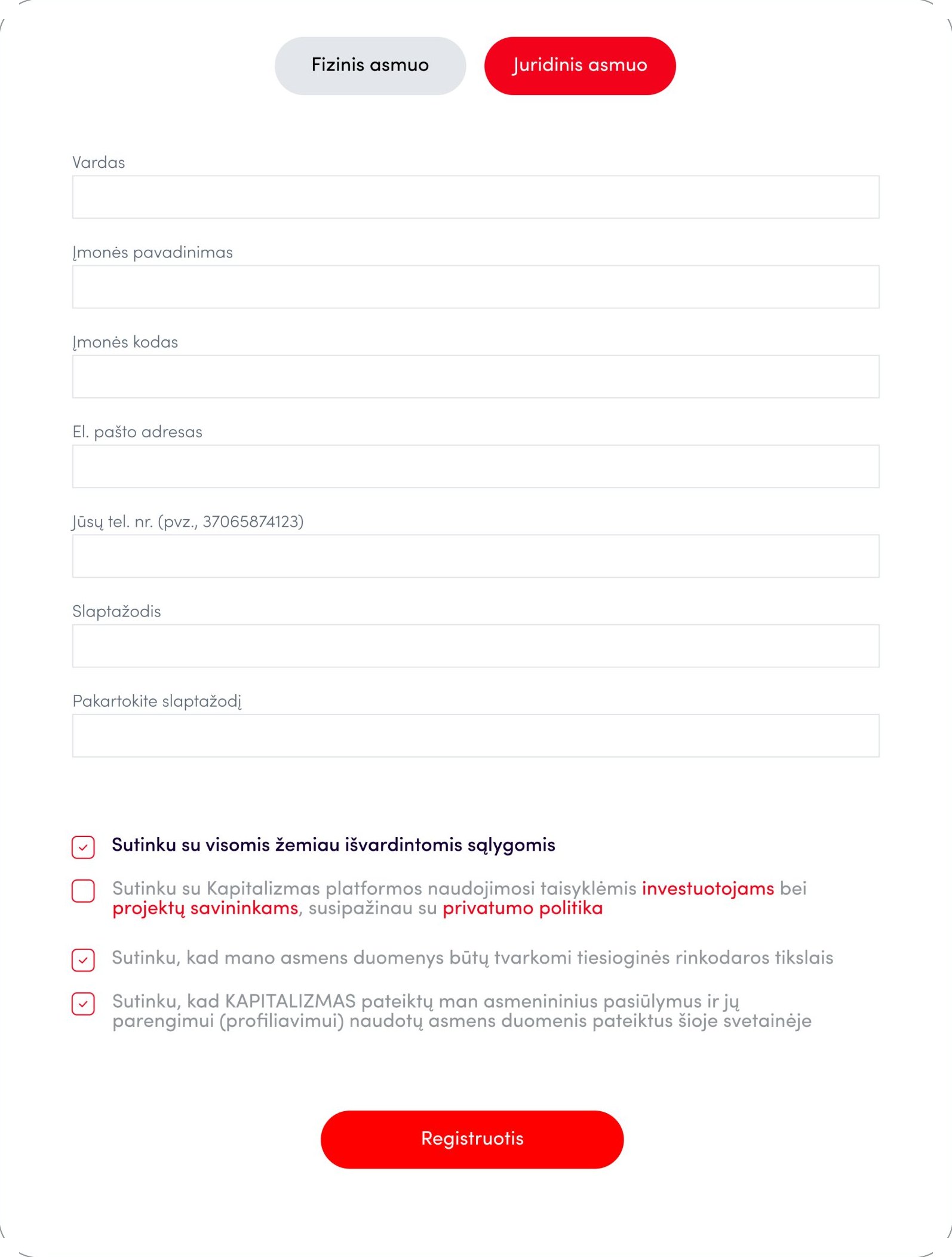
Separate flows for private and business users.
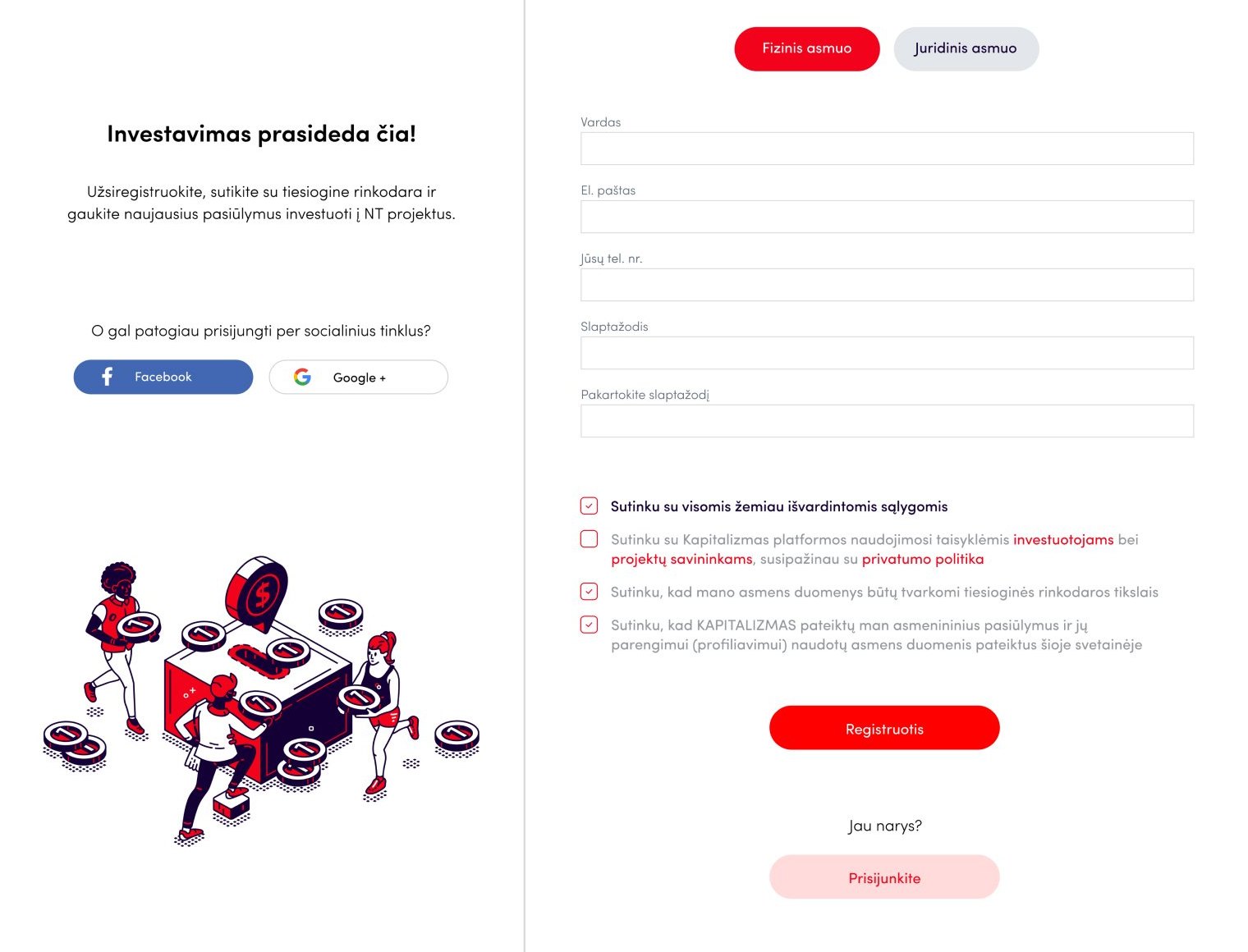
Sign up, private person
Private person
Sign up, company
Company

Primary market

Project cards show the collected amount, return and term at a glance; the project page explains the investment step by step.
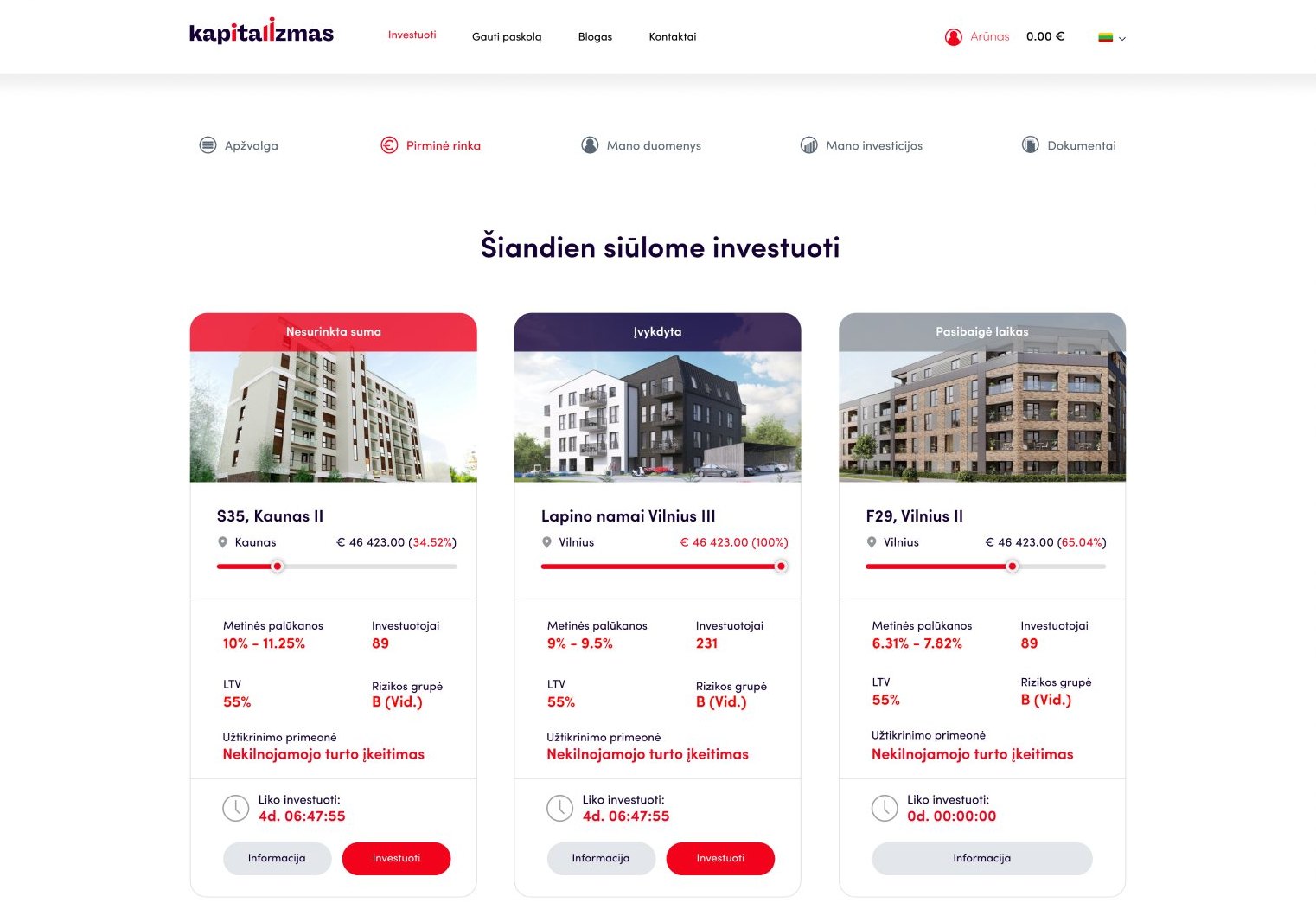
Primary market, project list
Projects
Projects on mobile
Projects
Project on mobile
Project page
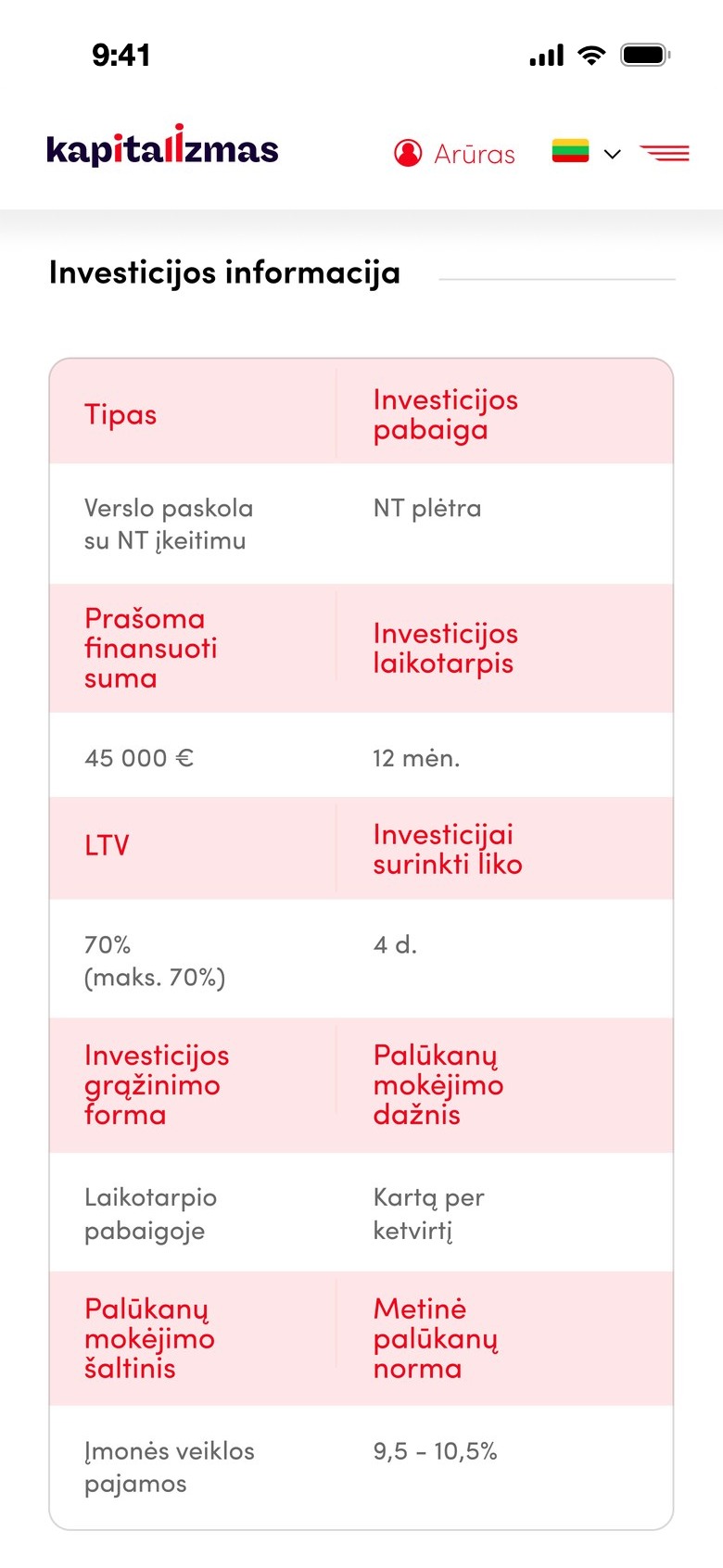
Investment information on mobile
Investment information
Project page
Project page
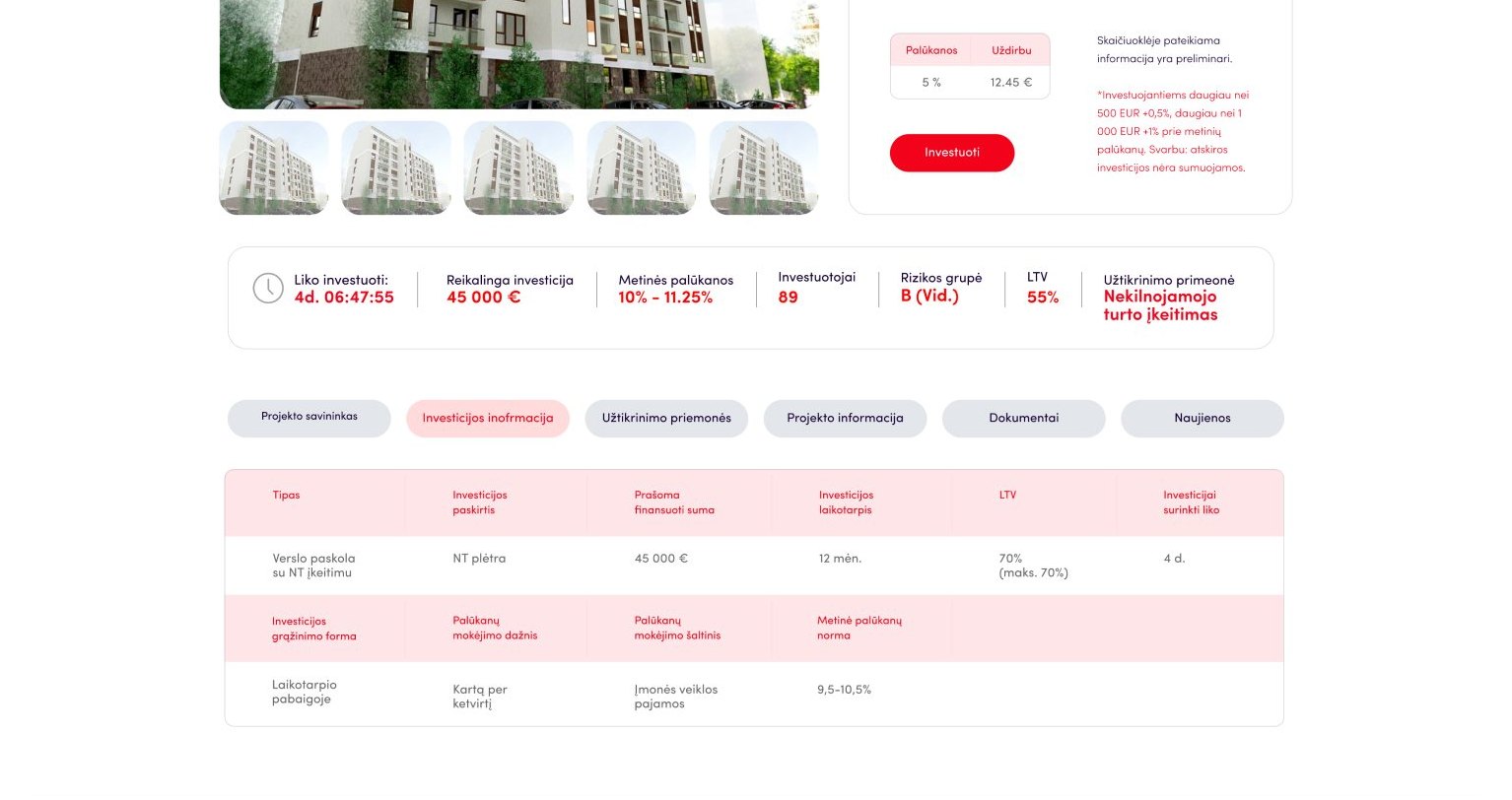
Project page, investment information
Investment information

Overview

A personal dashboard with balance, returns and recent operations.
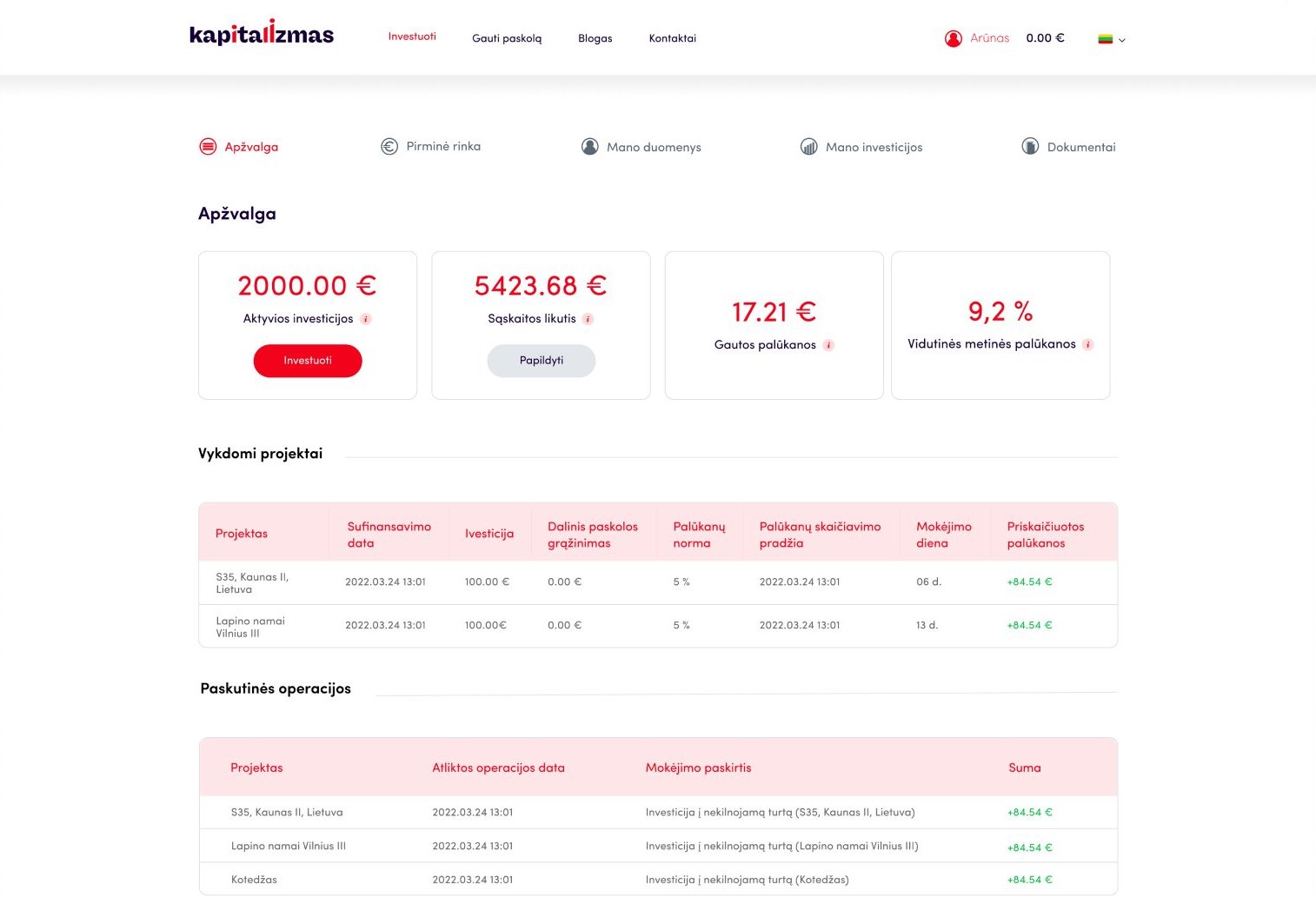
Overview
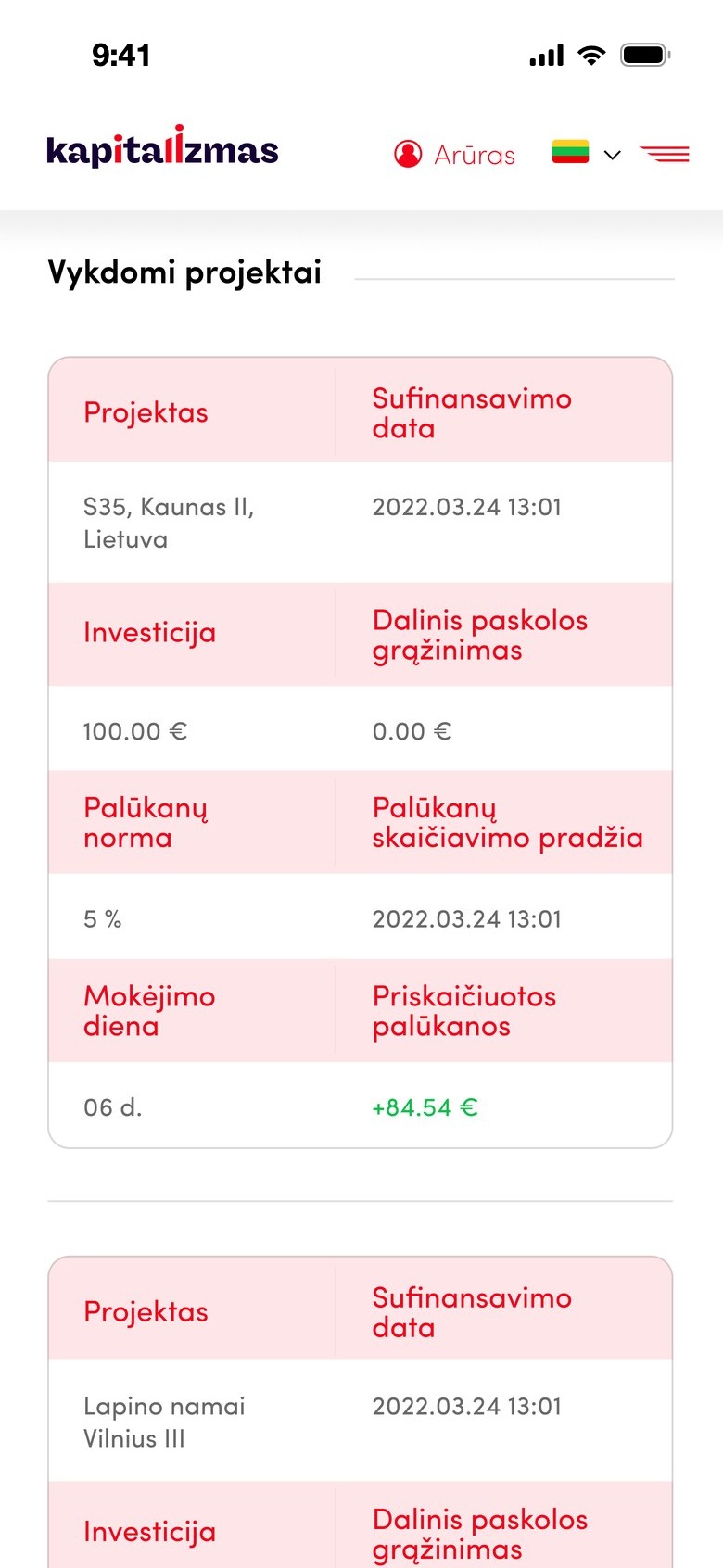
Overview on mobile
Ongoing projects on mobile

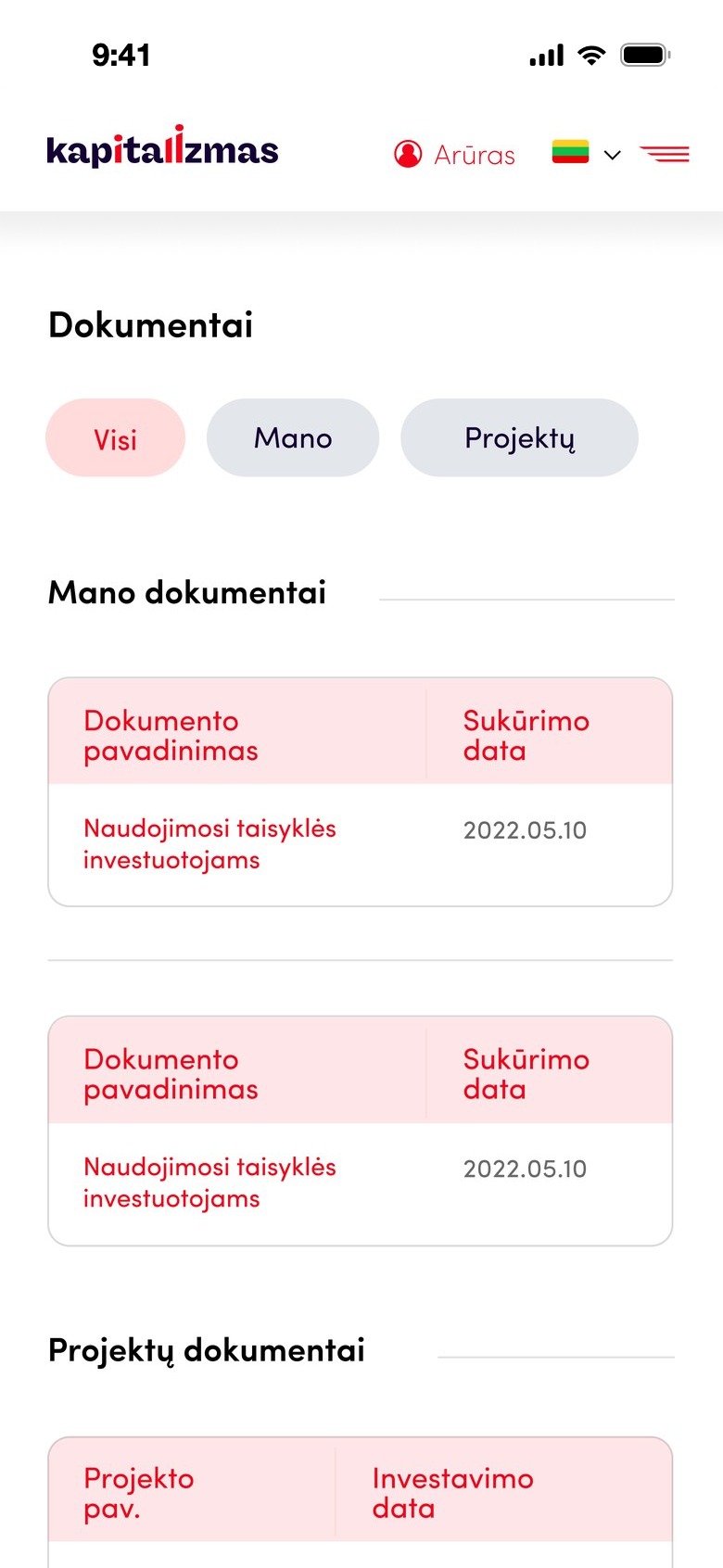
My documents

Personal and project documents in one place.
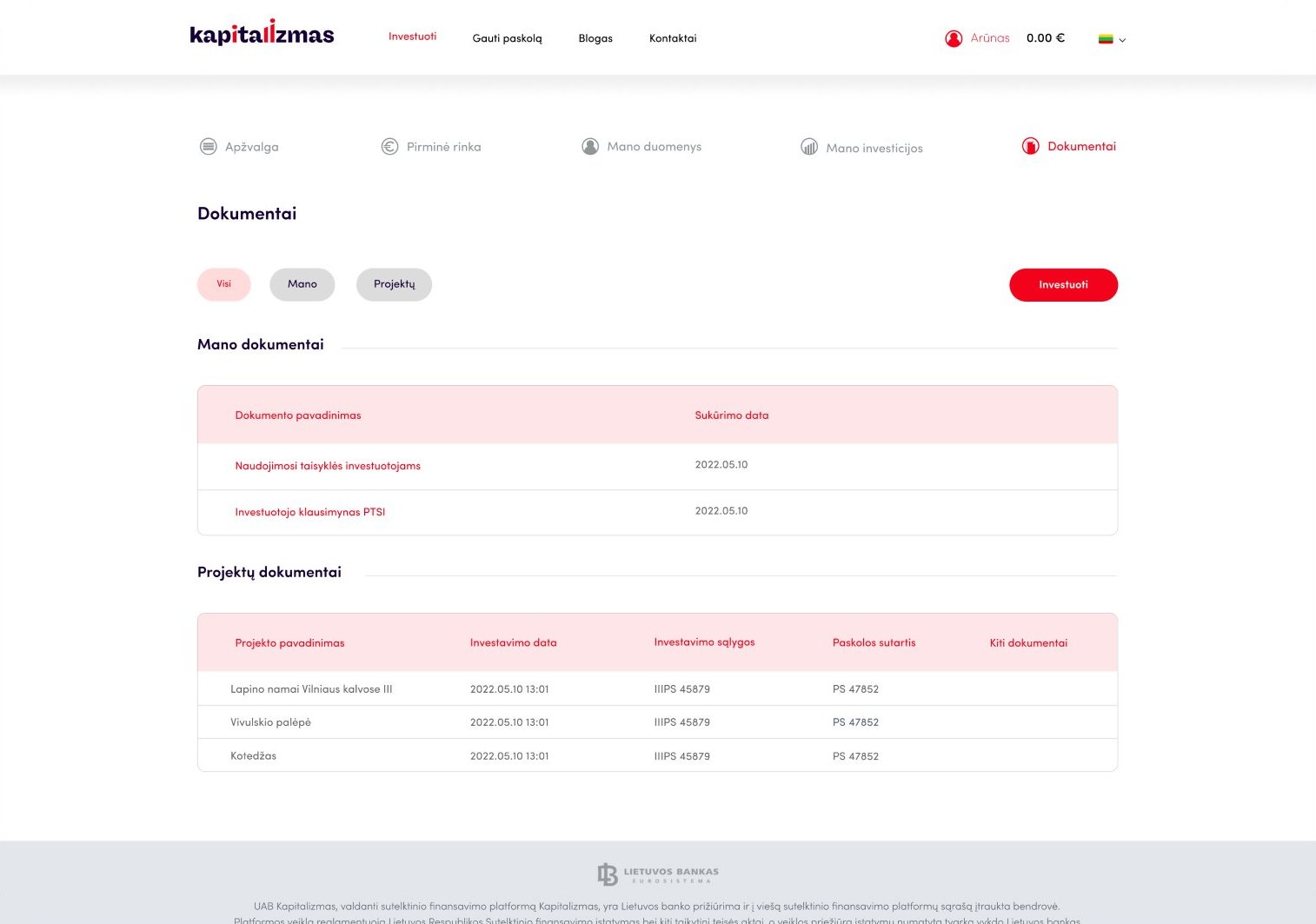
Documents
Documents on mobile

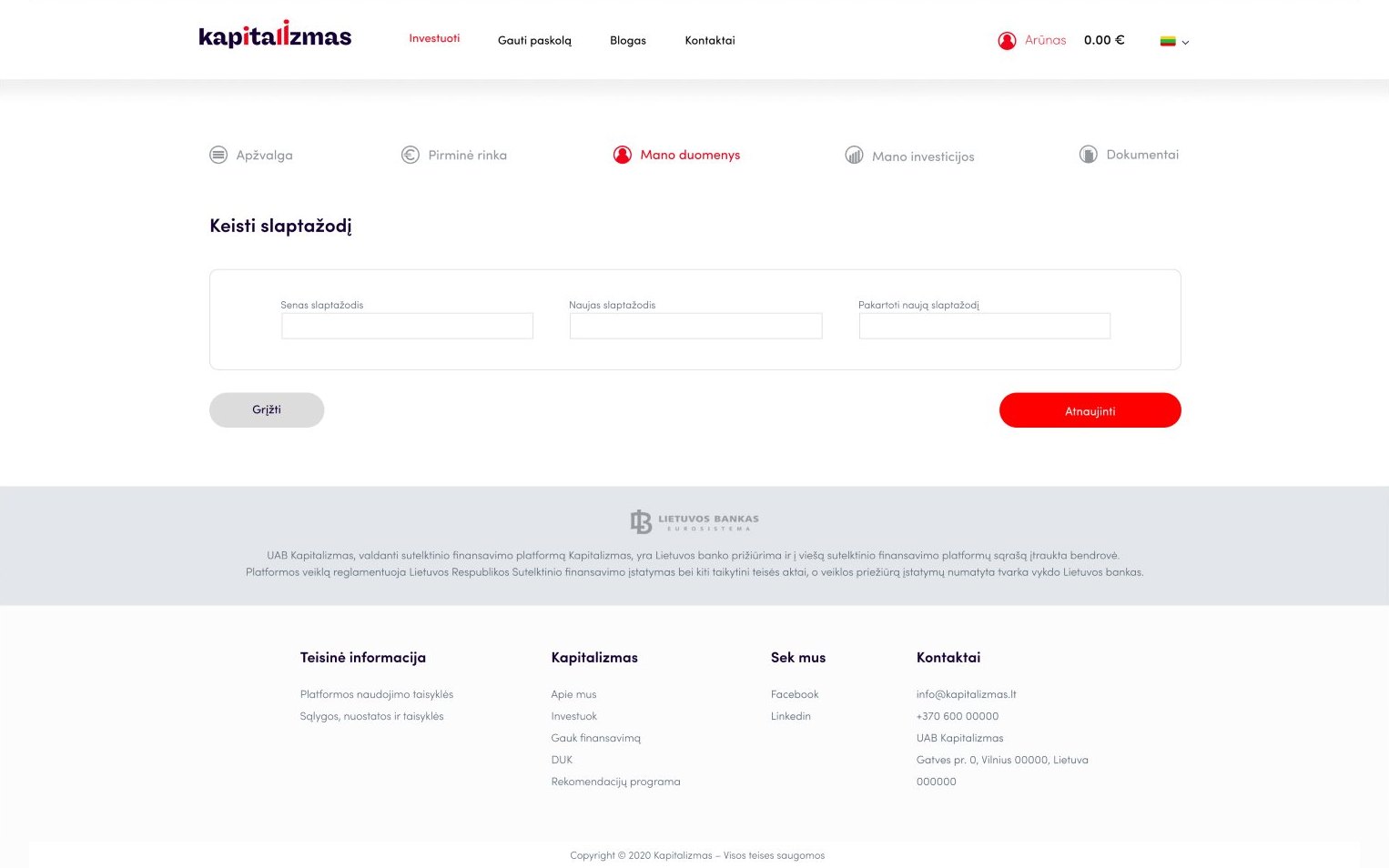
My data

Profile settings, personal data and password.
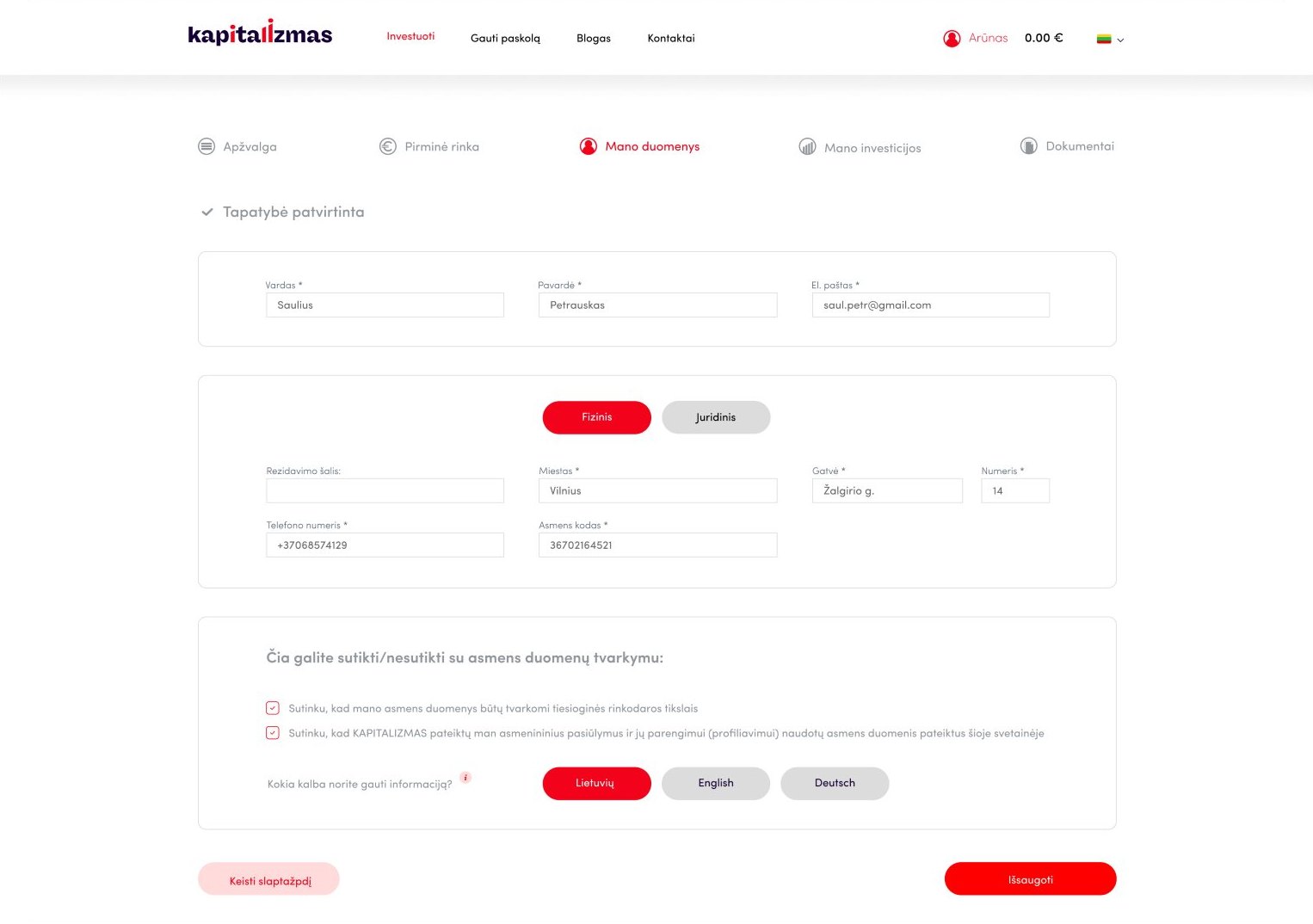
My data
Personal data
Change password
Password

My investments

Active, completed and late, each with a clear status.
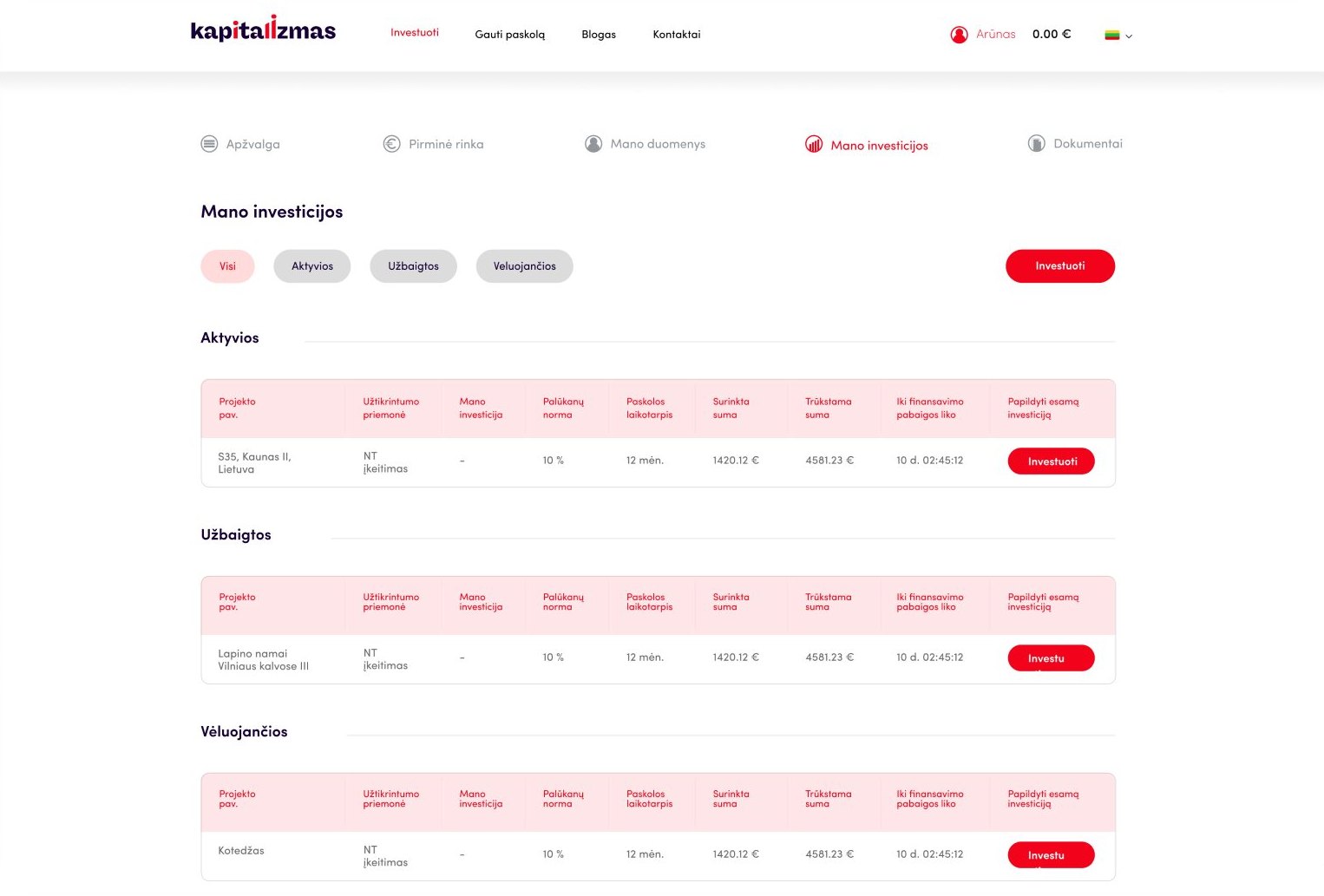
My investments
My investments

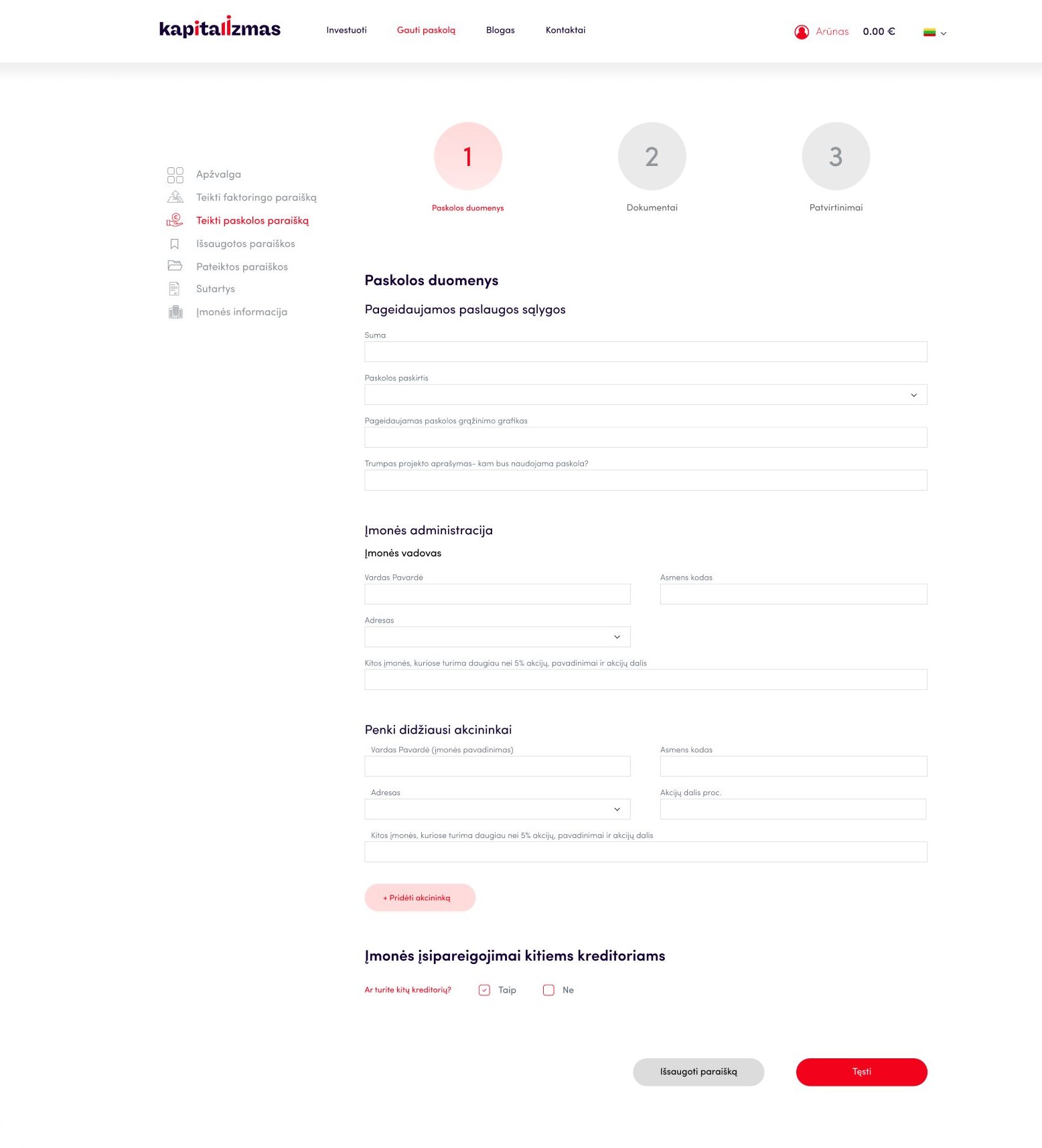
Get a loan

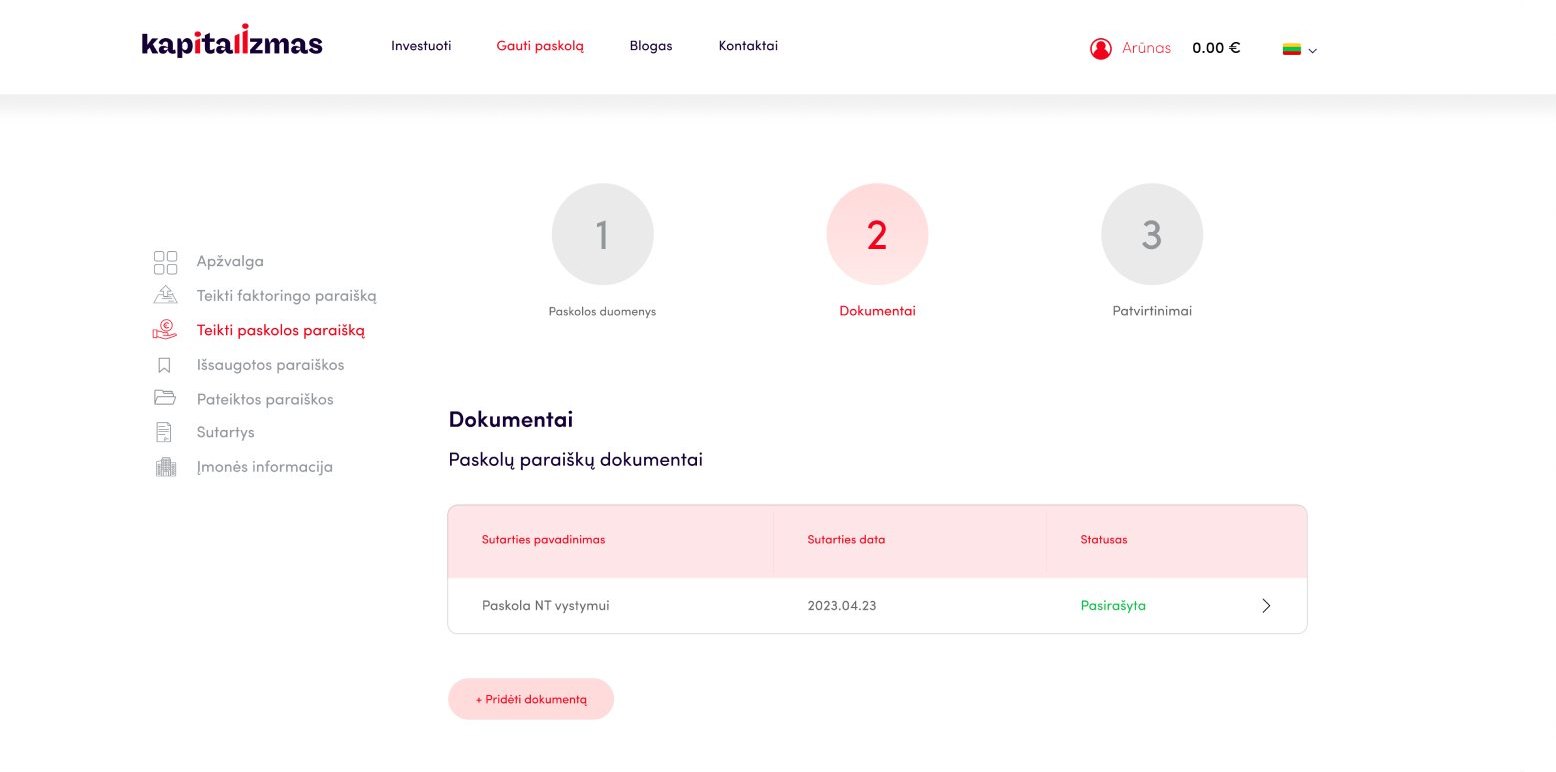
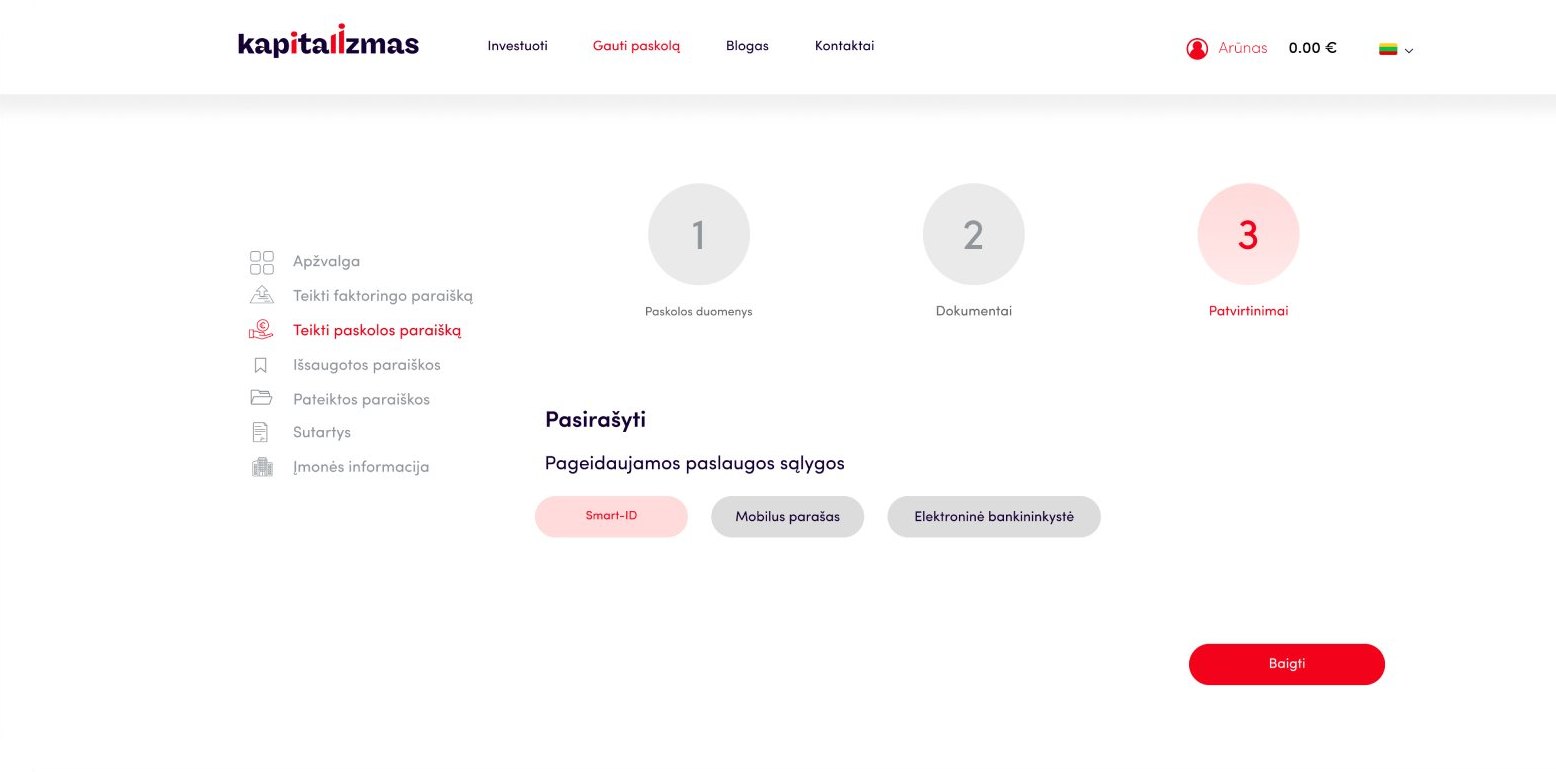
A step-by-step loan application for business developers, with submitted applications and contracts in one place.
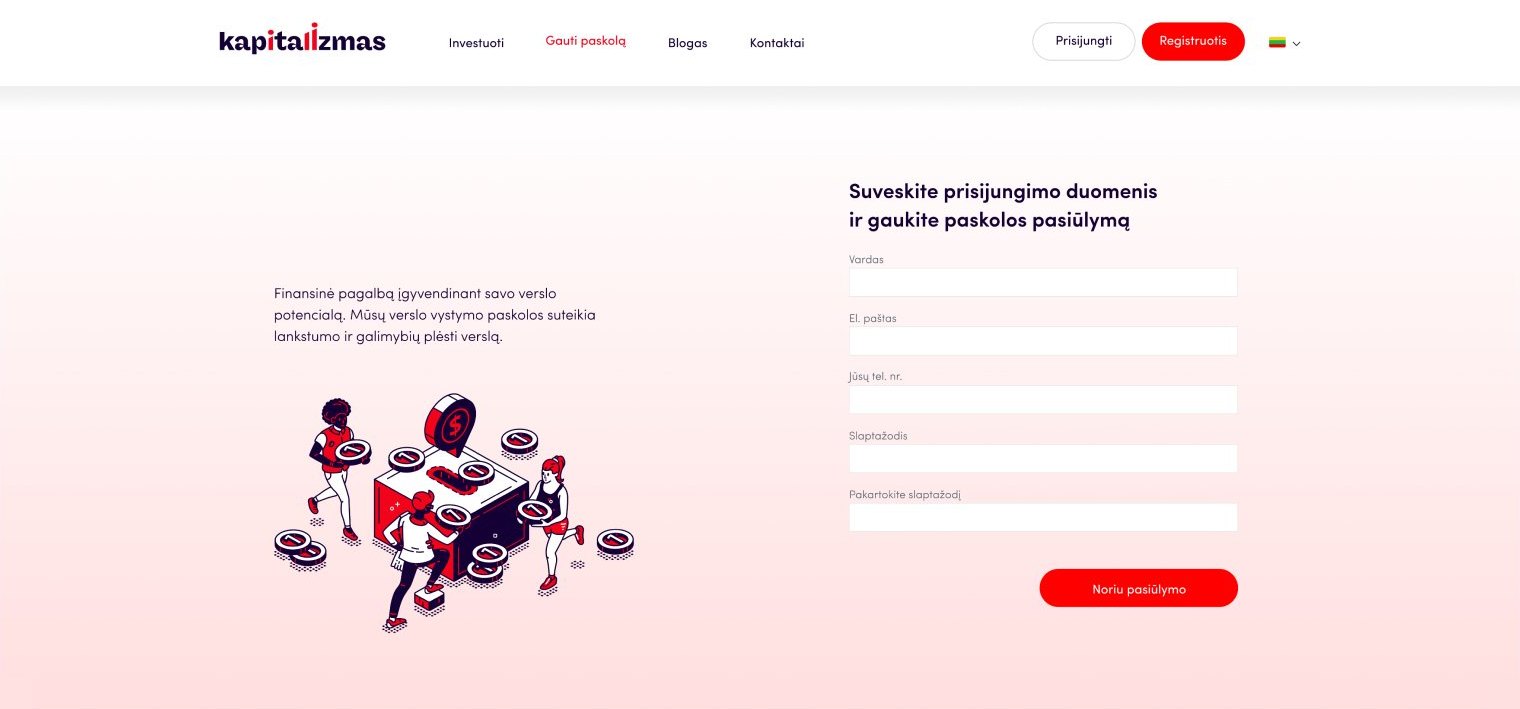
Get a loan offer
Loan offer
Loan application, step 1
Step 1 · Loan details
Loan application, step 2
Step 2 · Documents
Loan application, step 3
Step 3 · Sign
Submitted applications
Contracts
Contracts
Company information
Company information
Next case study

Office booking.

→