Case study · E-commerce · Website

UM studio.

Visit the live store ↗

A new online store for a handmade jewellery brand: minimal, editorial and product-first, with a simple way to order personalised pieces.

storefrontClient
Handmade jewellery brand
design_servicesRole
UX/UI designer
shopping_bagType
New e-shop, from scratch
devicesPlatform
Website, desktop & mobile
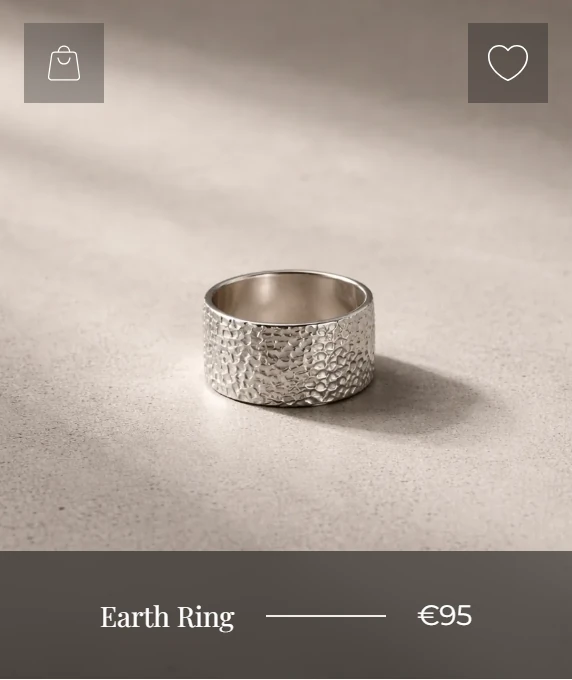
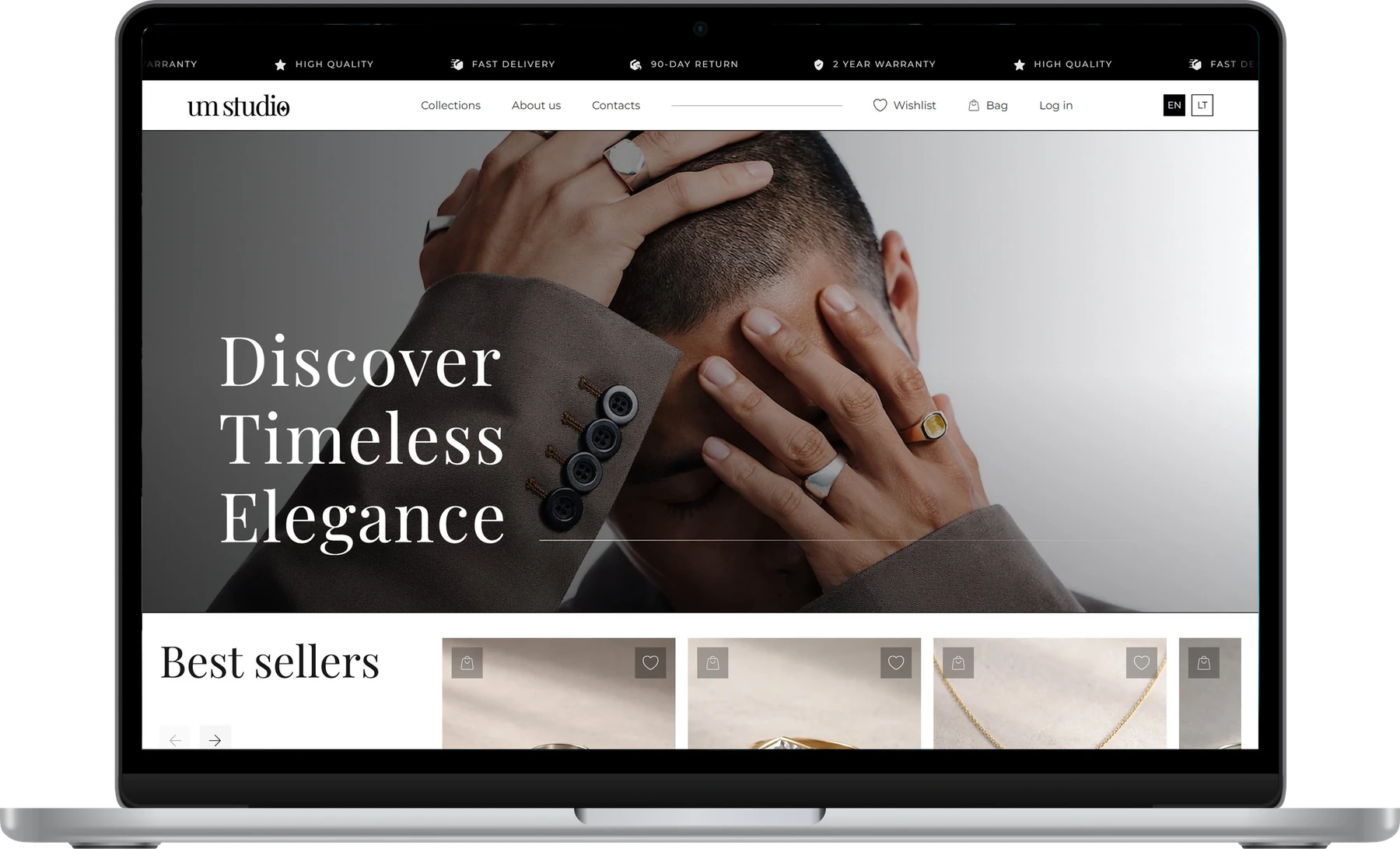
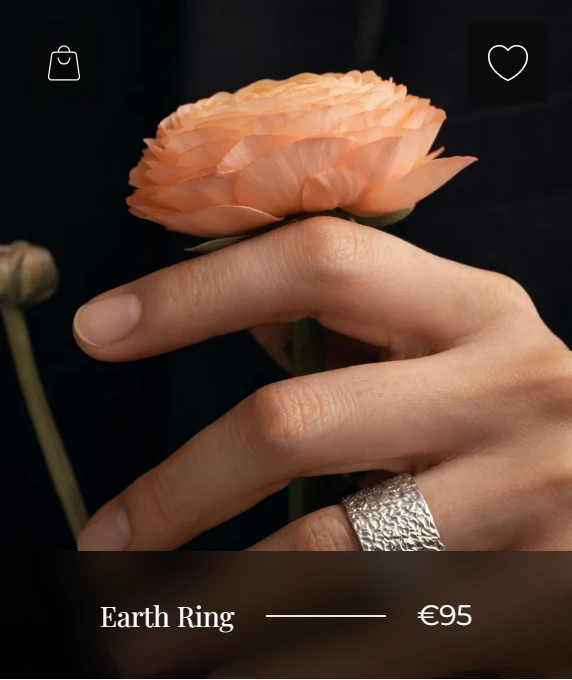
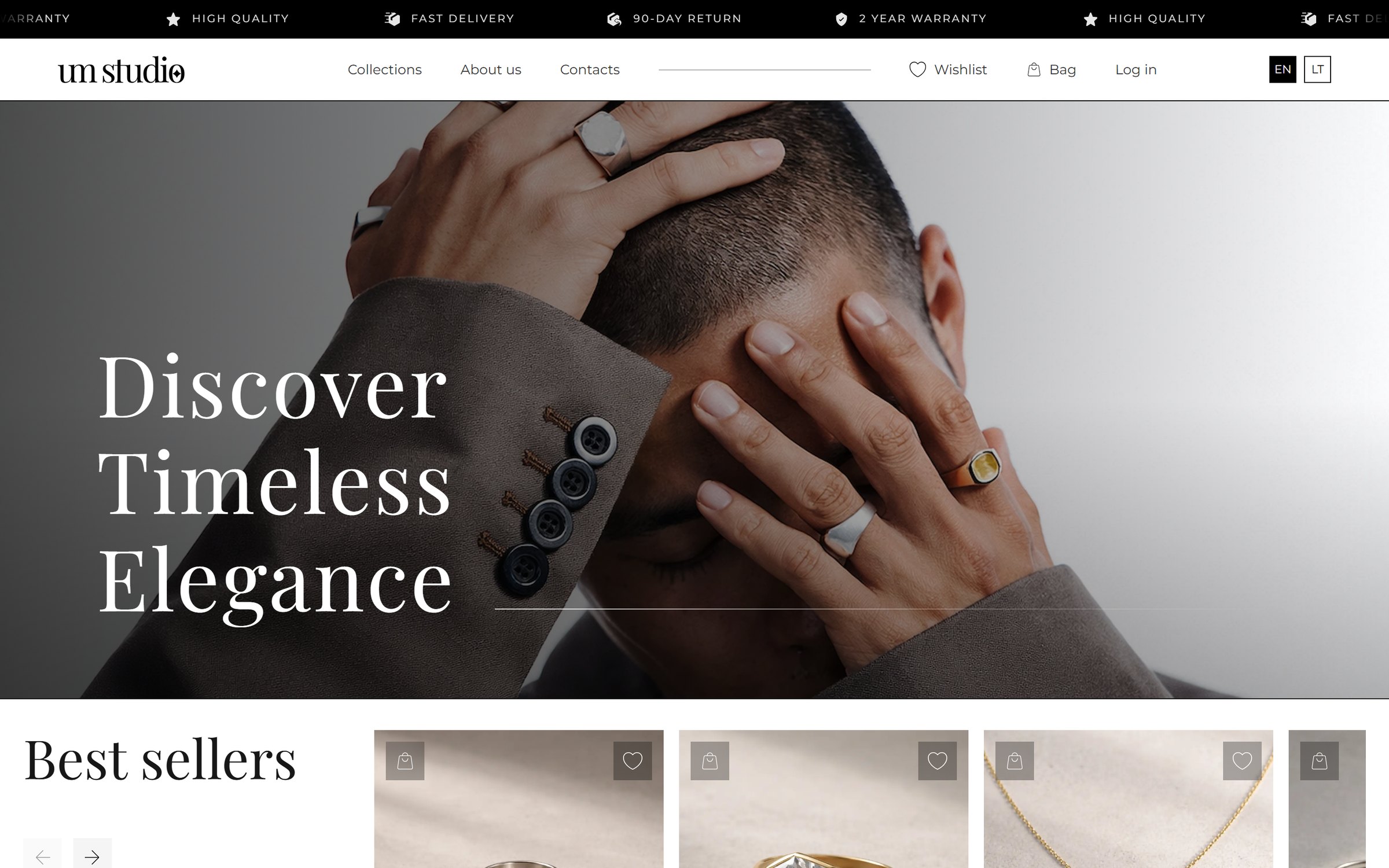
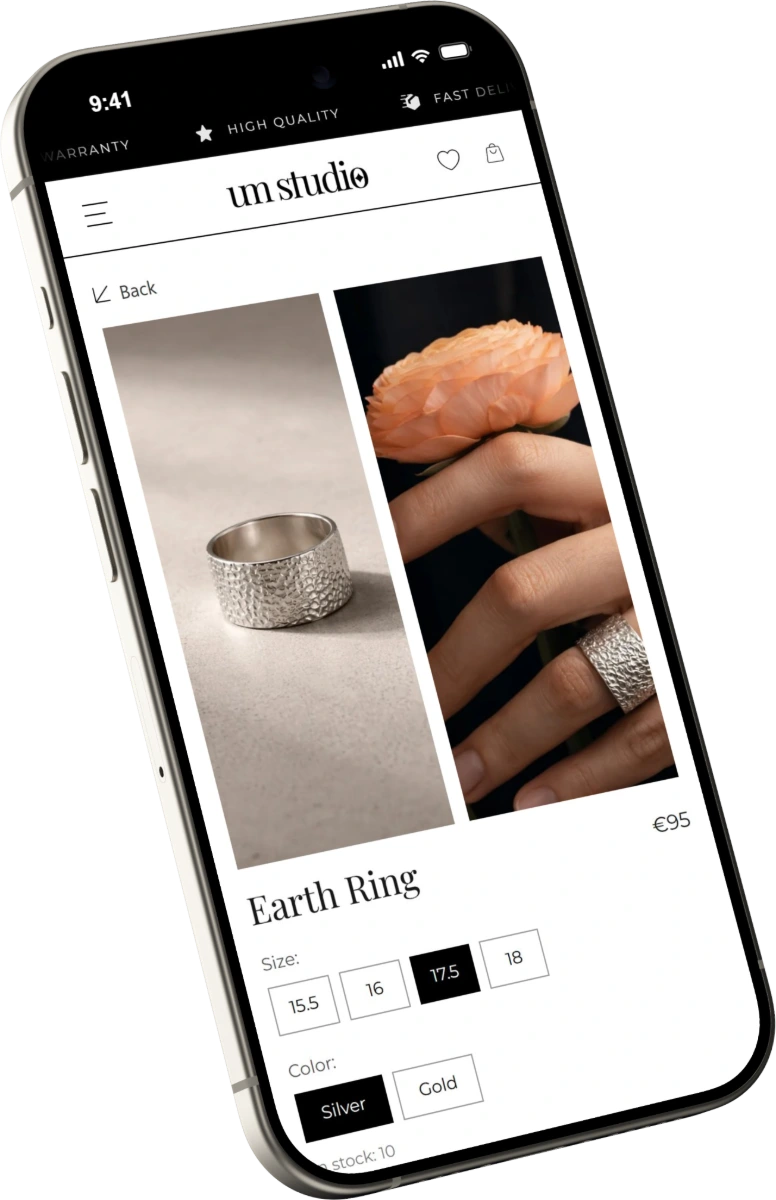
UM studio homepage on a laptop The Earth Ring product page on a phone
let the jewellery speak
diamond01Overview

Timeless jewellery, a calm store.

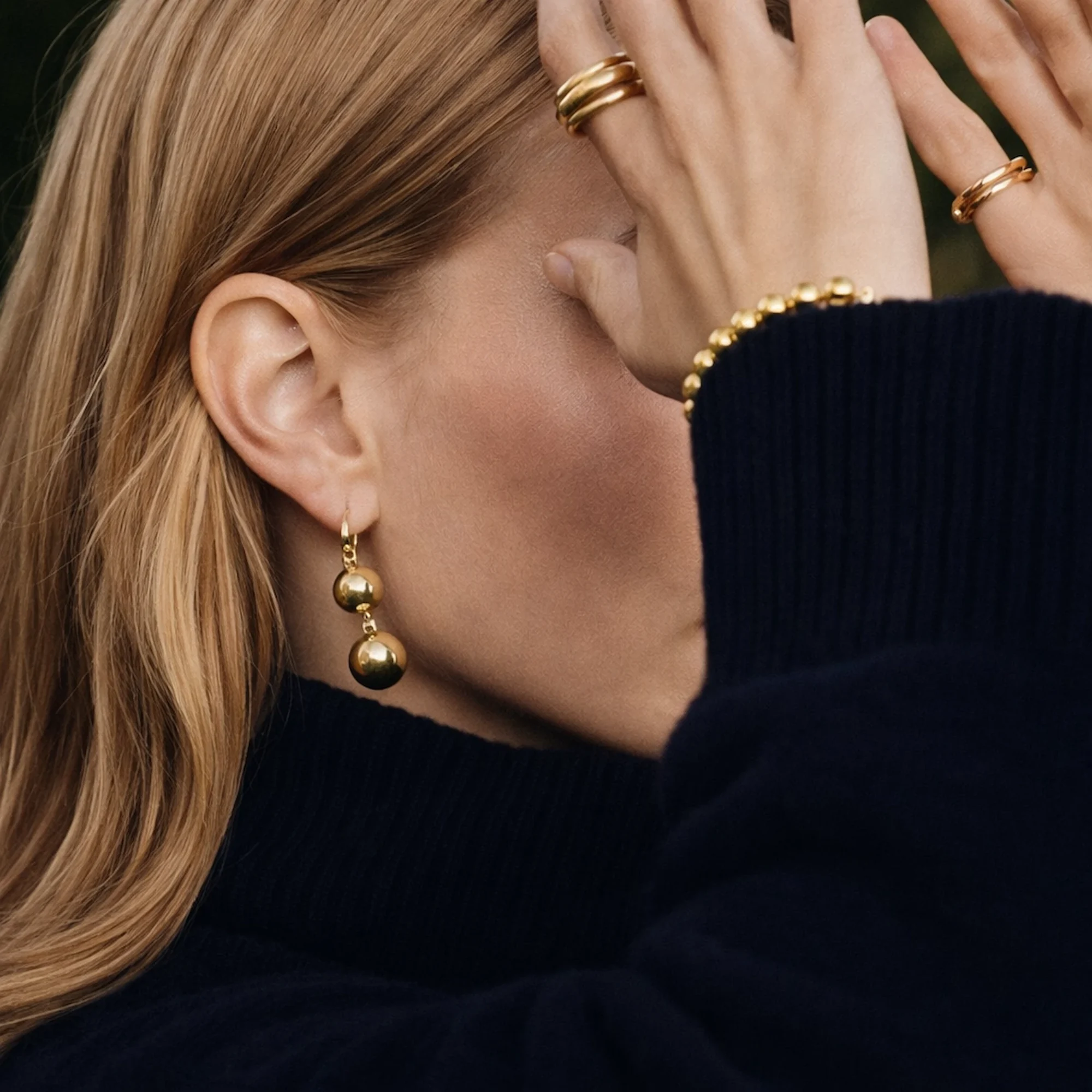
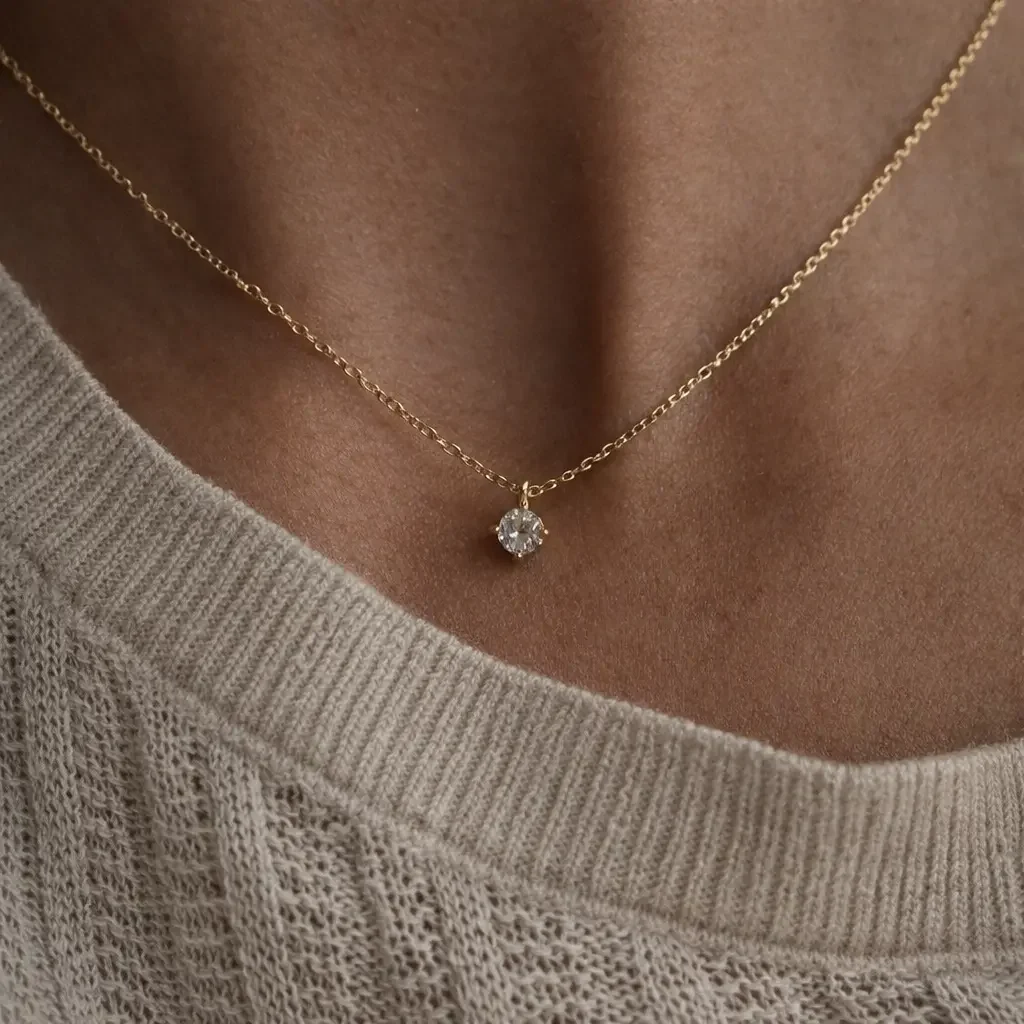
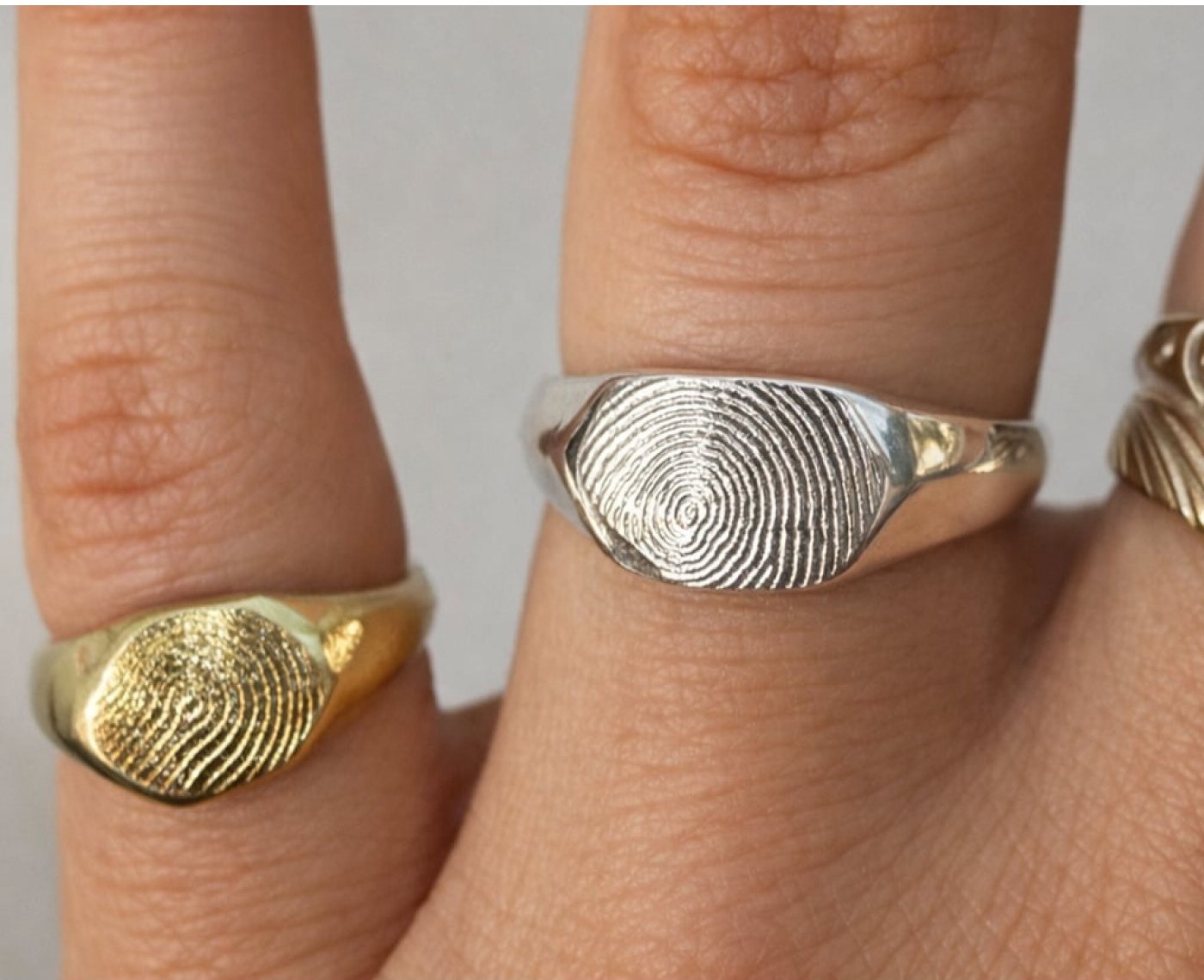
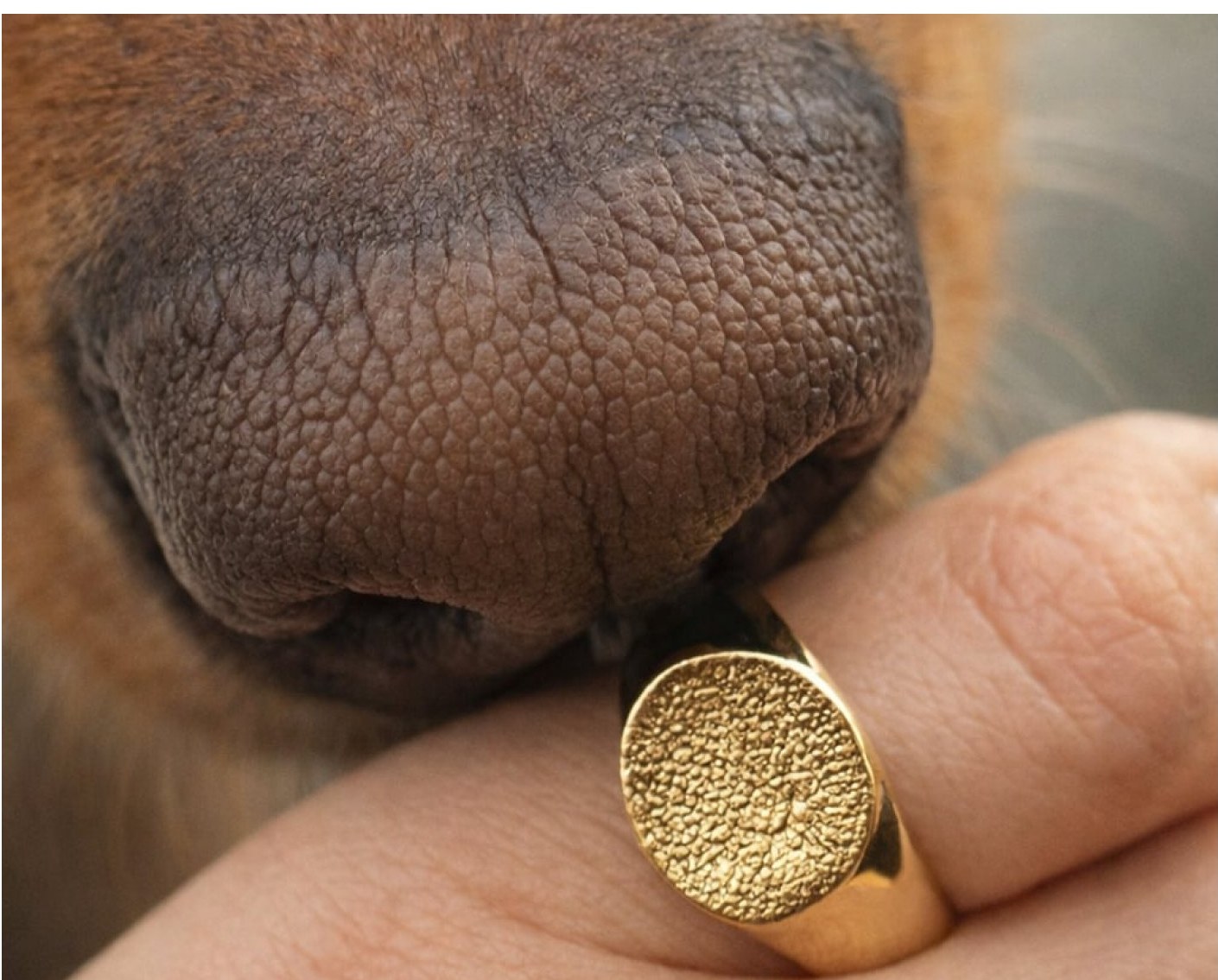
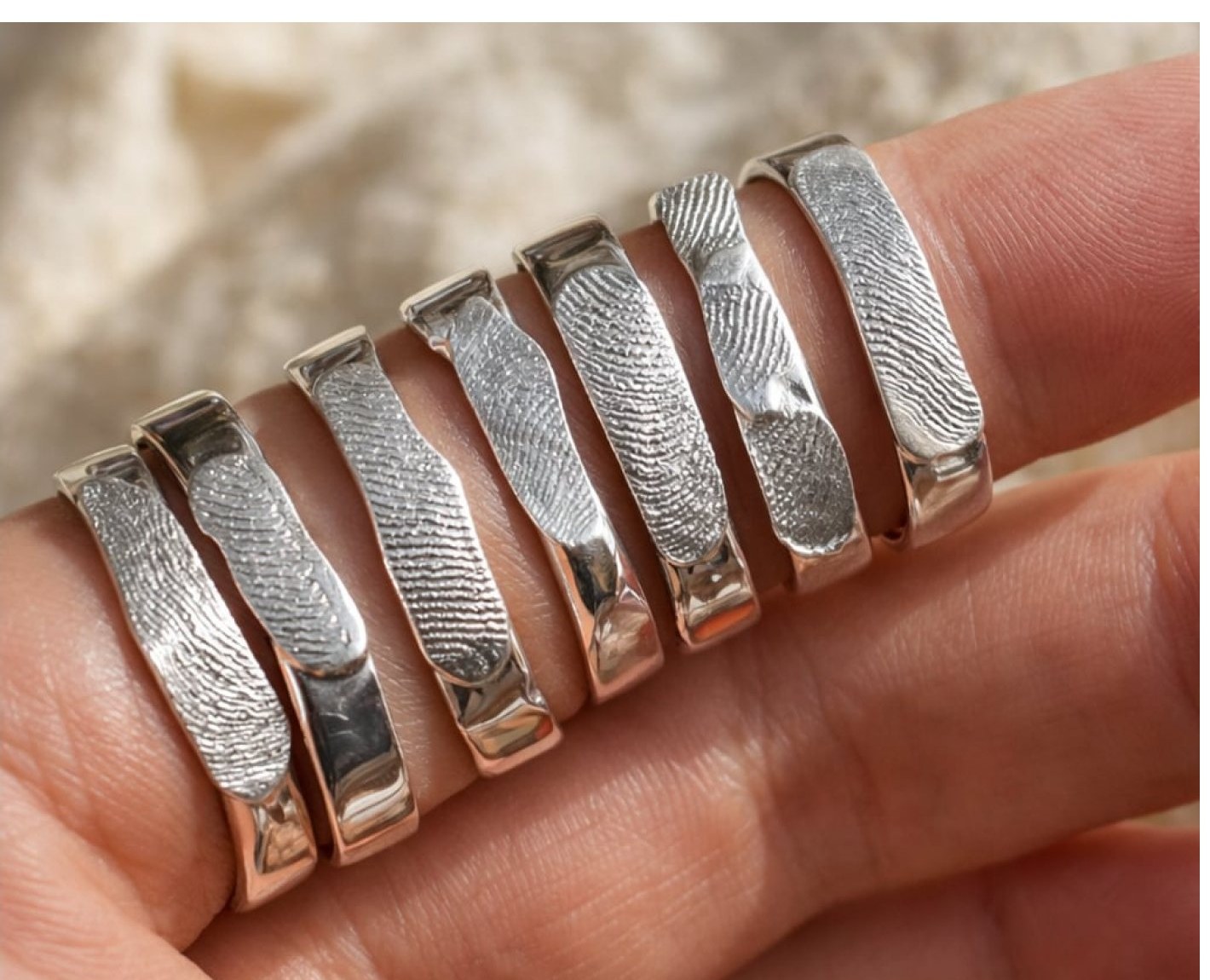
UM studio makes handmade rings, earrings, necklaces and bracelets, including personalised pieces with fingerprints or other personal prints. The store had to feel as refined as the jewellery and still make buying easy.

storefrontThe brief

A jeweller needed a new online store, designed from scratch, in Lithuanian and English.

design_servicesMy role

UX/UI designer for the whole project: research, sitemap, wireframes, UI for desktop and mobile, a prototype test and handoff.

routeApproach

I mapped what could stop a shopper at each step of buying, and designed one clear answer for every step.

route5steps from the first glance to a paid order
web10pages designed, from homepage to thank-you
group4people tried the prototype with four tasks
tune6changes made after testing, before handoff
route02User journey

What shoppers need at each step.

Three kinds of shoppers, one path. For each step I wrote down what the shopper is thinking, what could stop them and how the design answers it.

Who shops
personThe self-buyerSomething minimal for every day.
redeemThe gift-giverI don't know her size.
favoriteThe coupleSomething only ours.
01exploreDiscoverHero collections and best sellers.
“Something beautiful.”
closeAn unknown brand, no reason to stay
checkEditorial photos, best sellers, reviews
Decision 01arrow_downward
02grid_viewBrowseCatalog by category, filter and sort.
“Silver rings under €100.”
closeToo many distractions
checkBig photos, little text
Decision 02arrow_downward
03diamondChoosePhotos, size, material and details.
“How big is it? What is it made of?”
closeMissing details and sizes
checkDetails drawer, size & material
Decision 03arrow_downward
04fingerprintPersonaliseAdd your own print in 3 steps.
“Something only ours.”
closeUnclear how it works
check“How it works” in 3 steps
Decision 04arrow_downward
05credit_cardBuyA short, clear checkout.
“Let's get this done.”
closeLong, cluttered forms
checkOne-page checkout + summary
Decision 05arrow_downward
flag03The challenge

Luxury feel, simple shopping.

Jewellery is bought with the eyes, but it also needs precise information. The store had to stay minimal and editorial, while giving shoppers every detail they need to order with confidence.

“I want people to feel the same calm online as in my studio.”

The jeweller, in our first talk
photo_camera01Photos first

Products must look as good online as in real life.

straighten02Precise details

Material, size and weight must be easy to find.

fingerprint03A custom product

Personalised jewellery needs a clear, simple process.

verified_user04Trust at checkout

Payment and delivery must feel safe and familiar.

travel_explore04Research

Learning from great stores.

Before drawing anything, I looked at how good stores solve the same problems, and turned what I learned into four principles for this one.

Where I lookedWhat I learnedPrinciple
travel_explore

Competitor review

Jewellery and fashion e-shops, and how they balance mood and product information.

The best stores show the piece worn, and let the photo do the selling.

arrow_forwardLet photos speak
menu_book

Product page patterns

Published e-commerce research from Baymard Institute and NN/g.
Shoppers want exact facts, like size, metal and weight, but only at the moment of choosing.

arrow_forwardDetails on demand
forum

Talks with the jeweller

What sells, and what customers ask in the salons.

A personalised order sounds complicated until it is shown as a few steps.

arrow_forwardThree clear steps
credit_card

Checkout patterns

Local delivery and payment methods that Lithuanian shoppers expect.
People finish a purchase when delivery and payment look like what they already use.

arrow_forwardA familiar checkout
timeline05Design process

From sitemap to checkout.

Ten steps in four phases: structure first, then the look.

travel_explorePHASE 01

Discover

  • Briefing
  • Competitor review

OutputFour design principles.

account_treePHASE 02

Structure

  • Sitemap
  • Wireframes

OutputEvery flow, from homepage to payment.

brushPHASE 03

Design

  • Moodboard
  • UI design
  • Mobile version

OutputThe store on desktop and mobile.

rocket_launchPHASE 04

Deliver

  • Prototype test
  • Client review
  • Handoff

OutputTested, approved and ready to build.

Sitemap: the shortest path to a purchase

  1. 01HomepageMood, best sellers, reviews.
  2. 02CollectionsCategory tabs, filter, sort.
  3. 03Product pagePhotos, size, colour, stock.
  4. 04BagA drawer over the page.
  5. 05CheckoutOne page, no account.
  6. 06Thank youWhat happens next.
Always one click awayPersonalised jewelleryWishlistAbout & salonsContactsLog in
lightbulb06Key design decisions

What I designed, and why.

One decision for each step of the journey. Each starts from the risk it removes and names the UX principle behind it.

01Step 01 · Discover

An editorial landing page

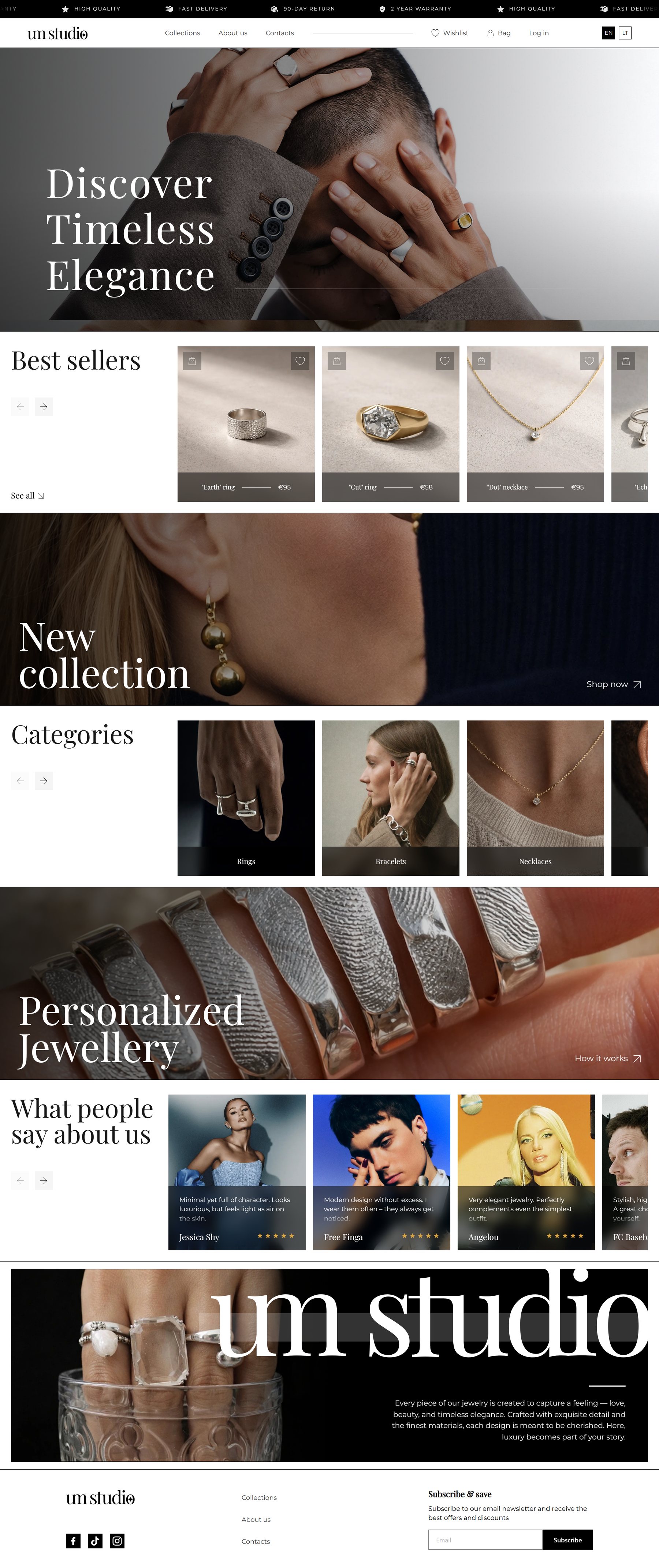
Full-width photos with large titles, best sellers and categories in simple carousels, reviews, and a strong brand block at the end.

Risk
An unknown brand gives no reason to stay.
Why
Jewellery is an emotional purchase. A magazine-like layout sets the mood before showing prices.
UX principle
Aesthetic–usability effect
Homepage with a full-width photo and best sellers
02Step 02 · Browse

A clean catalog

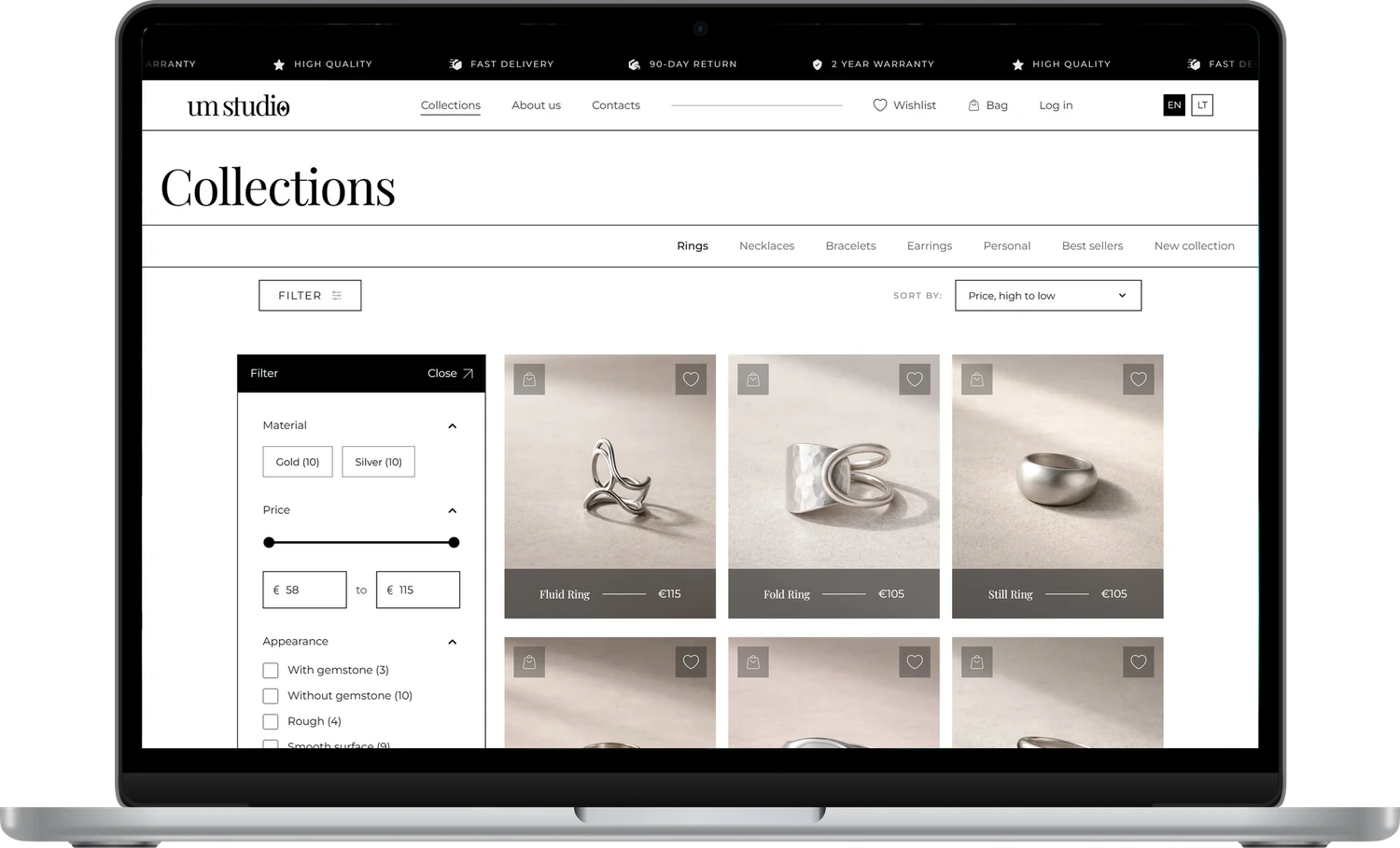
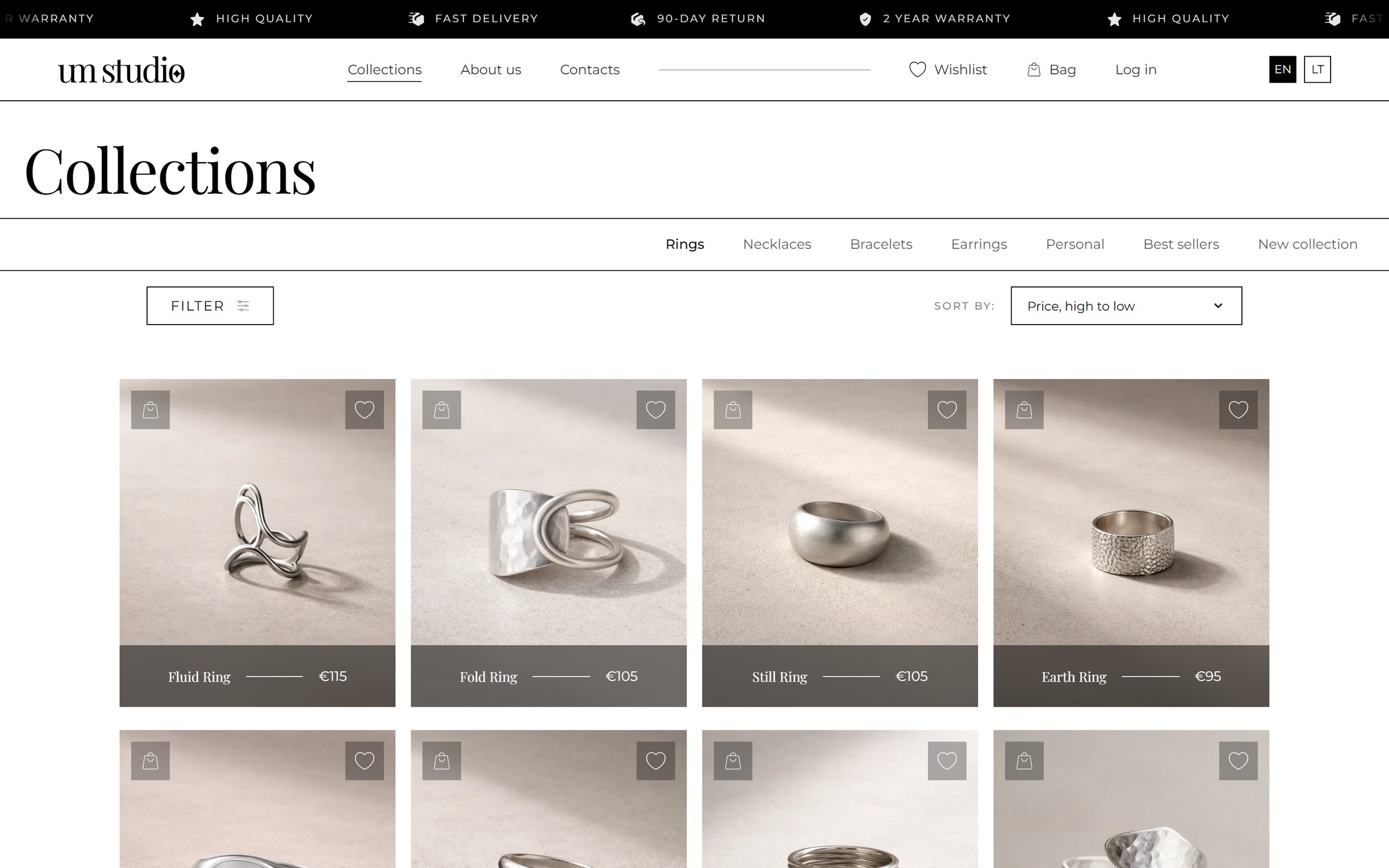
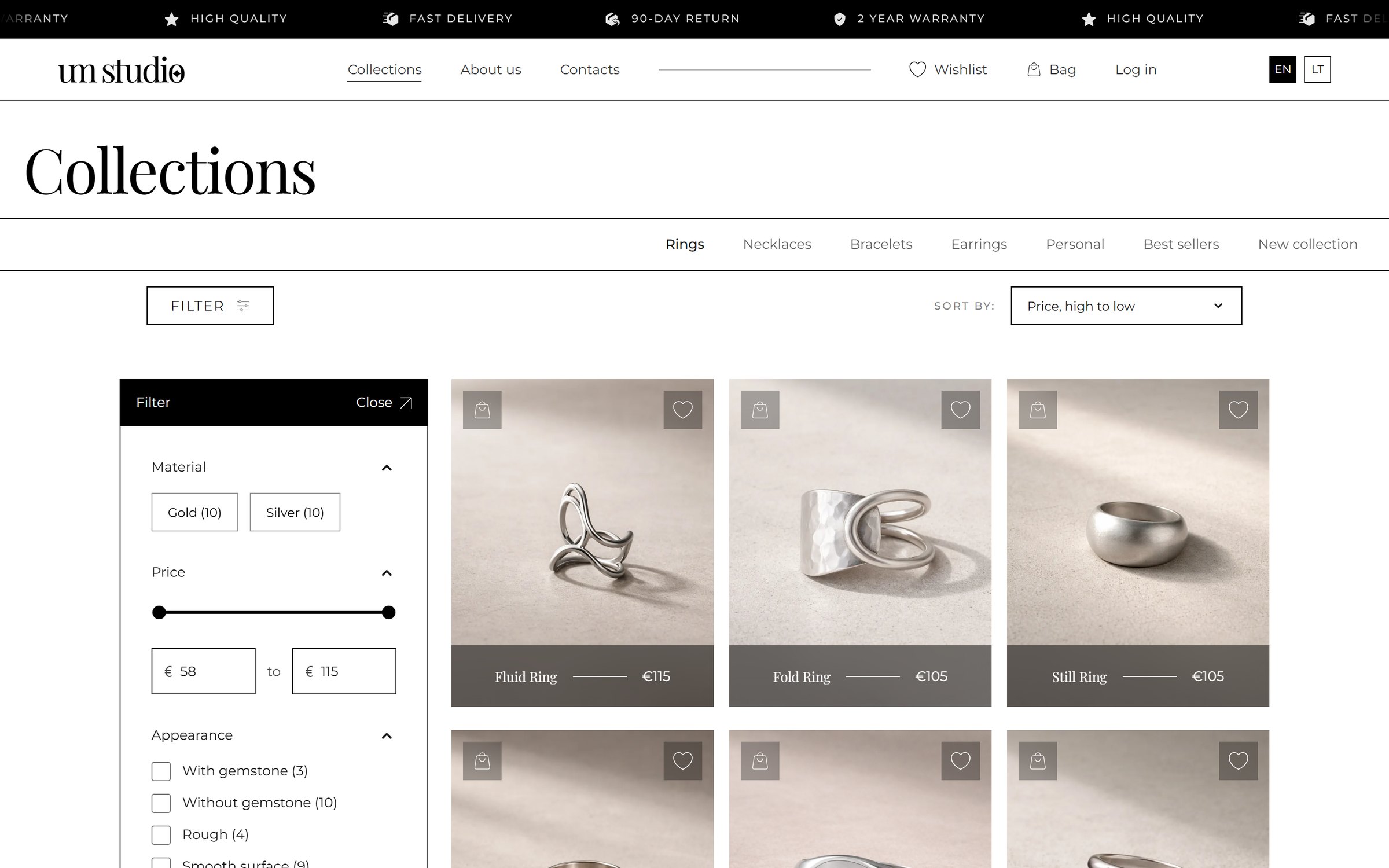
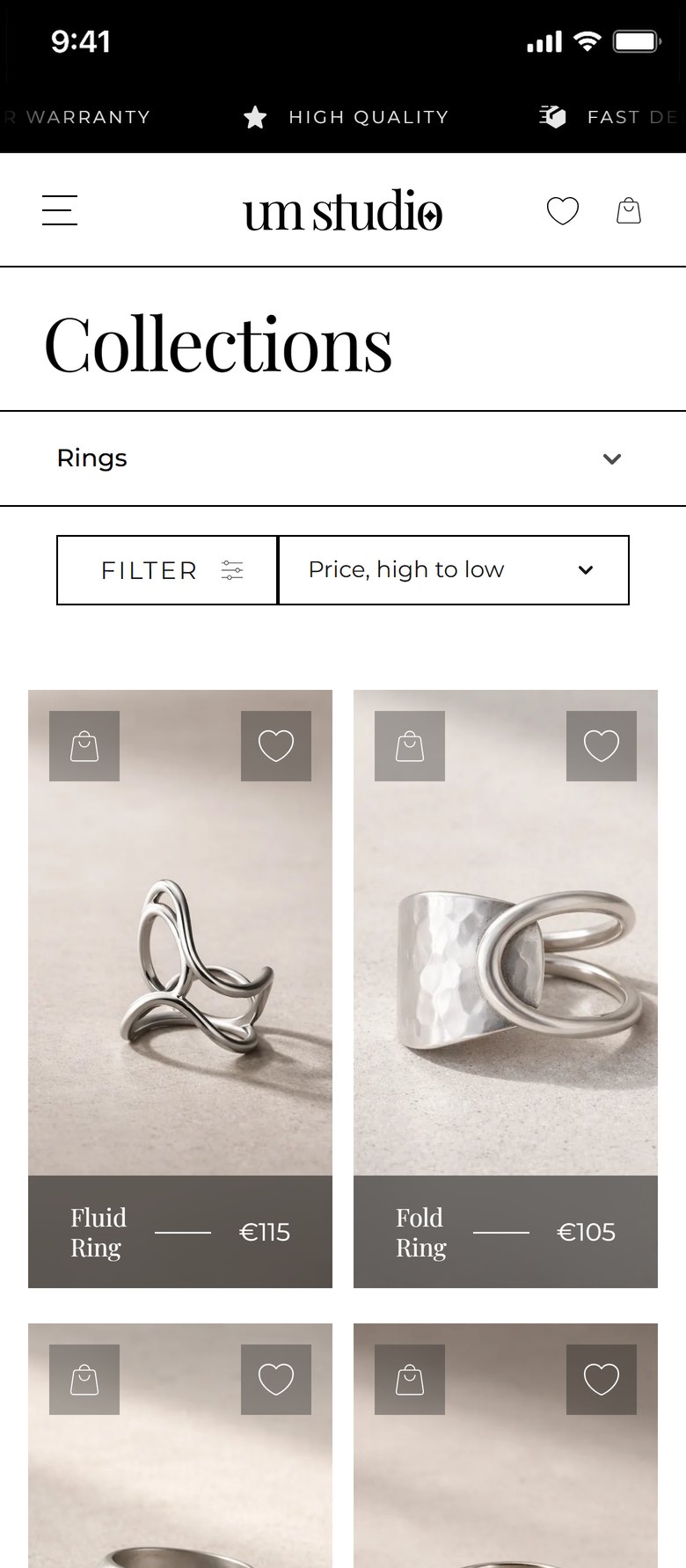
Products in a four-column grid with name and price on a taupe bar under the photo. Hovering swaps the photo for the piece on a hand. Filter, sort and category links sit at the top.

Risk
Too many distractions between the shopper and the product.
Why
A calm grid lets the products stand out, and quick actions keep shopping fast.
UX principle
Visual hierarchy: photo first, price second
Collections page with the filter panel open
03Step 03 · Choose

Details on demand

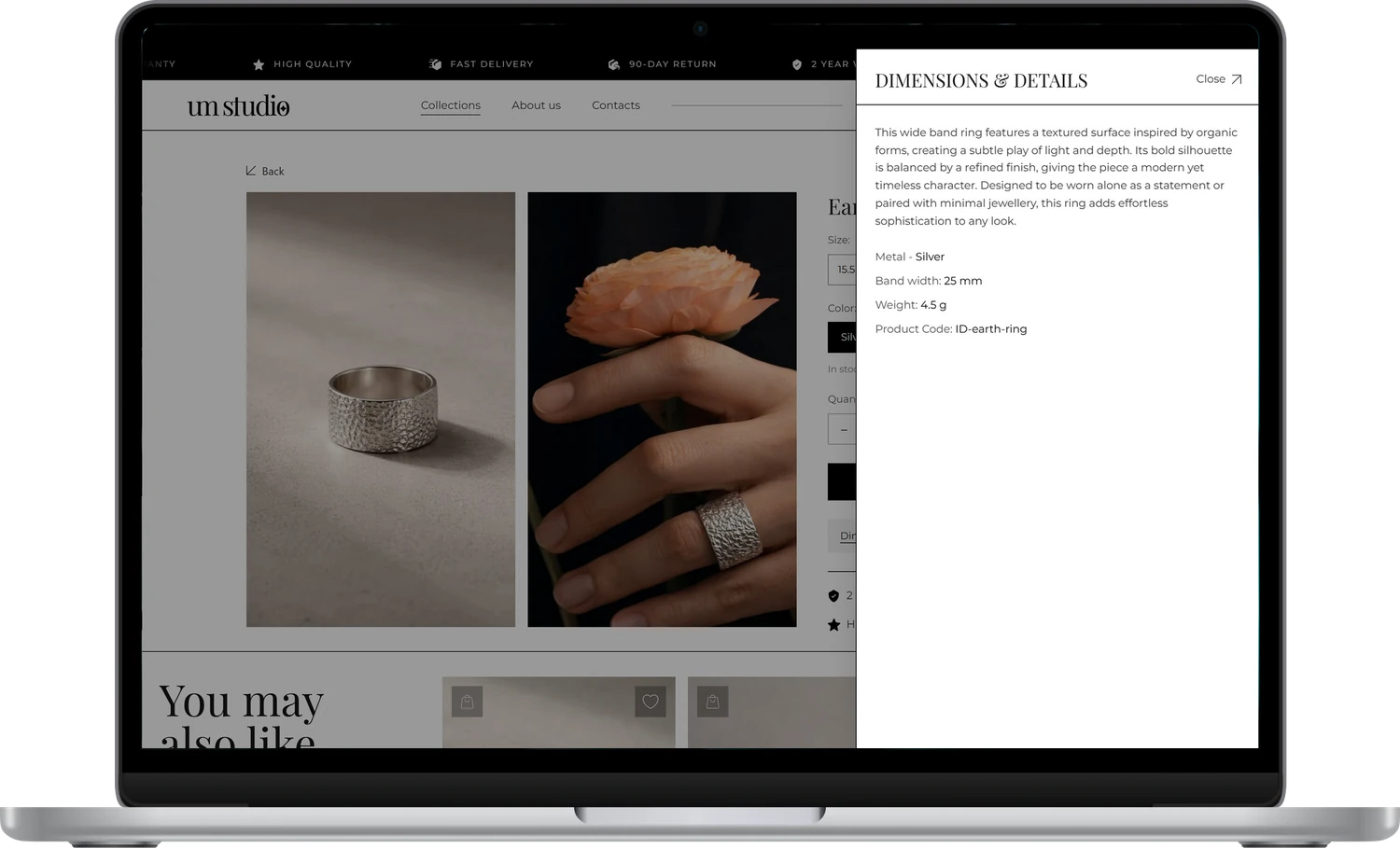
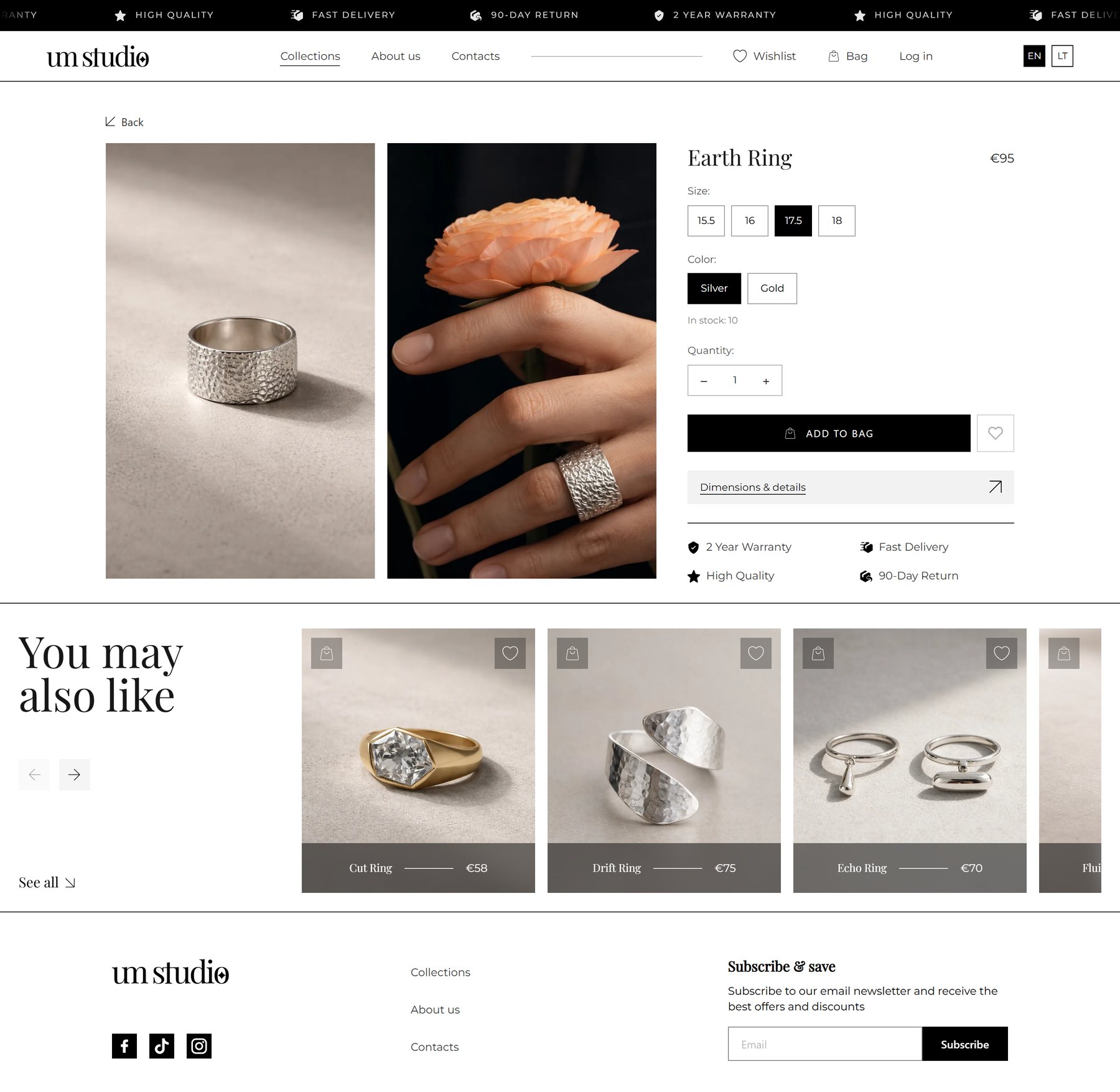
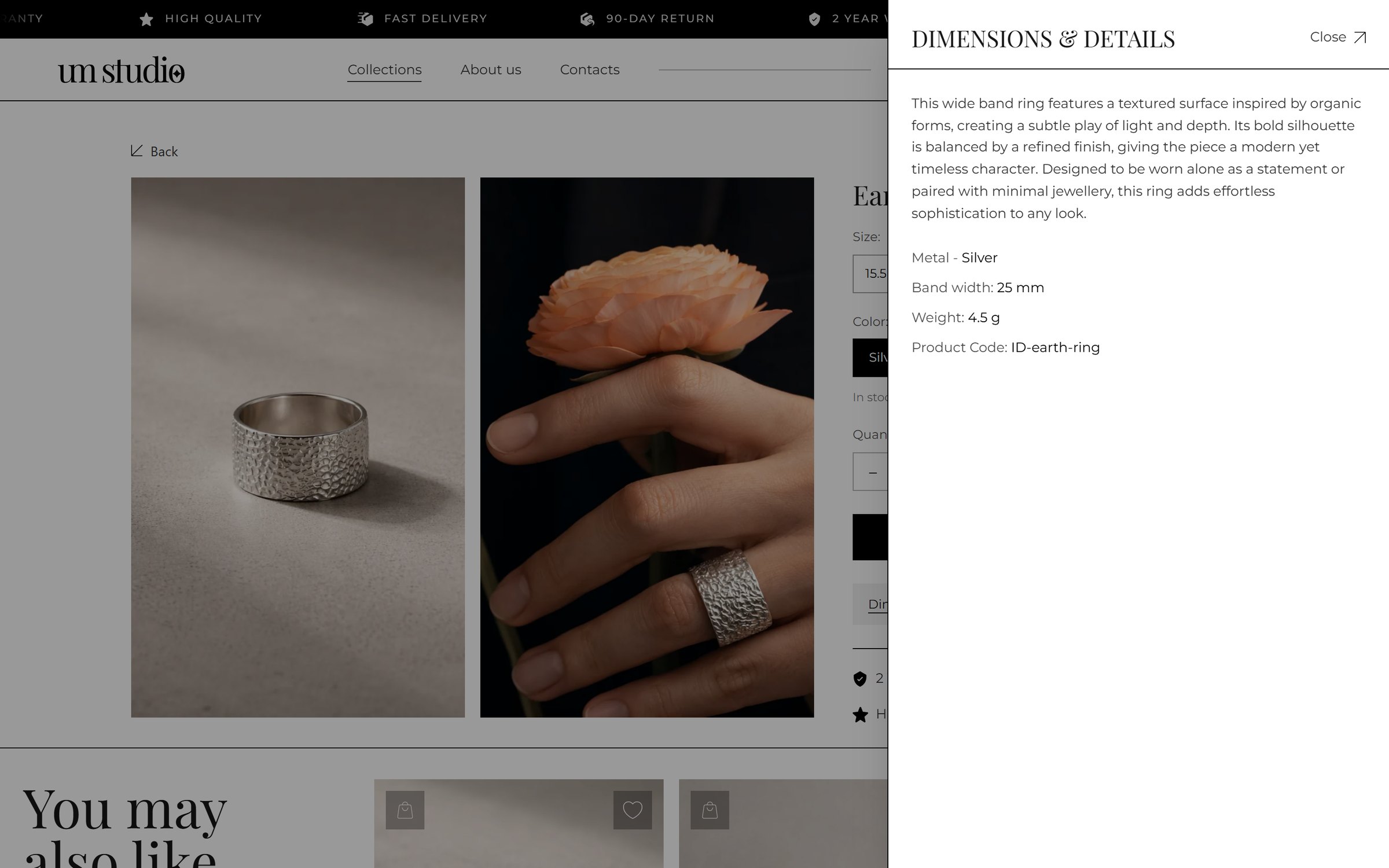
The product page keeps photos big. Dimensions, materials, weight and product code open in a side drawer when needed.

Risk
Missing details and sizes stop the order.
Why
Shoppers need precise information, but not all the time. A drawer keeps the page clean.
UX principle
Progressive disclosure
Product page with the dimensions and details drawer open Product page on a phone
04Step 04 · Personalise

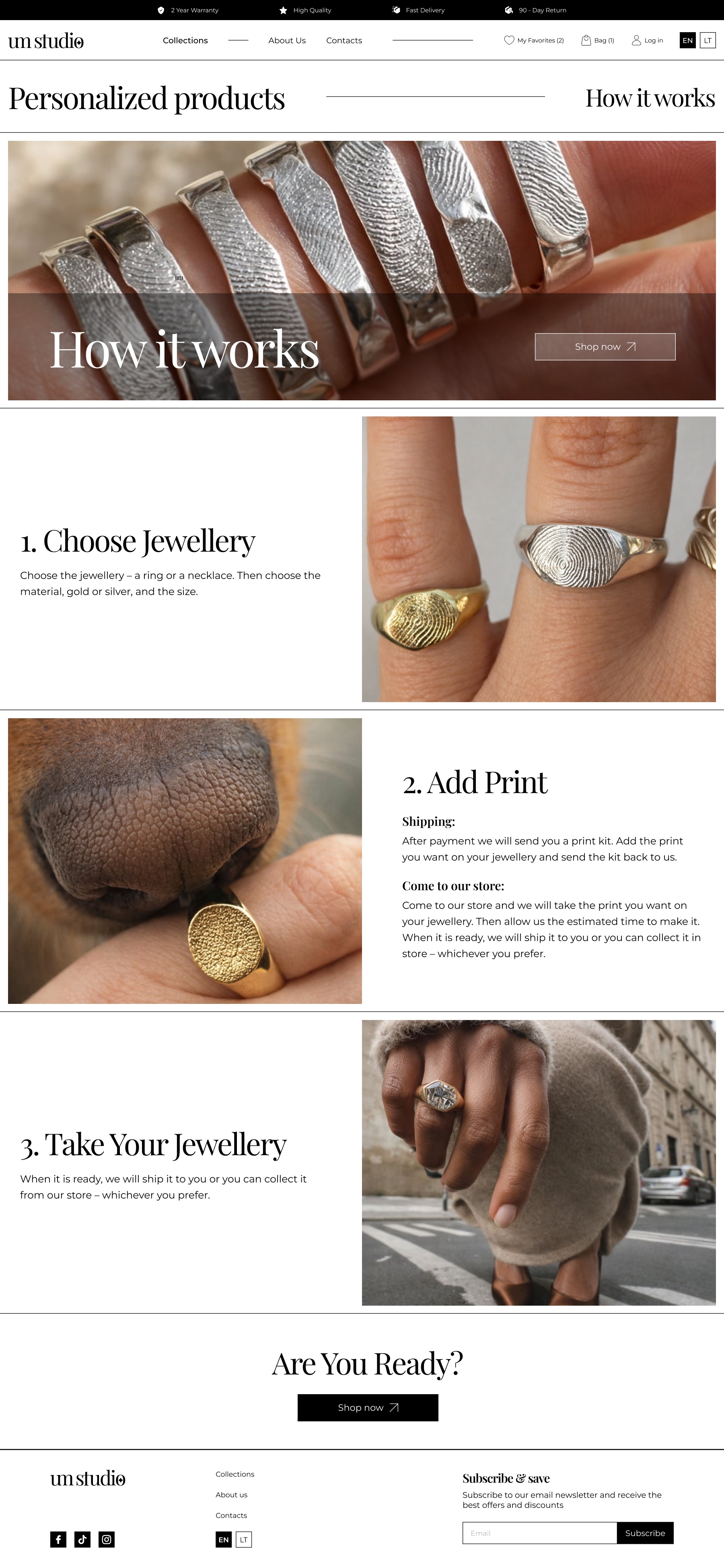
Personalised jewellery in 3 steps

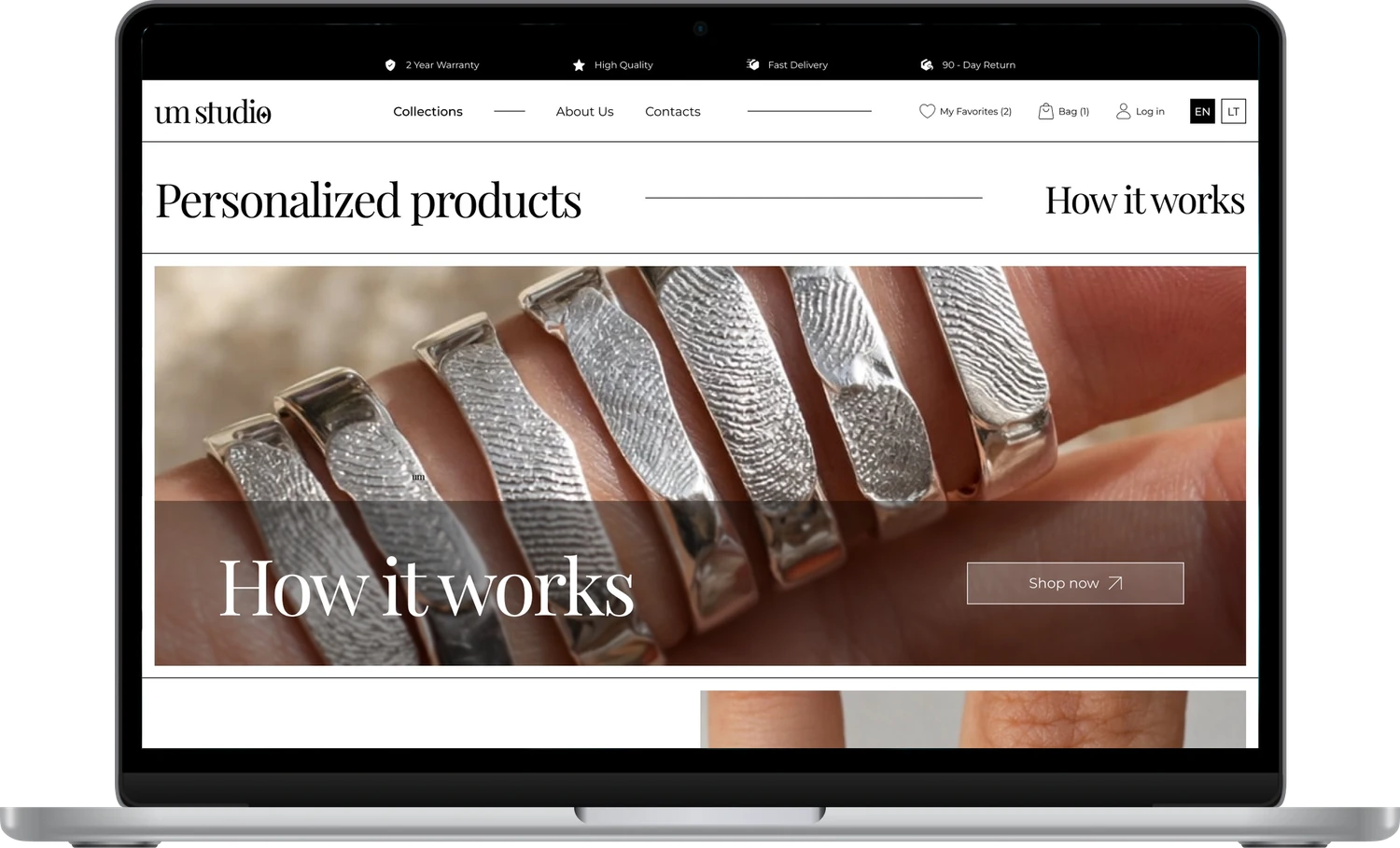
“How it works” explains the process: choose the jewellery, send your print by post or leave it at a salon, and receive your piece.

Risk
It is unclear how a personal print gets onto a ring.
Why
A custom product feels complicated. Three numbered steps make it feel simple and safe to order.
UX principle
Chunking: one task, three small steps
Personalised products page with How it works
Choosing a ring
01Choose
Leaving a fingerprint
02Add your print
Finished fingerprint rings
03Receive
05Step 05 · Buy

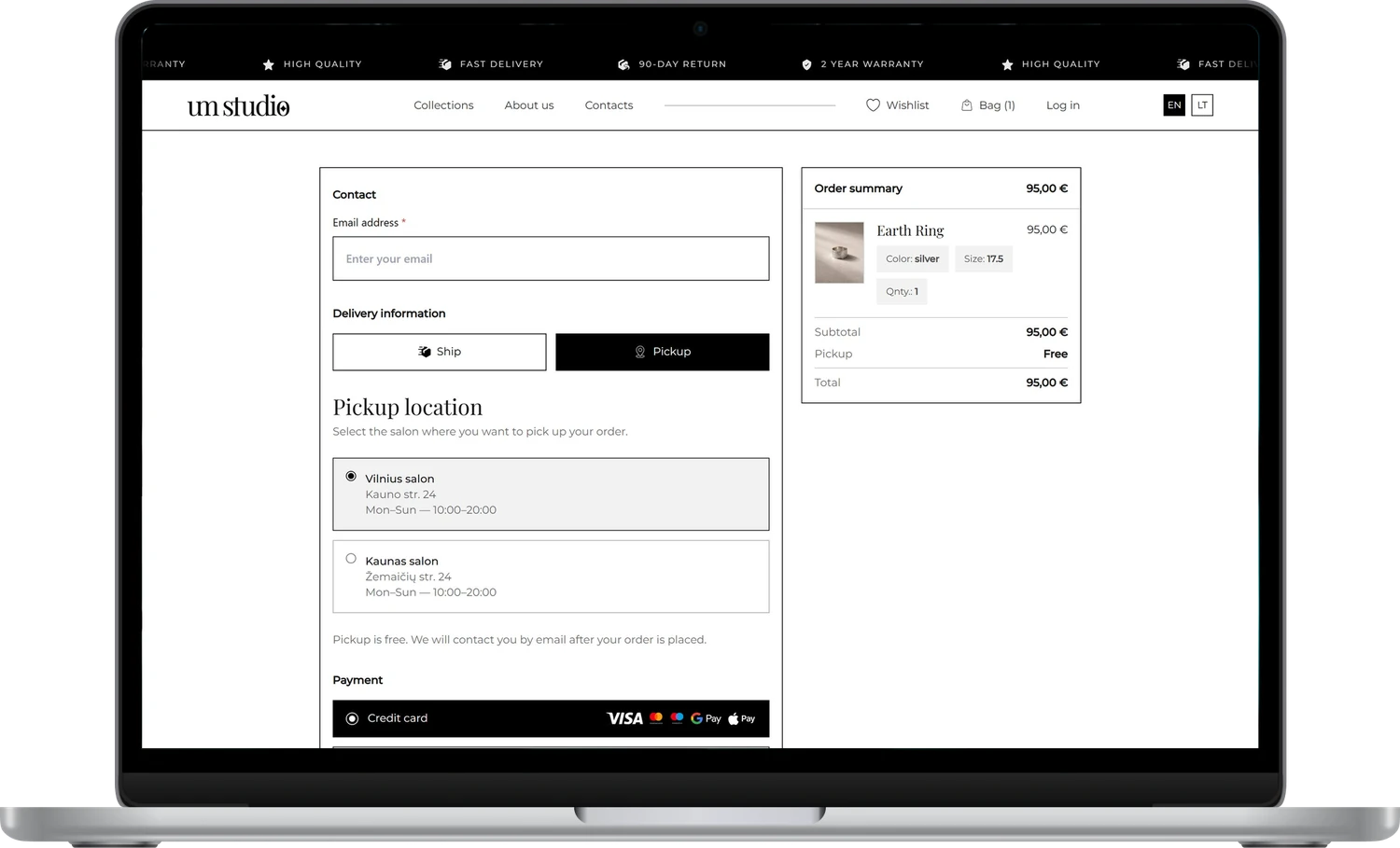
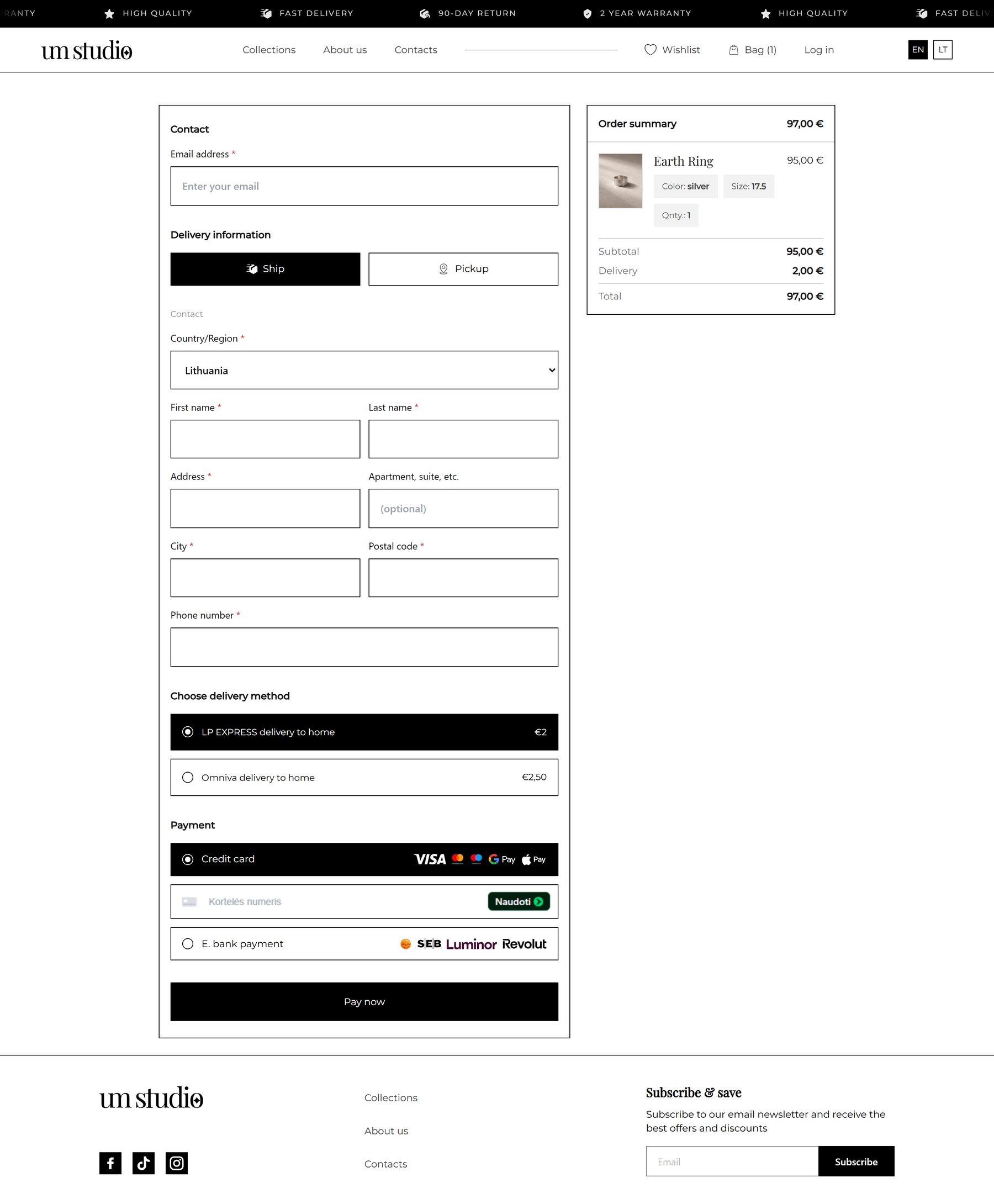
A one-page checkout

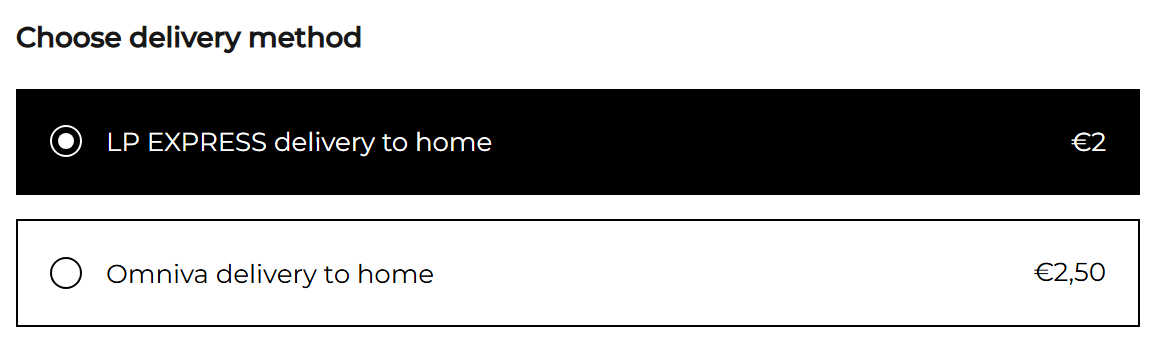
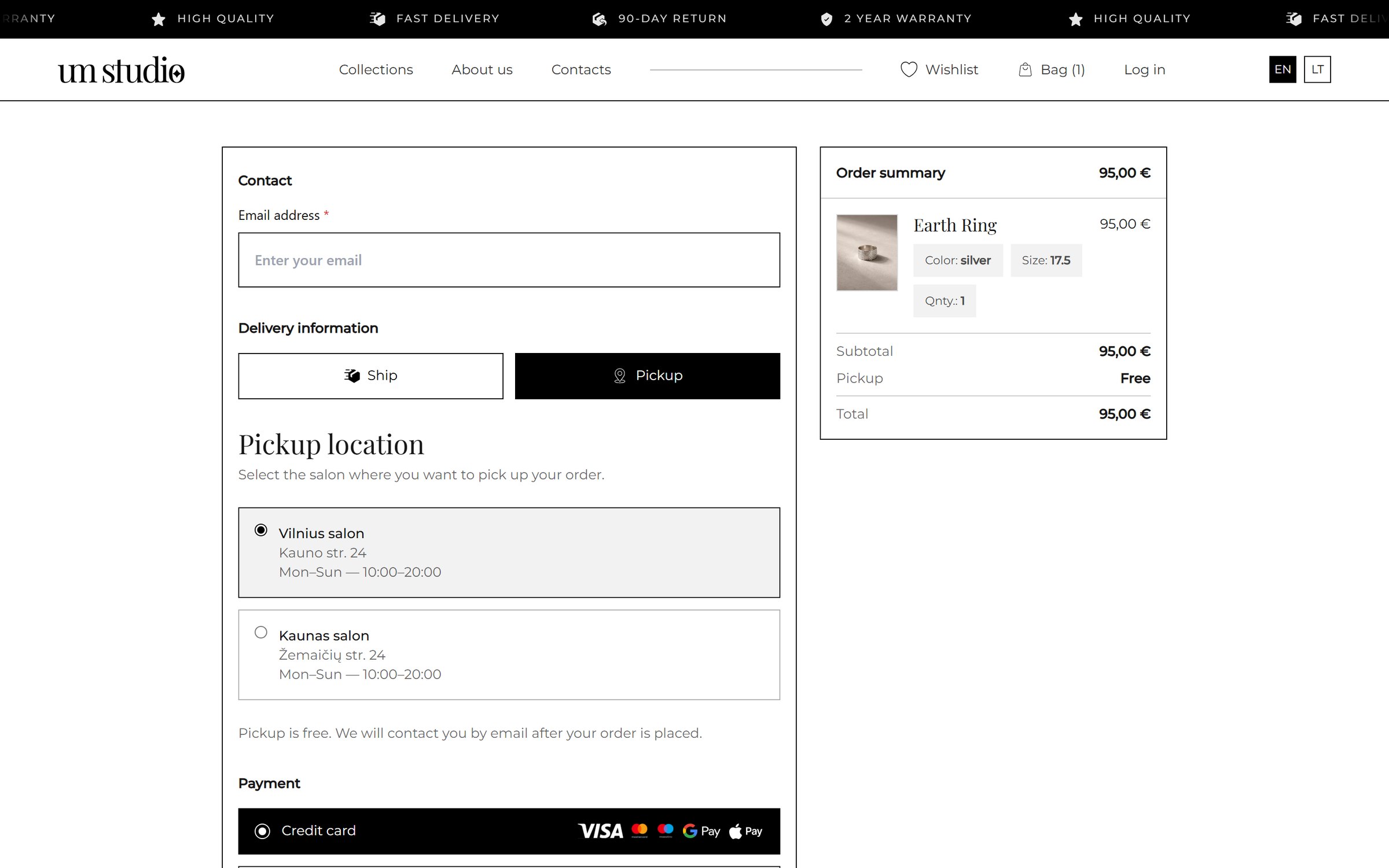
Contact, delivery (ship or pickup), local delivery companies and payment methods on one page, with the order summary always visible.

Risk
Long, cluttered forms lose the sale at the last step.
Why
Every extra step loses buyers. Familiar local options build trust at the most important moment.
UX principle
Jakob's law: use patterns people already know
One-page checkout with salon pickup and the order summary
fact_check07Prototype test

Four people, four tasks, six changes.

Four people tried a clickable prototype: two who buy jewellery for themselves, one buying a gift and one choosing a personalised piece. What they stumbled on was fixed before handoff.

Tasks

  1. Find a ring in your size under €100.
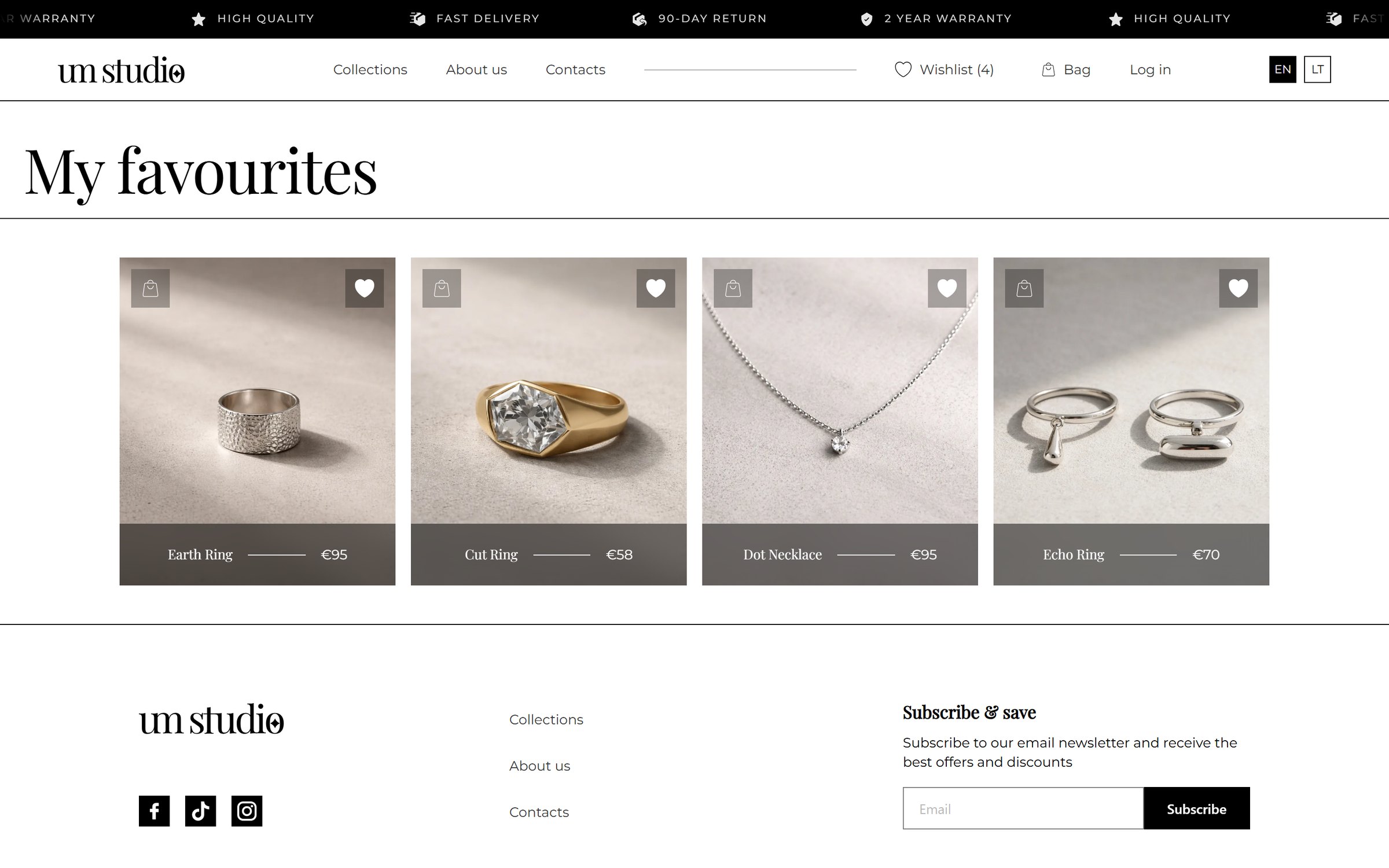
  2. Save it for later.
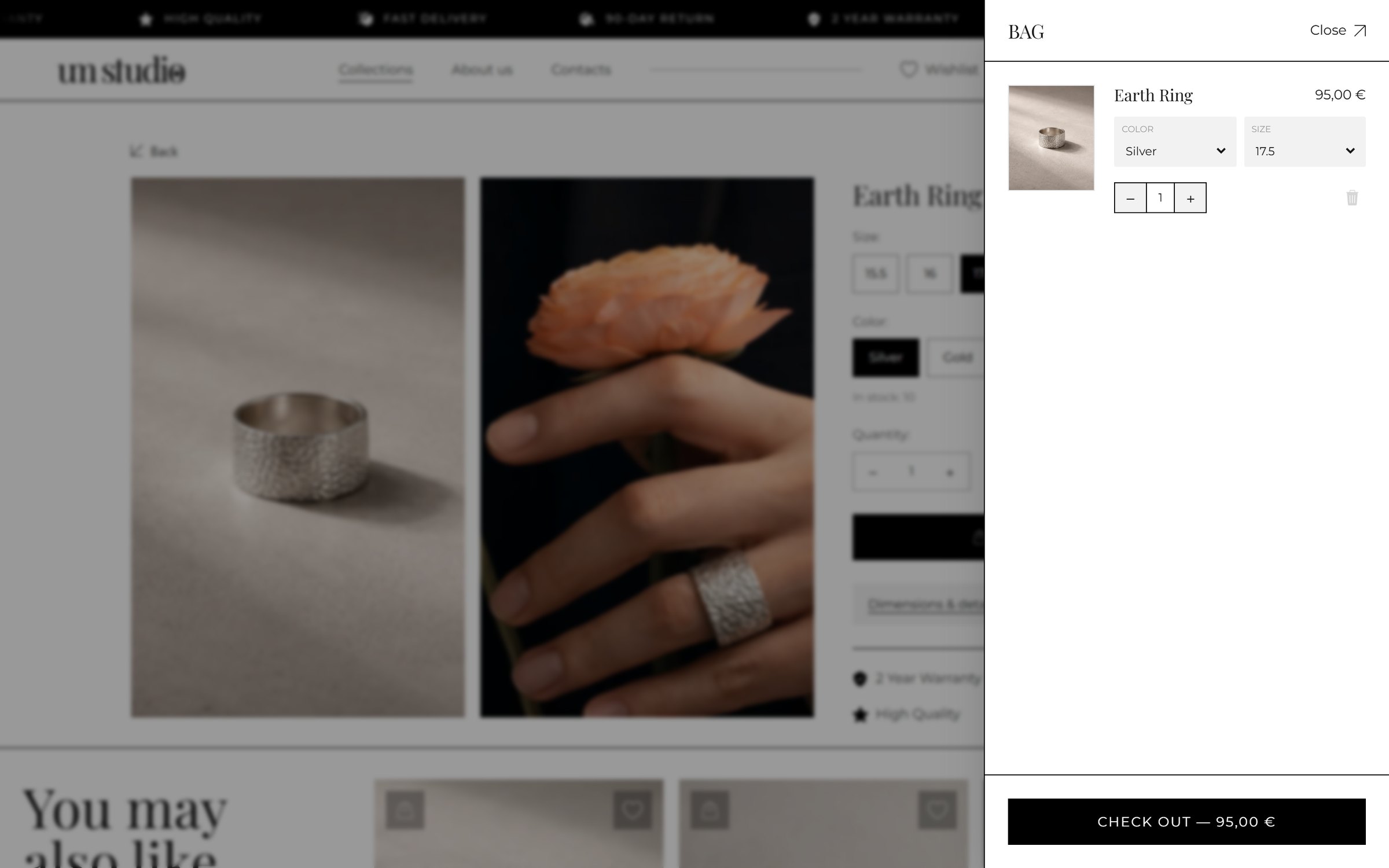
  3. Add it to the bag, then change the size.
  4. Find out how to order a fingerprint ring.
They saidI changed
Size 18 wasn't available.

Unavailable sizes are greyed out, not hidden.

Didn't notice my size was selected.

The selected size turns solid black.

Wrong size, had to go back.

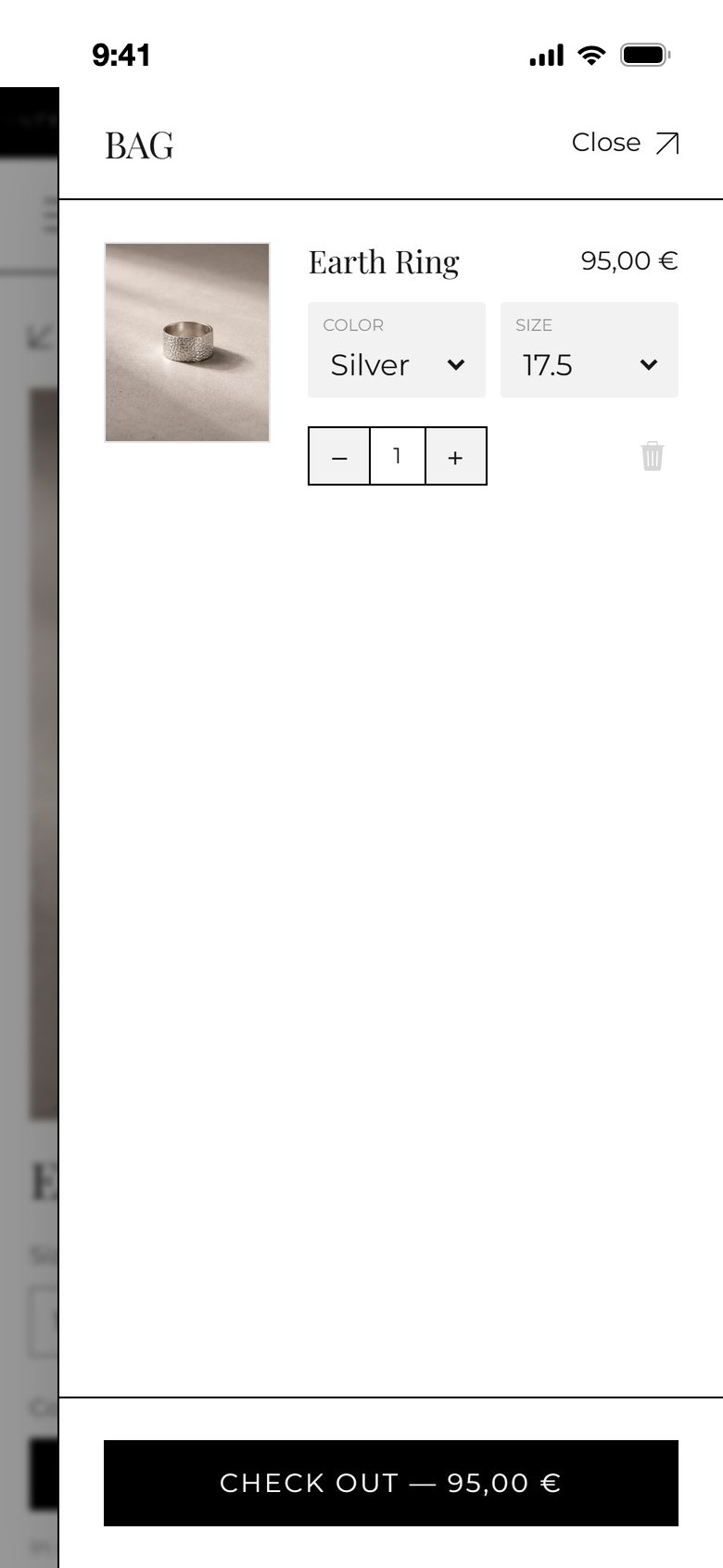
Size, colour and quantity are edited in the bag.

Is it made to order?

“In stock: 10” under the options.

How does the fingerprint get to you?

“How it works” became three numbered steps.

Delivery price only at the end.

A price next to every delivery option.

palette08Visual design

Black, white and warm stone.

A black-and-white base with warm, stone-coloured product photos lets the jewellery be the only colour on the page. Large headings and generous white space bring the editorial feel.

Colours

BlackText & actions
WhiteBackground
StoneProduct backgrounds
TaupePrice bars
GoldAccents
GreySecondary text

Typography

Aa
MontserratRegular · Medium · SemiBold

Montserrat, a clean geometric sans, carries prices, forms, labels and buttons. Playfair Display is kept for product names and headlines in the store.

Hierarchy

Photo, then name and price, then one black action.

Grid

Four product columns on desktop, two on a phone.

States

Default, hover, selected and unavailable states for cards, sizes and delivery options.

Accessibility

Labelled icon buttons, visible focus and large tap targets.

Components and their states

Product card
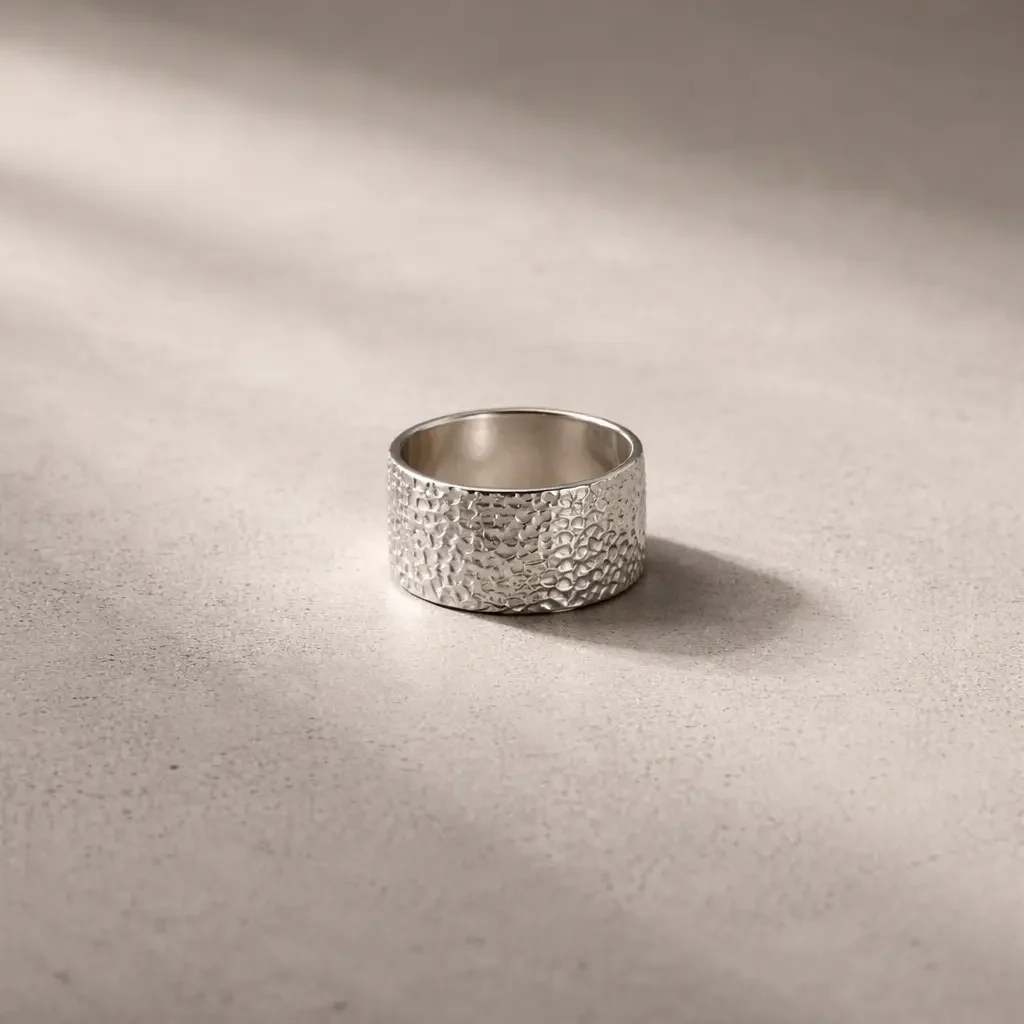
Product card: the ring aloneDefault
Product card on hover: the ring on a handHover
Size: default, selectedSize buttons with 17.5 selected
Ship / pickup switchShip or pickup switch
Delivery option: selected, defaultDelivery methods with prices
Trust icons & primary actionWarranty, delivery, quality and return iconsPay now button
devices09Screens

The website, page by page.

Every page of the store, on desktop and on a phone. Hover a page to scroll through it, click to open it full size.

Homepage, from the first photograph to the footer; hover to scroll
Homepage · hero, best sellers, new collection, categories, personalised jewellery, reviews
Collections: category tabs, filter, sort and the product grid
CollectionsCategory tabs, filter and sort
Product page: two photos, size, colour, stock and related pieces
ProductPhotos, size, colour, stock
Personalised jewellery: how it works in three steps
Personalised jewelleryHow it works, in three steps
One-page checkout with the order summary
CheckoutOne page, with the summary
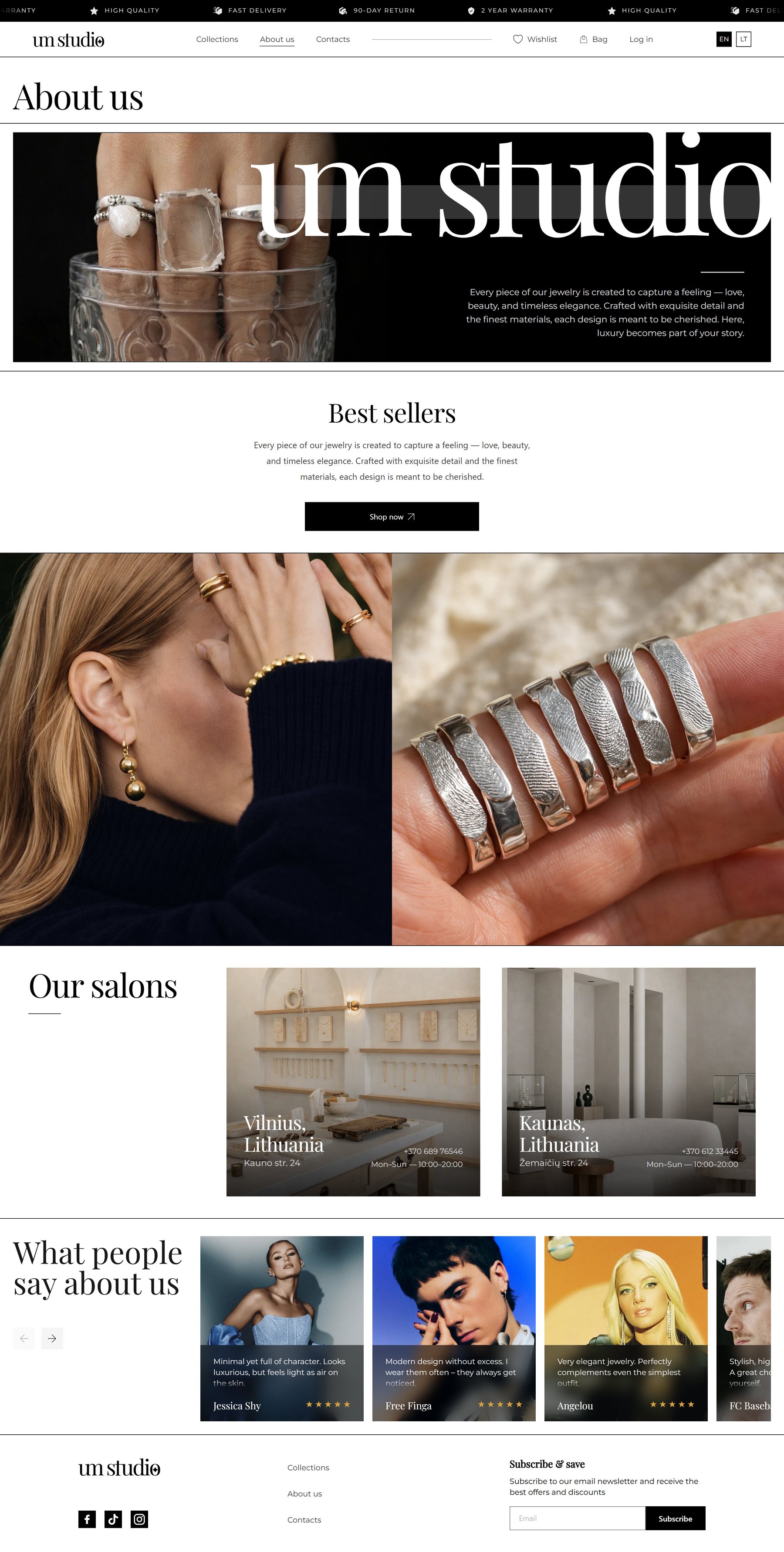
About us: the brand, the salons and reviews
About usBrand, salons, reviews
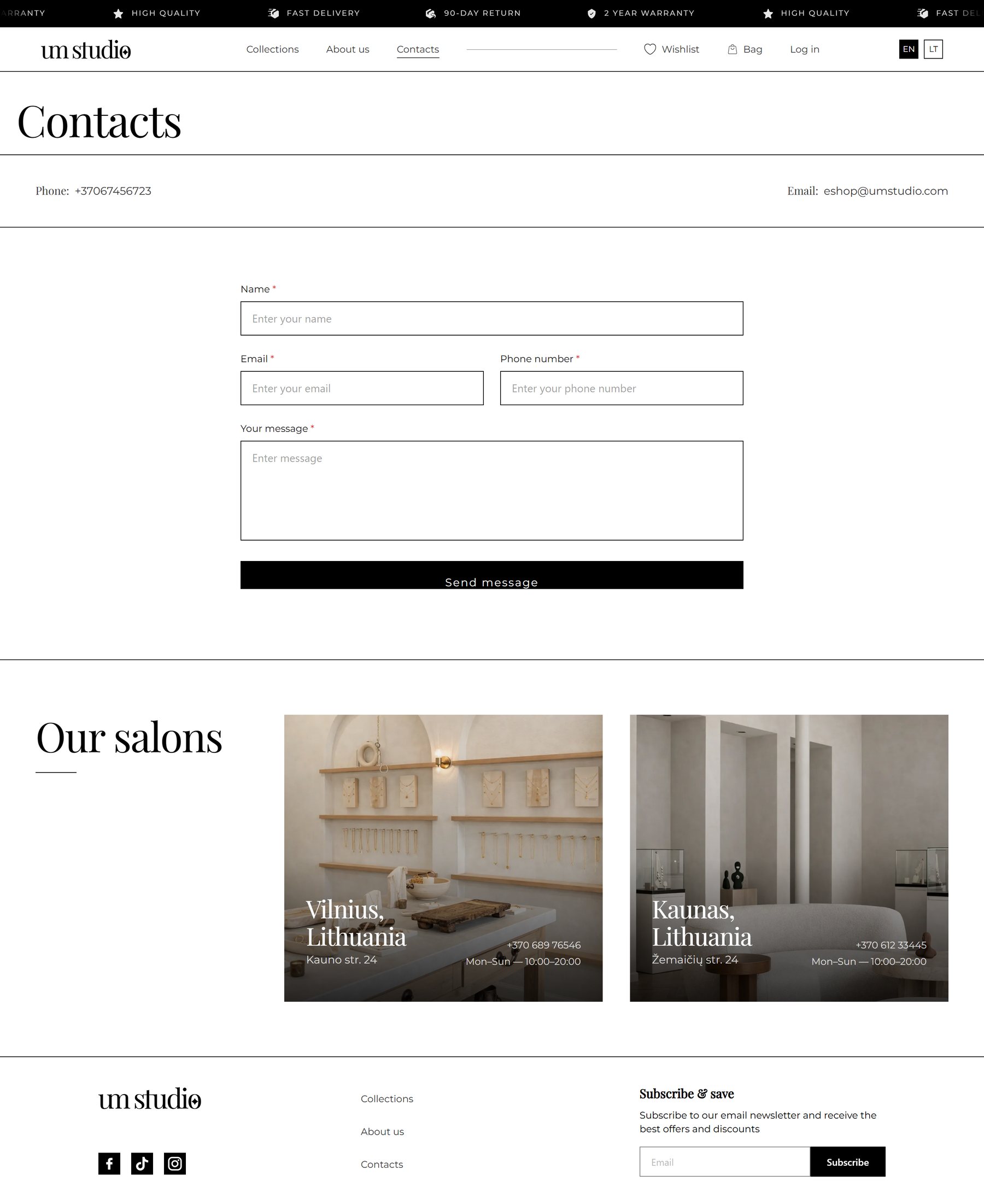
Contacts: a short form and the two salons
ContactsA short form and two salons

States and small pages

Filter panel open on the collections page
FilterMaterial, price, stone, size
Dimensions and details drawer on the product page
Details drawerMetal, width, weight
Bag drawer over the product page
Bag drawerEdit size and colour in place
Wishlist page
WishlistNo account needed
Checkout with pickup in a salon
PickupFree, in either salon
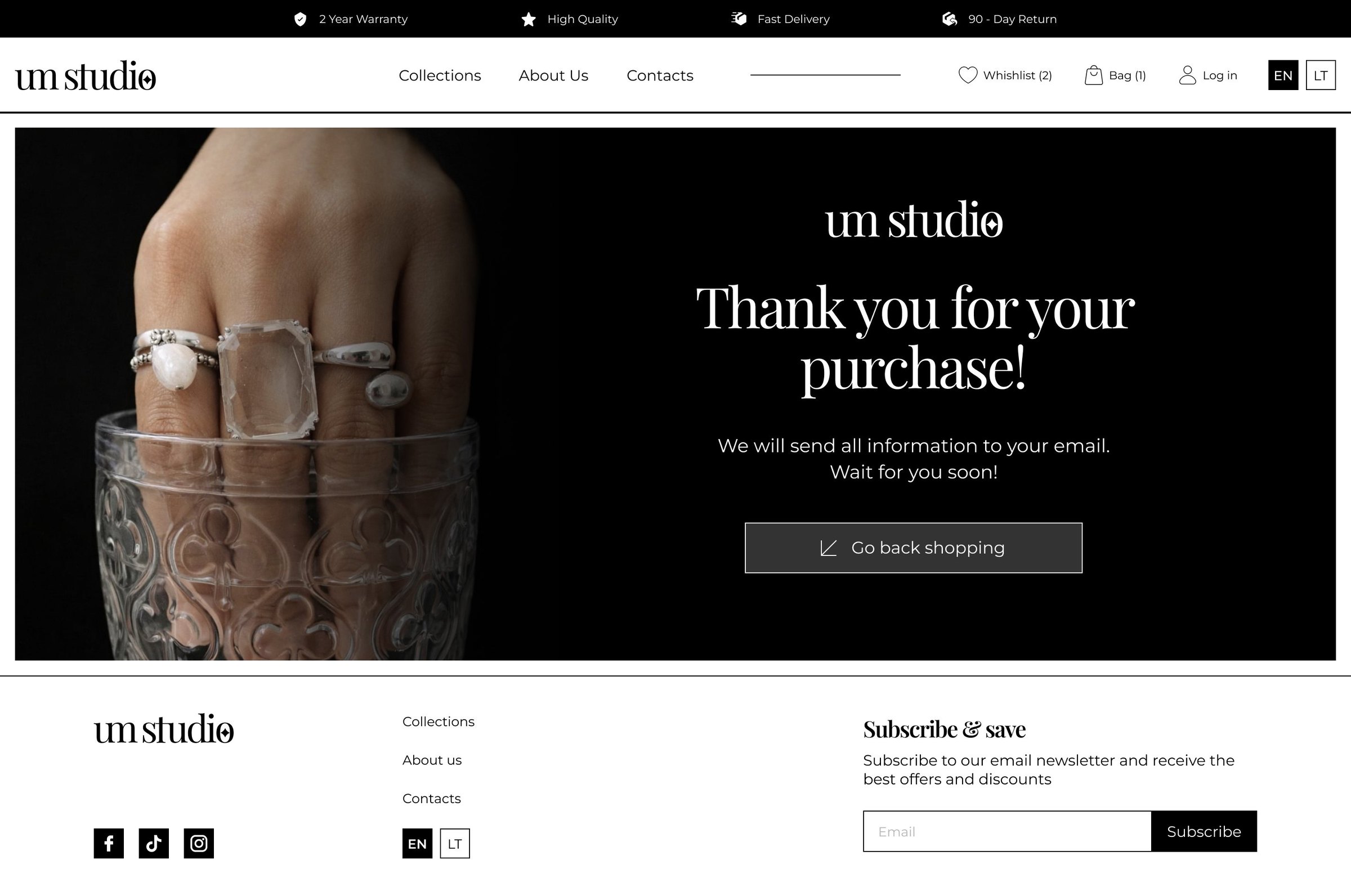
Thank you page after the purchase
Thank youWhat happens next
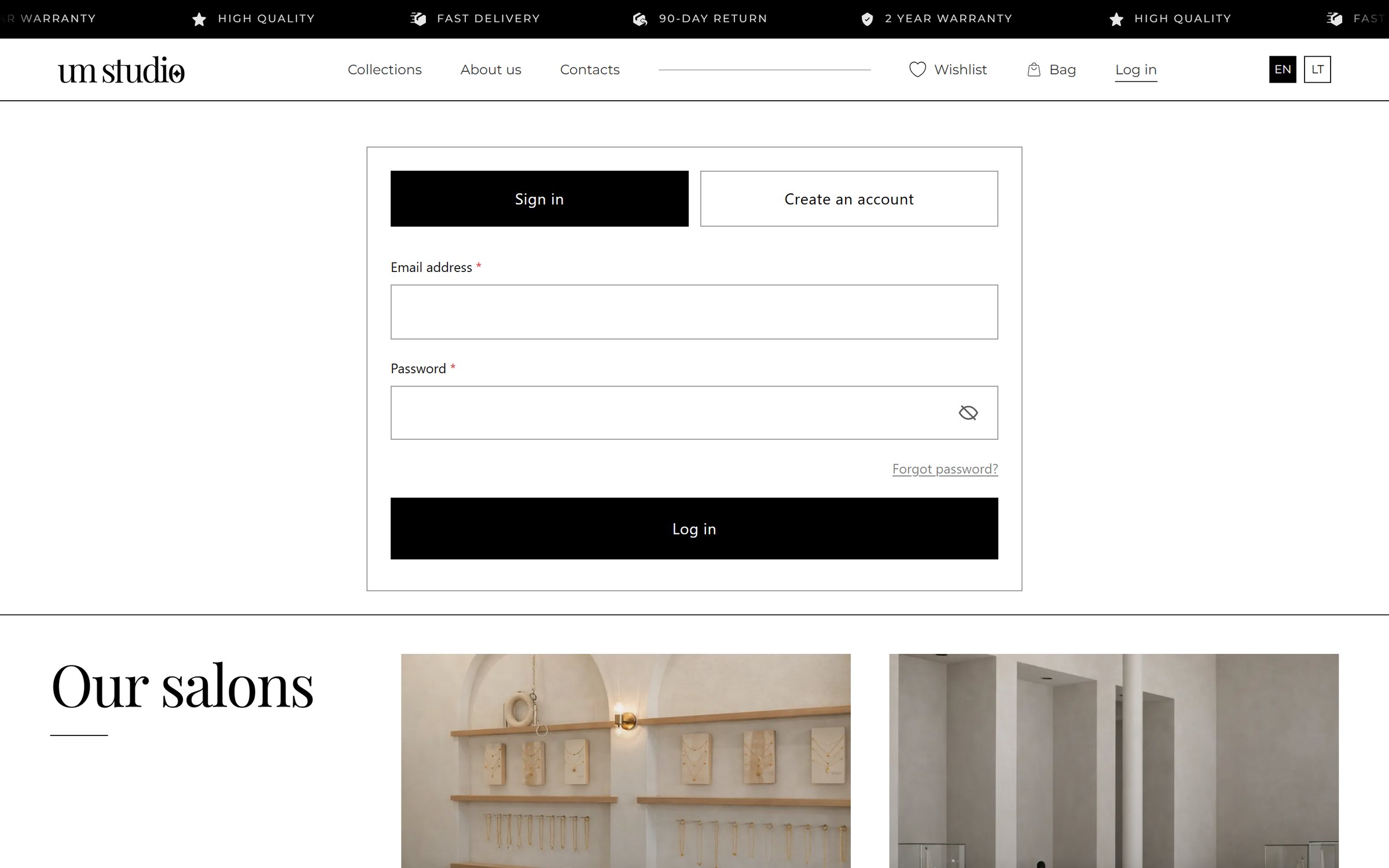
Log in and create account
Log inOptional
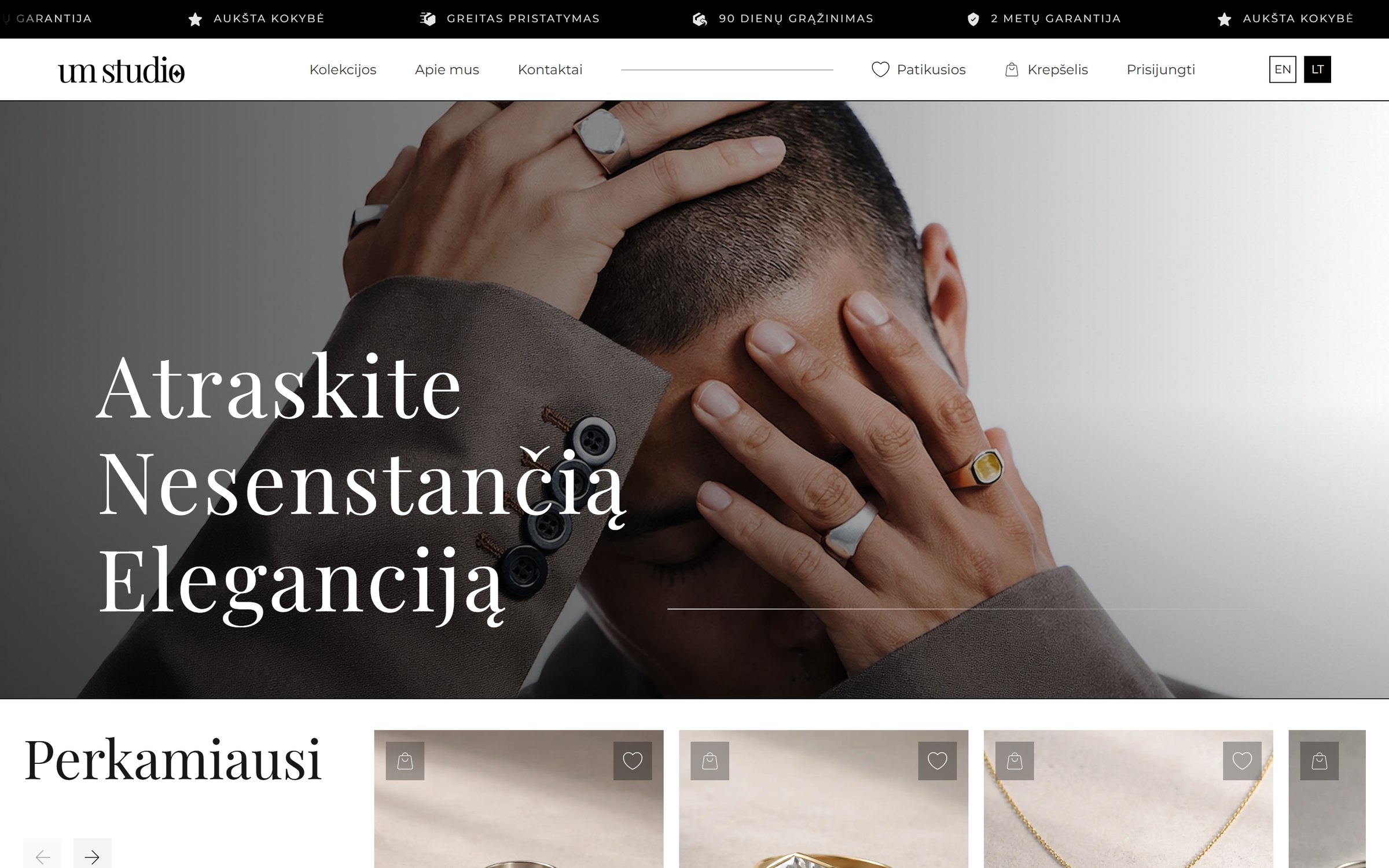
Homepage in Lithuanian
LithuanianThe whole store in two languages

On a phone

Homepage on a phone, hover to scroll
Homepage
Collections on a phone
Collections
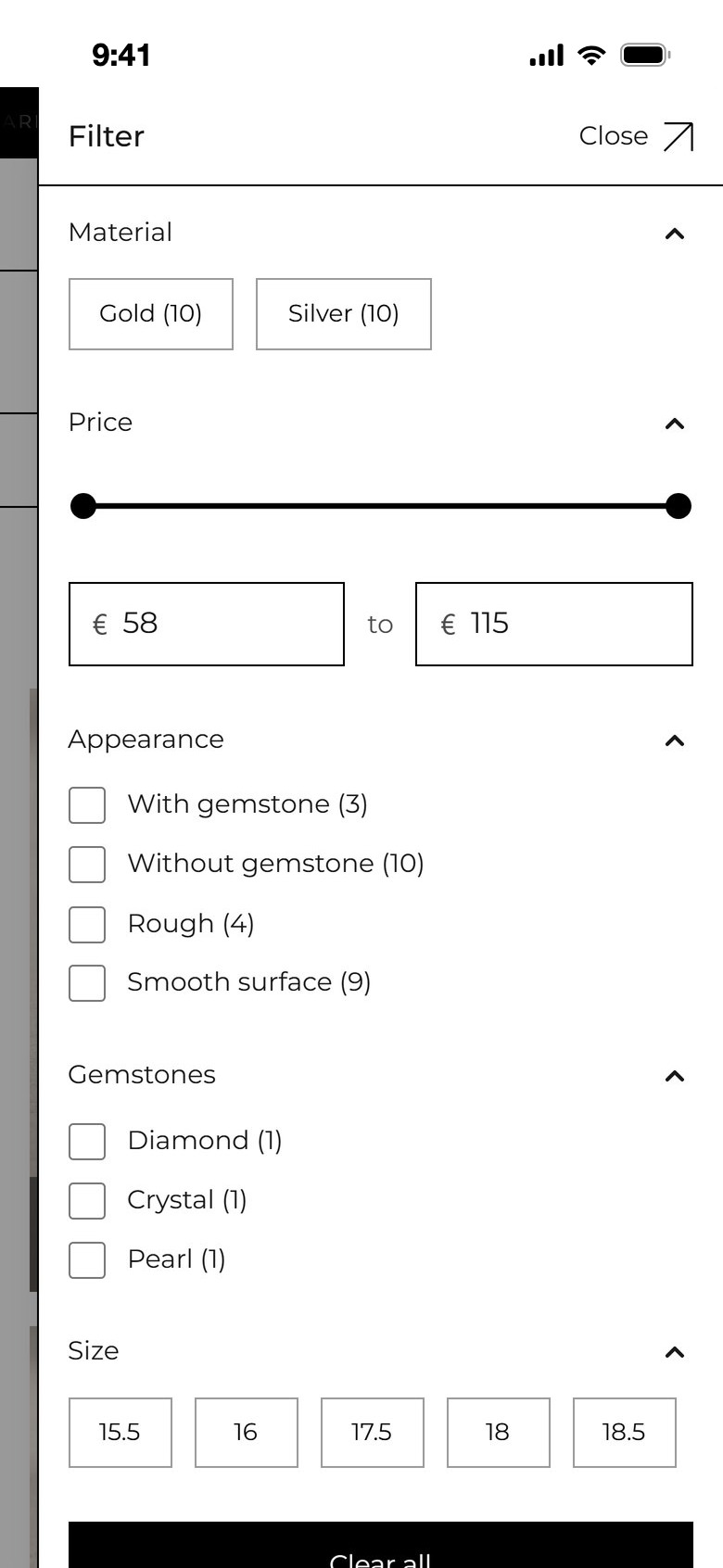
Filters on a phone
Filters
Product page on a phone, hover to scroll
Product
Bag on a phone
Bag
Checkout on a phone, hover to scroll
Checkout
ads_clickLive store Walk through the store as a shopper would.

Browse the collection, open a product, fill the bag. The real store opens in a new tab.

Visit the live store open_in_new
bd-shop-gray.vercel.appThe UM studio store homepage
Next case study

Interior design services.

→